
Key takeaways
- 01No camera, set or crew. The visuals are generated from the song.
- 02Types include story videos, lip-synced performances and audio visualizers.
- 03The same singers and characters should appear in every scene.
Types of AI music videos
Musicians choose a type based on the song and the budget.
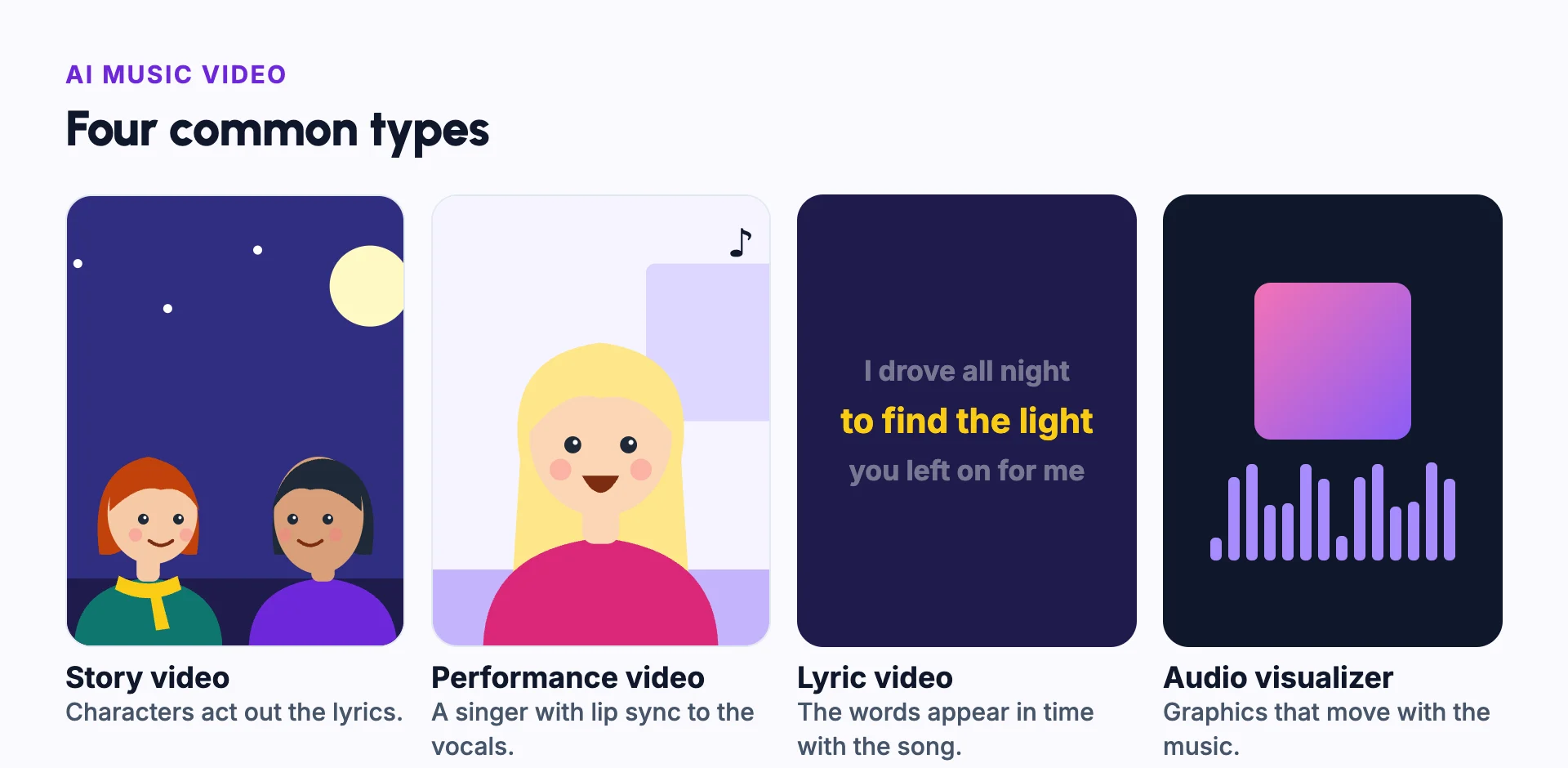
- Story video: characters act out the lyrics, scene by scene.
- Performance video: singers on screen, with lip sync to the vocals.
- Lyric video: the words appear on screen in time with the song.
- Audio visualizer: animated graphics that react to the music, often with the cover art.
Who uses AI music videos
Independent artists and labels use them to release a video with every song, not just the big singles.
Kids channels, faith creators and AI music creators use them to publish songs regularly with recurring characters.
Example: planning a music video from a song
Take a three-minute pop song about driving through the night to find someone. The chorus line is "I drove all night to find the light you left on for me."
The verses become a story: a singer driving through empty streets, then a small town, then a house with one light on. The choruses switch to performance shots, with the singer lip-syncing in the car.
The bridge slows down, so the shots get longer and calmer. The last chorus ends at the house, matching the lyric.
Writing this plan as a list of song sections, with one line per scene, takes a few minutes. It saves hours of generating shots that do not fit.
Matching visuals to the music
- Cut on the beat, especially in fast songs.
- Change the scene or the setting at each new section: verse, chorus or bridge.
- Use slower, longer shots for quiet parts, and faster cuts for loud ones.
- Show what the lyrics say in the lines viewers remember most.
- Keep the singer the same in every scene. See character consistency.
Rights to check
You need the rights to the song. If it is your own music, you are fine. If it is someone else's, read about music licensing before you publish.
AI music video vs filmed music video
| AI music video | Filmed music video | |
|---|---|---|
| Needs | The song and a plan | A crew, locations, a camera and the artist on set |
| Time | Hours to days | Days to weeks |
| Cost | Credits or subscriptions | Often thousands, for crew and equipment |
| Look | Any style, including scenes that would be hard to film | Real people and real places |
Common mistakes
Ignoring the song's structure
Map the verses, choruses and bridge before you plan scenes.
The singer changes between scenes
Use one character reference for the artist throughout.
Lip sync on every shot
Use lip sync on performance close-ups, and story shots elsewhere.
Using a song you do not have rights to
Use your own music or a song you have licensed.
Visuals that fight the mood
Match colour and pace to the song: warm and slow for a ballad, fast and bright for dance.
In Frameloop
How it works in Frameloop
- Make a music video from your own track, by upload or URL, or from a song made in Frameloop Studio.
- Frameloop finds the singers and characters in the song, and you can cast your saved characters.
- Optional lip sync makes the singers' lips match the vocals.
- Video types are AI images, AI animation, stock footage and Audio Visualizer.
- Every music video costs credits, so making one needs a subscription.
Questions people ask
Can AI make a music video from my song?
Yes. Some tools take a song, plan scenes from the lyrics and the structure, and add lip-synced performance shots.
Can the singer lip-sync in an AI music video?
Yes. Lip sync matches the character's mouth to the vocal track. A clean vocal track gives the best result.
What is the cheapest kind of music video to make?
An audio visualizer or a lyric video. Story and performance videos cost more to generate.
Can I use an AI music video on Spotify or YouTube?
Yes, if you own or have licensed the music. Check each platform's rules for video formats and lengths.