Changelog

New features, improvements, and fixes shipped to Frameloop.

  1. February 17, 2026

    API Access, Empty Scenes, Smarter Inputs & Flexible Billing

    We’ve been busy shipping features to give you more control over your workflow—whether you’re automating video production or just need a break. Here is what’s new in Frameloop.

    New Features

    API Access is Here

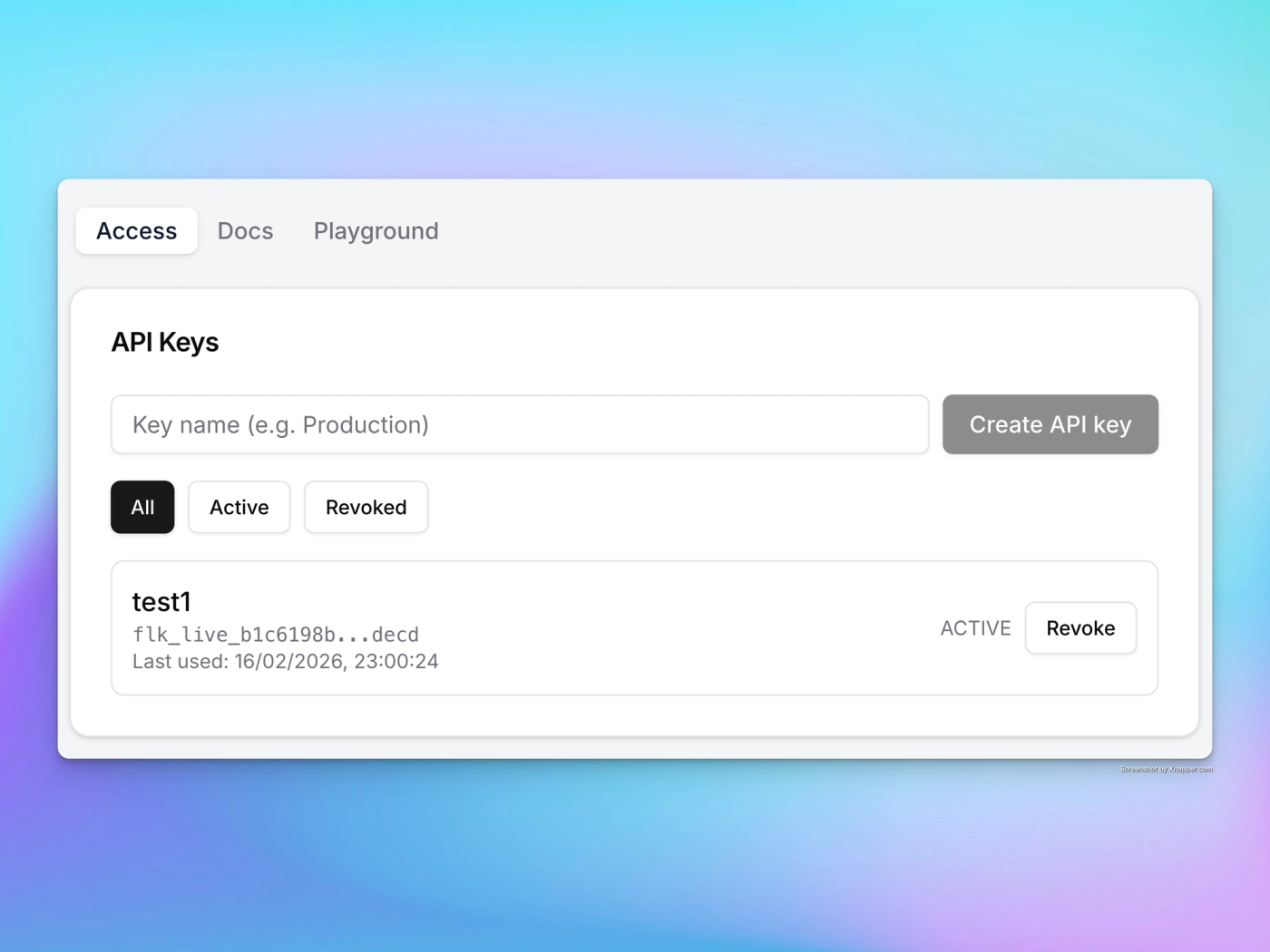
    You can now integrate Frameloop directly into your favorite automation workflows. Whether you are using n8n, Zapier, or giving the documentation to OpenClaw, you can now automate video creation programmatically. The API supports all our core video types:

    • AI Image Videos
    • Animated Videos
    • Stock Videos
    get-frameloop-api-key


    Empty Scenes for Better Pacing

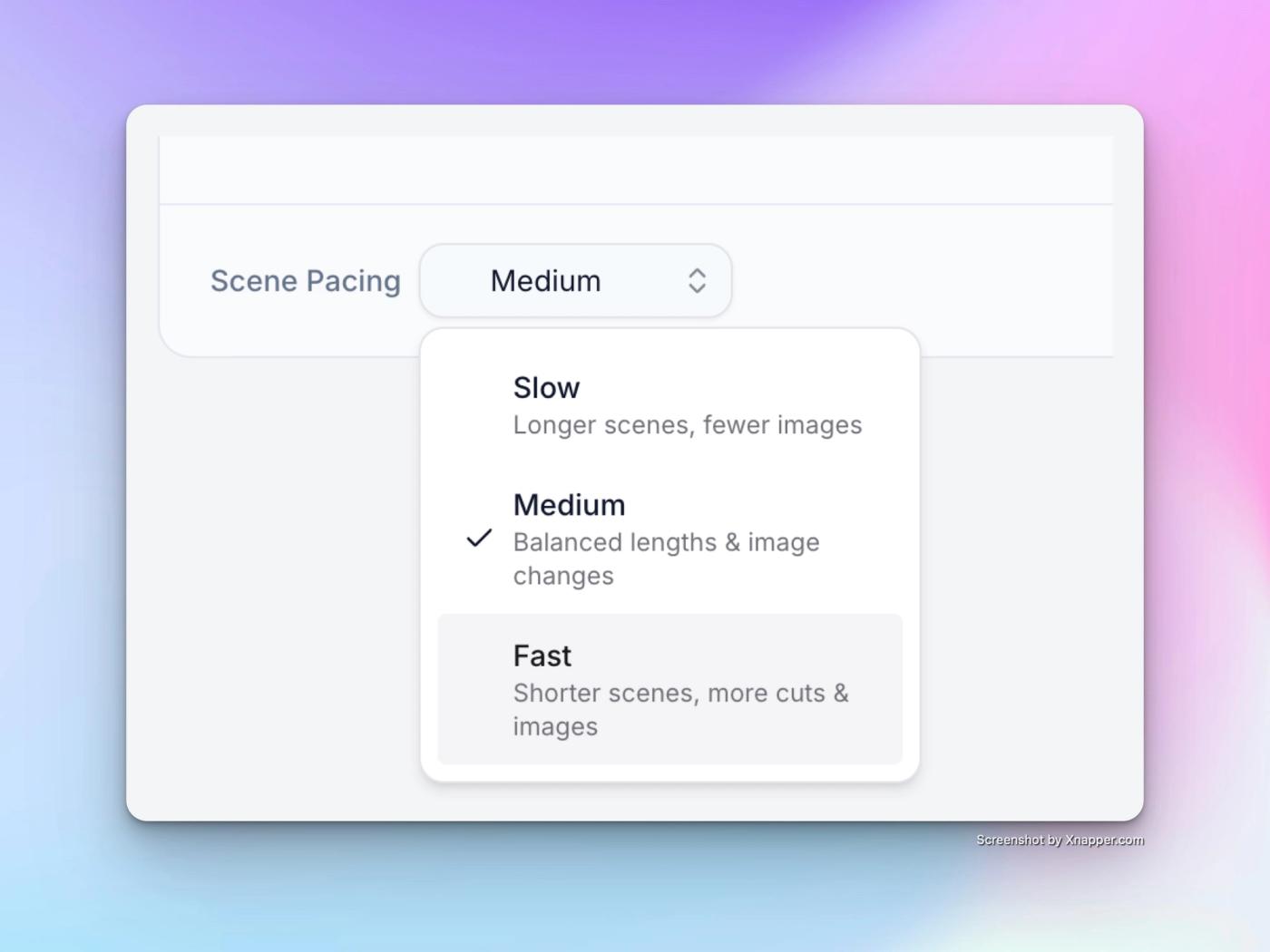
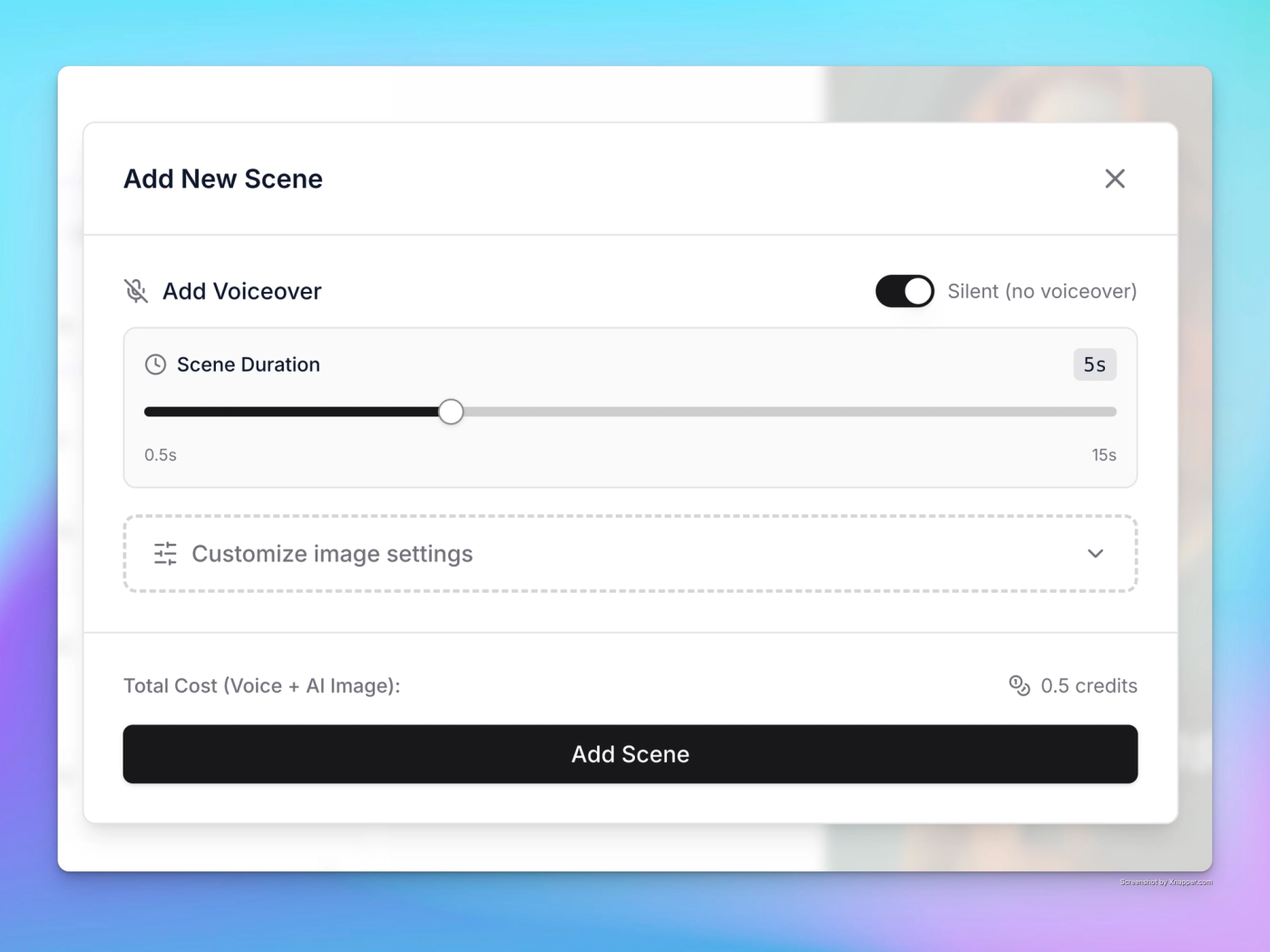
    Sometimes silence speaks louder than words. You can now insert Empty Scenes into your timeline. These are perfect for creating dramatic pauses, transitions, or visual breaks where no voiceover is required, giving you finer control over the narrative flow.

    add-empty-scene-option

    Pause Subscription

    Going on vacation or just need a creative break? You no longer have to cancel. We’ve added the ability to Pause your Subscription.

    • Why this matters: Unlike cancelling (where your credits reset to zero at the end of the cycle), pausing secures your account status and prevents credit loss until you are ready to start creating again.

    Enhancements

    A Simplified, Smarter "Create" Page

    We have completely redesigned the Create Video experience to remove the friction between "having an idea" and "writing a script."

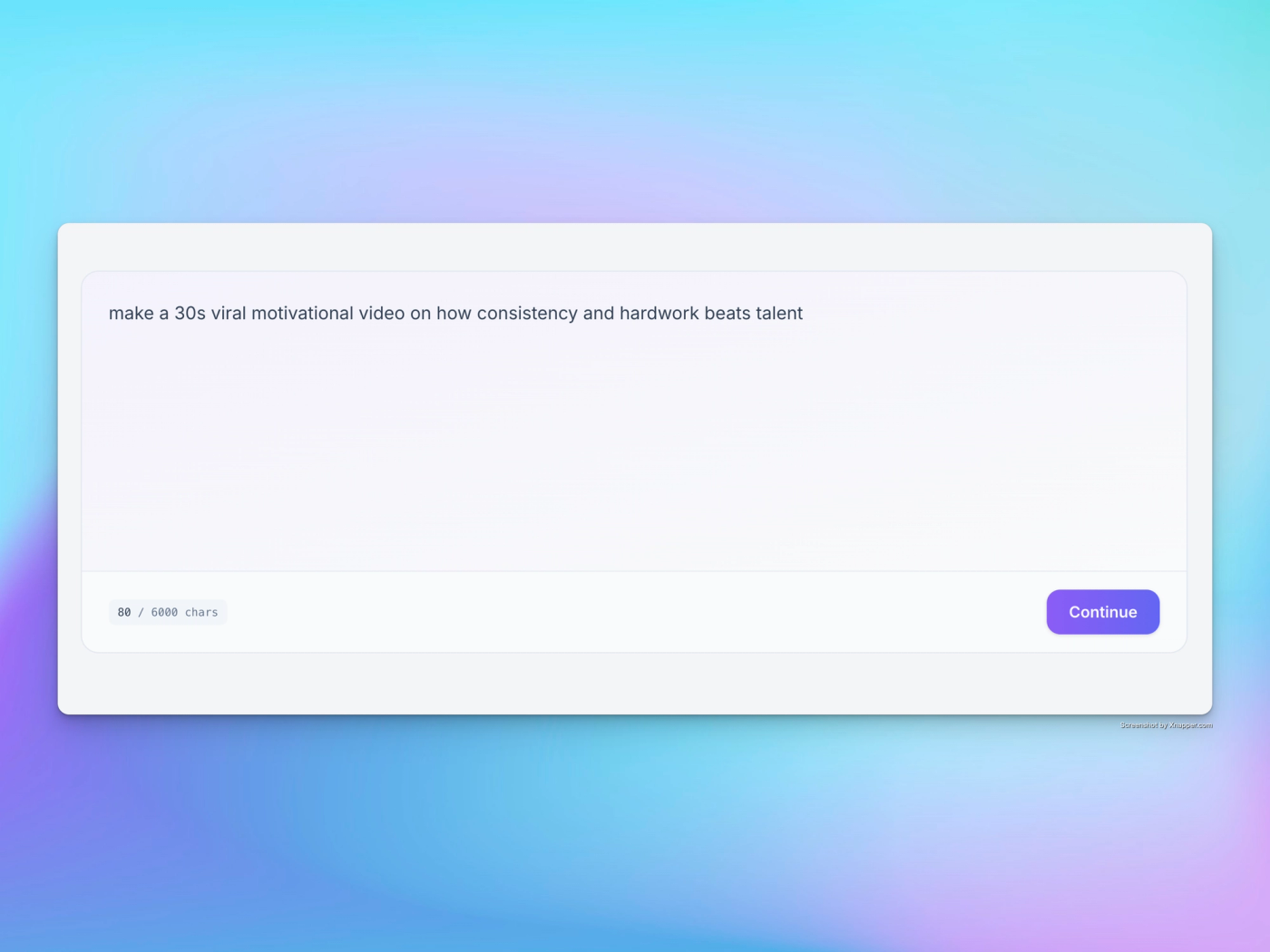
    • Unified Input: No more toggling between "Generate Script" or "Paste Script." Just type whatever you have—a rough idea, a full screenplay, or a simple prompt—into the single input box.
    • Intelligent Detection: Our system now smart-detects the nature of your input and automatically proposes the best next step, streamlining your path from text to video.
    intelligent-idea-script-input

  2. February 6, 2026

    Animate All, Higher Quality Visuals, Expressive Voices & Dark Mode

    We’ve completely redesigned Frameloop with a sleek, consistent interface that flows naturally from the Create page to the Editor.

    • Beautiful Dark Mode: Easy on the eyes for those late-night editing sessions.
    • Redesigned Scene Cards: We’ve decluttered the interface by removing unused options and surfacing the features you actually use.

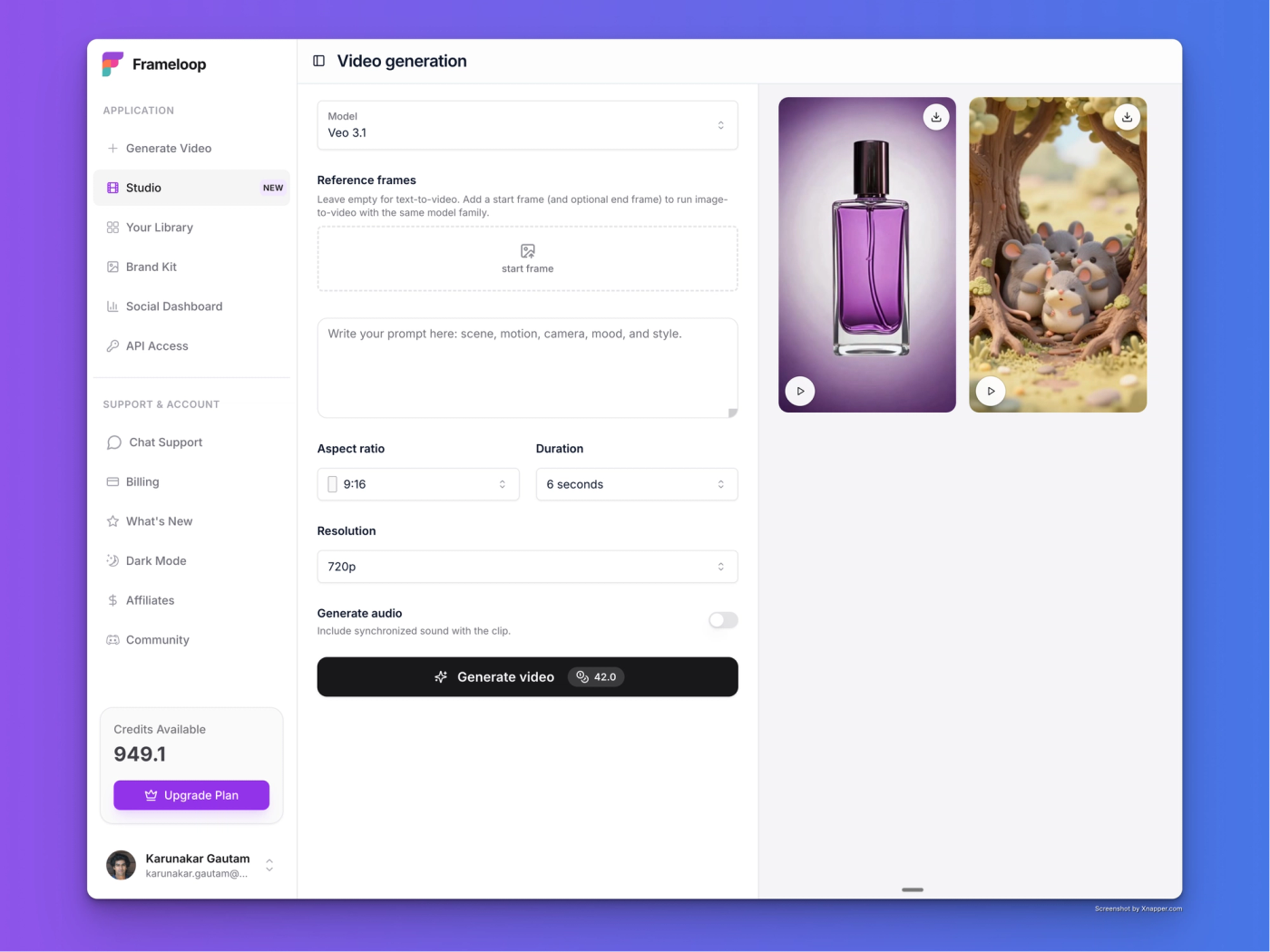
    New Animation Engine

    • Dual Animation Models: Choose the right tool for the job.
      • Recommended Model: Delivers accurate motion for complex scenes. Perfect for product shoots, AI ads, and cinematic results.
      • Basic Model: Ideal for simple motions, stories, and explainers.
    • One-Click "Animate All": You can now animate every scene in your project with a single click.
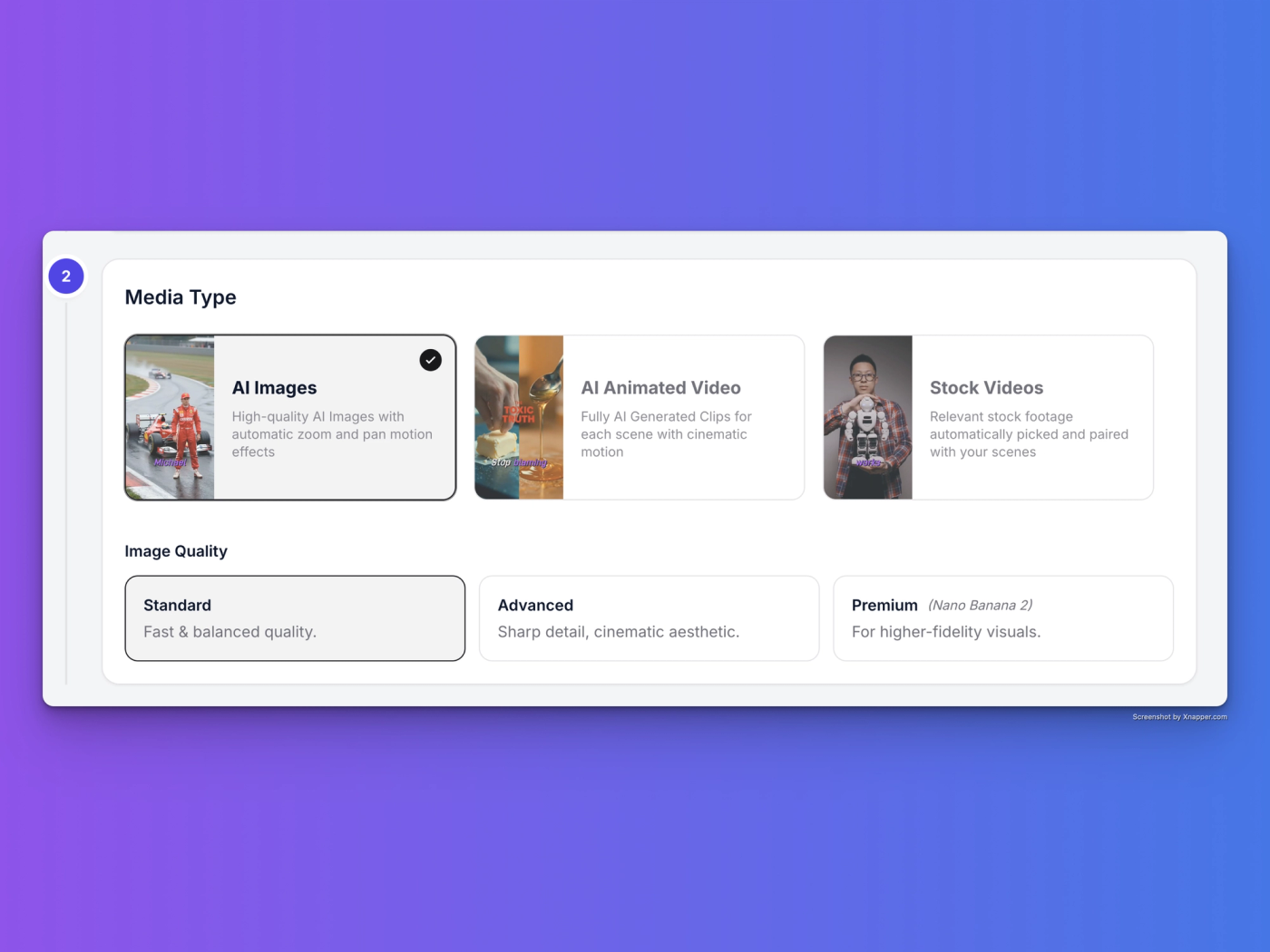
    • 50% Higher Quality: We’ve increased generated image resolution and quality by 50% for sharper visuals and crisp animations, at same cost.

    Price Drop

    • 2x More Video: We’ve cut the cost of the Basic Animation model in half. You can now make twice as many videos for the same price.

    Audio & UX Polish

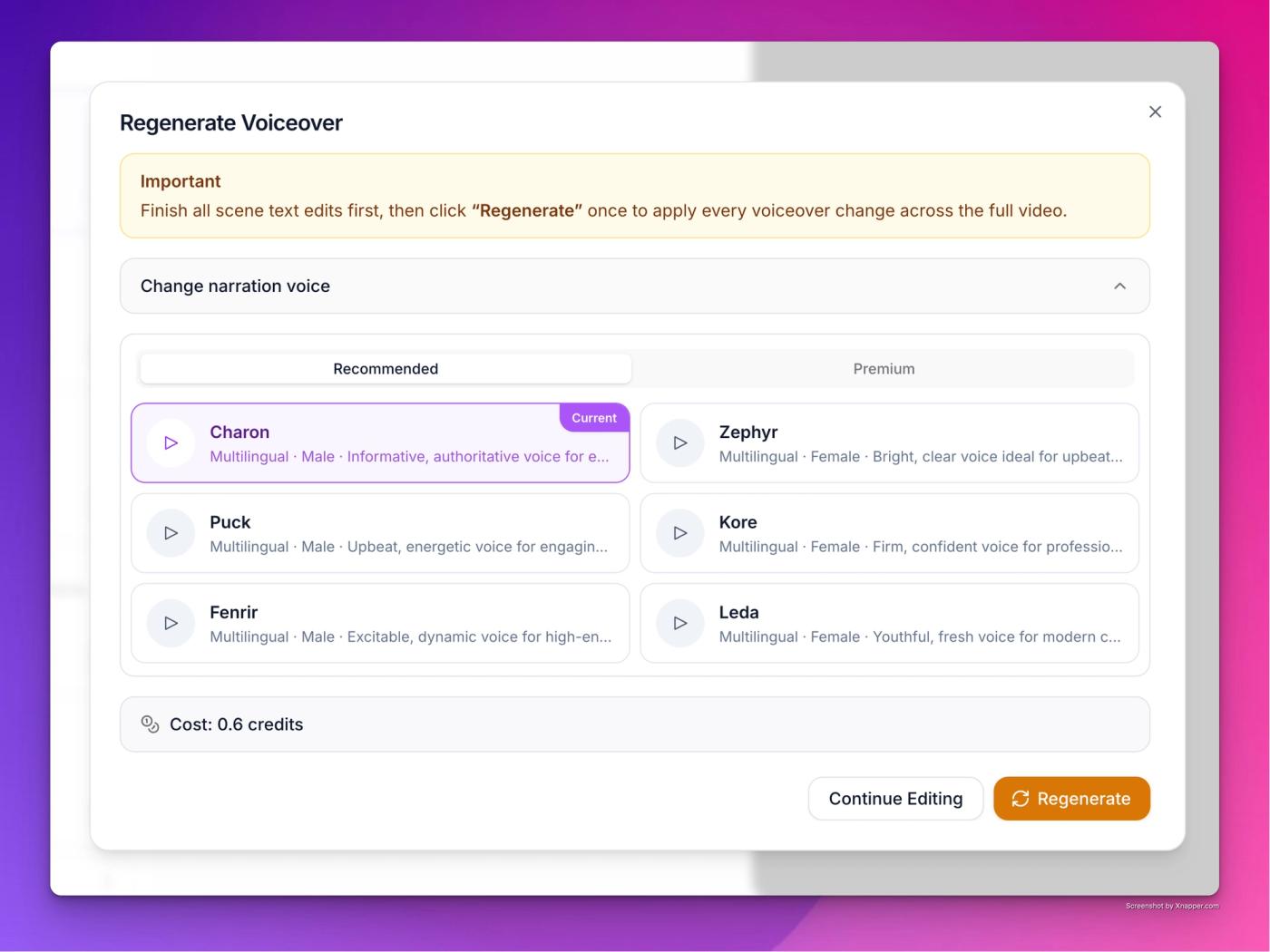
    • Expressive Voices: New voice options with greater emotional range for more engaging delivery.
    • Unified Media Selector: Emojis and GIFs are now combined into a single, easy-to-use picker.
    • Sound Effects UI: A cleaner, more intuitive interface for managing SFX.
  3. January 29, 2026

    Advanced Image Editor, Reference Images & AI Face Swapping

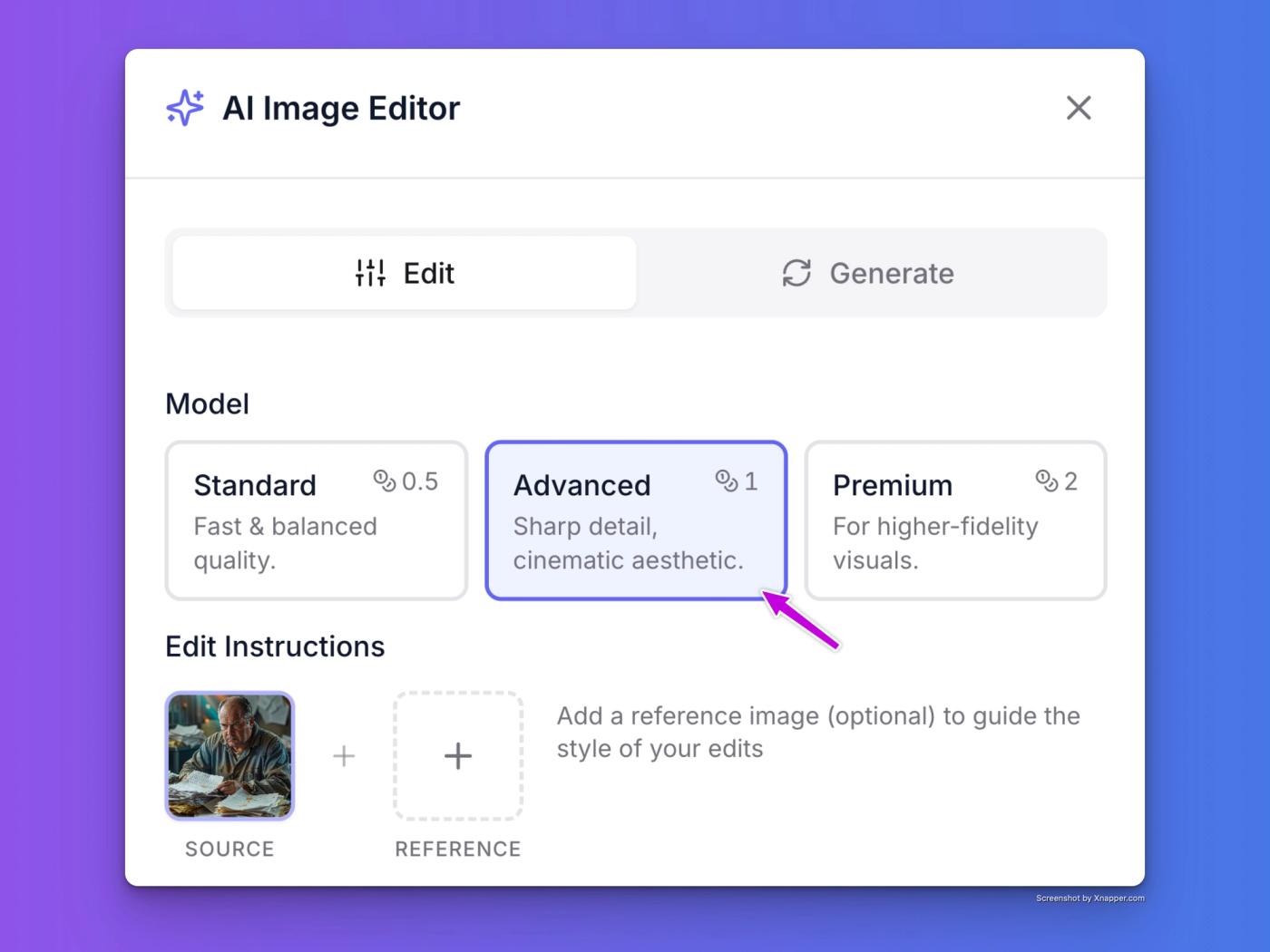
    You can now edit and refine your scene images—or your own uploaded photos—before they ever hit the timeline.

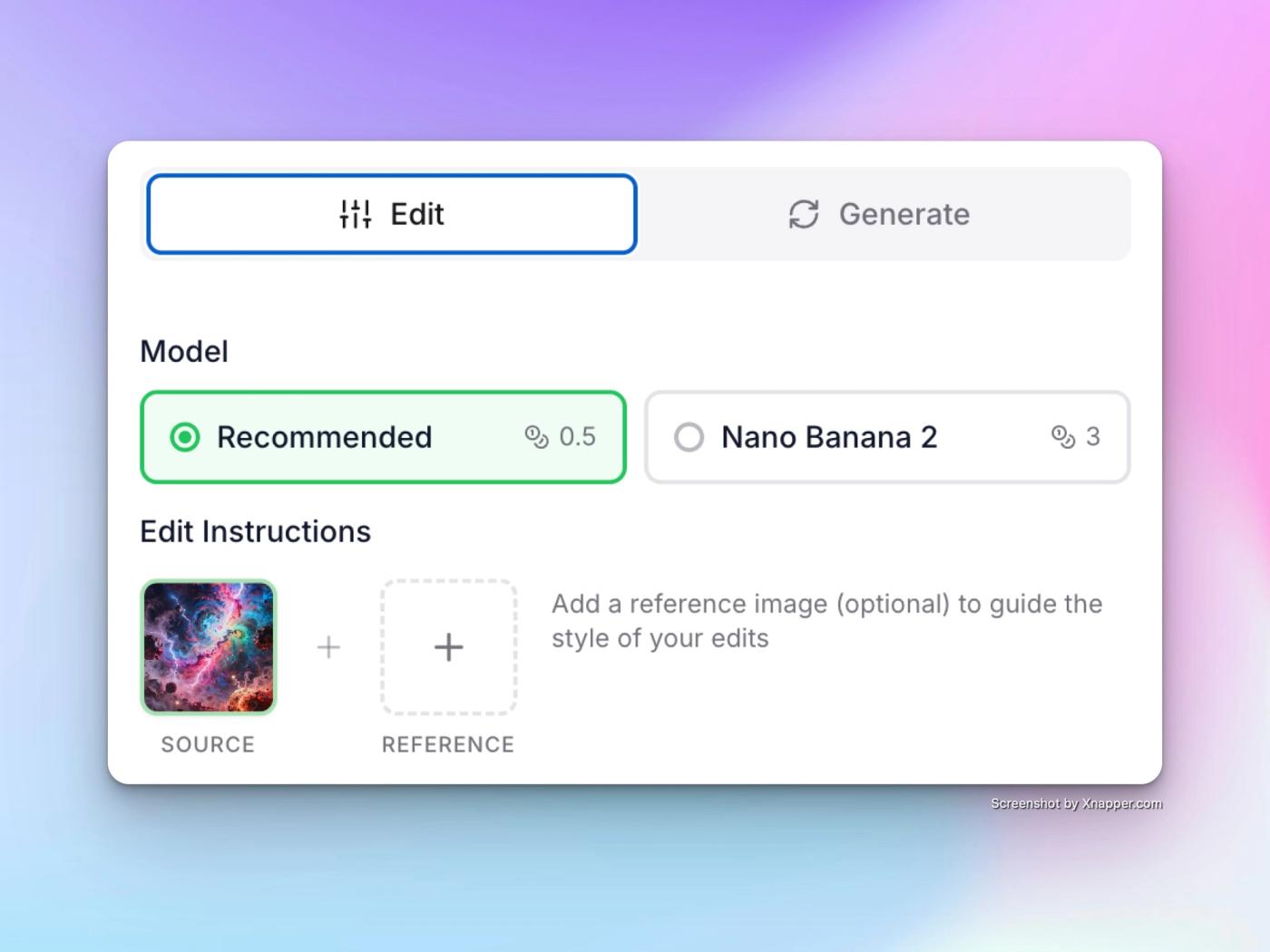
    • Edit with Reference: Use reference images to guide modifications. Perfect for keeping characters consistent or introducing specific styles into a scene.
    • Nano Banana Pro: For advanced image editing and generation.
    • Face Swapping & Modification: Easily change or refine faces within your scene images to get the exact look and emotion your story requires.
    • AI Enhancement for Uploads: Bring your own assets! Upload personal images and use our AI tools to enhance quality, adjust lighting, or modify elements before animating.
    • Artifact Removal: Clean up your "almost perfect" generations. Quickly remove unwanted objects or visual glitches with precision.
    • Special Effects: Add atmosphere, lighting shifts, or stylistic overlays to your images directly within the app.
    Pro Tip: Try combining a custom upload with a reference image to see how Frameloop can transform your static photos into high-fidelity AI-ready scenes.
  4. January 27, 2026

    Scene Breakdown Workflow: Advanced Script Control & Customizable Splits

    Introducing Scene Breakdown

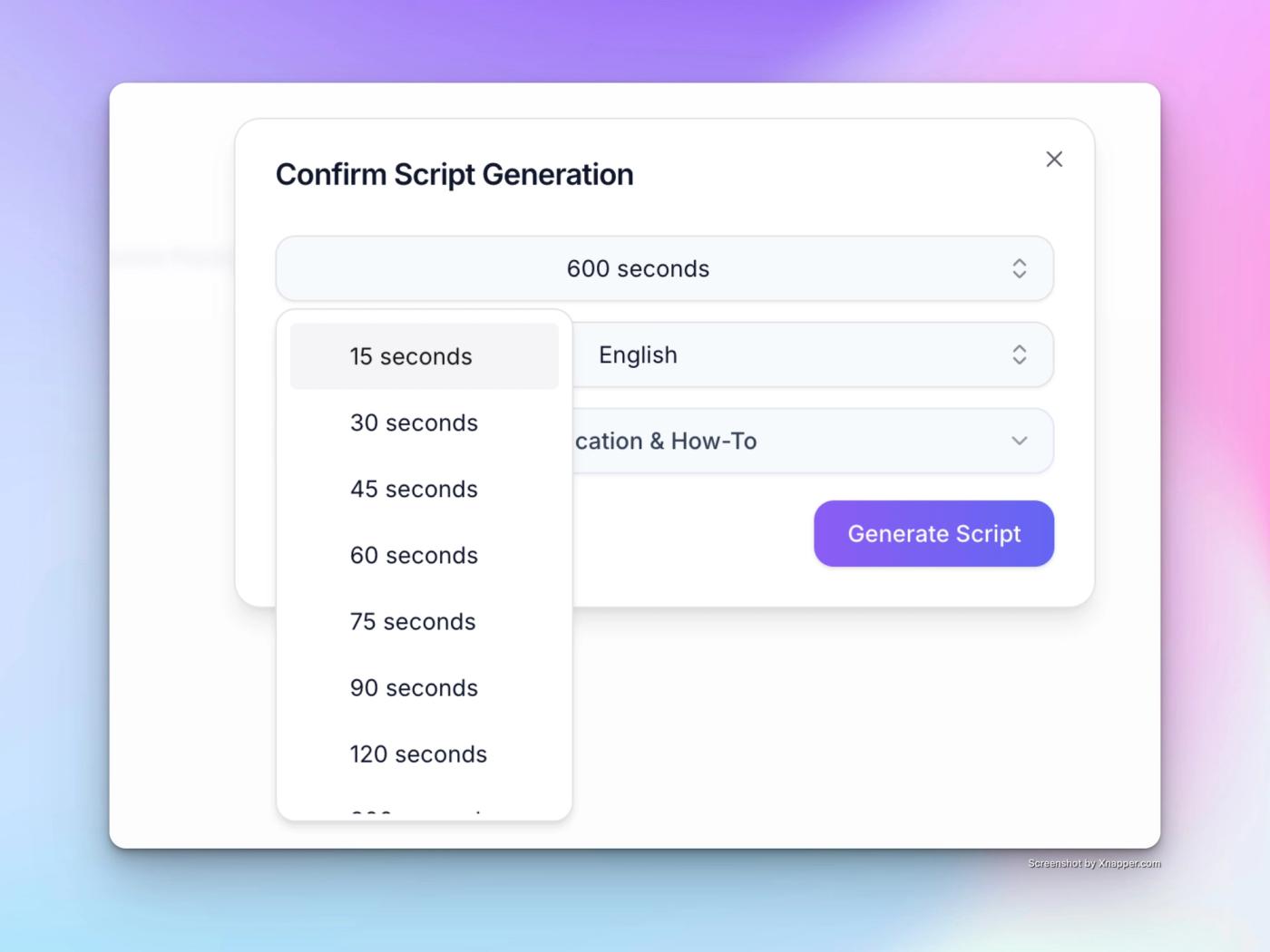
    We have introduced a Scene Breakdown Workflow to give you greater control during the script generation process. Instead of a single block of text, the generator now presents a granular, scene-by-scene breakdown of your script immediately upon creation.

    Key capabilities include:

    • Visual Structure: Instantly view exactly how your script is segmented into scenes to ensure the flow matches your vision.
    • Customizable Splits: Manually adjust where scene splits occur or modify the total number of scenes.
    • Pre-Production Control: Refine scene structure early in the workflow to avoid costly and time-consuming changes during later production stages.
  5. January 21, 2026

    Cinematic Flow, 5x Higher Quality Visuals & Cost Reduction

    We’ve completely rebuilt our visual engine to think like a film director. Your scenes now flow naturally with your script, using cinematic camera angles and lighting to keep viewers hooked from start to finish.

    • Next-Gen Model: We’ve upgraded the underlying image model. Expect 5x higher fidelity and stricter adherence to your chosen style.
    • Higher Quality, Same Price: You get this massive leap in quality—resulting in significantly more engaging videos—without any increase in cost.
    • Less Cost: Accurate high quality visuals means fewer regenerations for you and less wastage of credits.
  6. January 20, 2026

    New Editor Layout, Native Mobile Experience & CJK Support

    • New Features
      • ✨ New Editor Experience We’ve rolled out a brand new layout for the desktop editor. It’s cleaner, simpler, and keeps your player and scenes in clear view at all times, making your workflow smoother than ever.
      • Major Mobile Overhaul Create and edit on the go without compromise. We have fully revamped the mobile UI to offer a native-app-like experience, giving you the ability to create and edit videos from anywhere.
    • Enhancements
      • Smarter Script Splitting: We’ve upgraded our scene splitting logic to create more natural scene transitions. This includes improved support for CJK (Chinese, Japanese, Korean, Thai) languages, ensuring your voiceovers flow perfectly.
  7. January 14, 2026

    New Editor, Scene Animations, and Credit System Update

    • New Features
      • You can now animate individual scenes to make your videos more engaging. Animation duration depends on your scene length. Click on the 3 dots on top right of the scene to find the option to animate scenes.
      • There’s a new editor for faceless videos. It is more stable, faster and has more features.
      • You can now use b-rolls in your faceless videos
      • Faceless videos now support transitions effects, zooms and overlay effects.
      • You can now add GIFs, Stickers and Emojis in your videos.
      • Credit Buckets
        • Credits are now of 2 types. Subscription and topup. Subscription credits refresh each month, and topup credits never expire.
        • You can now see your credit consumption history to check where you spend your credits.
    • Enhancements
      • You can now upload larger images in your scenes. Upto 10MB is now supported.
      • Fixed an issue on mobile view for editor, where as the video played, it autoscrolled to the scenes. It now stays focused on the video playback.
      • New video library page which is faster and shows both ai generated and edited videos in one place.
  8. December 10, 2025

    Premium Voice Library & Faster Rendering Speed

    • Enhancements
      • 107 Premium AI Voices added with ability to filter based on language, gender, accent and more.
      • Several performance improvements to make app feel much snappier than before
      • Faster Video generation times, from minutes to just seconds.
      • Several stability improvements to reduce number of issues.
  9. April 8, 2025

    Free 1080p Upgrade: Better AI Images & New Creator Tools

    • Enhancements
      • a better image generation model now powers all the videos. no more selecting image models for higher credit consumption. Everyone now get the best image quality for lowest price.
      • upgraded the image resolution from 720p(HD) to 1080p (full HD) for all users, without extra credit charges.
      • 3x image model is now the default option when creating videos. it is the best model that you can use for making highly engaging videos. 1x model can still be chosen, but the plan is to completely sunset it because of numerous issues it has.
    • New Features
  10. March 18, 2025

    Stock Video Search Tool & Copyright-Free Music Library

    • New Features
      • Added a stock video finder tool. You can find it from left sidebar menu, under tools section.
    • Enhancements
      • Removed all copyrighted music from music library.
  11. March 13, 2025

    Music Library Update: 50+ Copyright-Free Tracks & Volume Control

    • New Features
      • updated music library with 50+ copyright free tracks and added genre and mood filter
      • you can now adjust music volume from edit video page
  12. March 8, 2025

    New AI Script Styles: Education, Product Ads & High-Quality Visuals

    • New Features
      • Added 2 new video script styles. Education and Product Ads. You can access them on “AI Scriptwriter” tab, when creating a new video. It’s at the bottom of the idea text box.
      • Redesigned the create video screen. It’s now more clear, responsive, and better looking.
      • Added option to choose a higher quality image model for better visuals when creating a video. It’s accessible just alongside the “Generate Video” button.
      • Added back the option to chose script styles, but in a much more aesthetic manner.
    • Enhancements
      • You can now paste text upto 6000 characters in the idea box. This allows you to paste in longer ideas, with screenplay instructions, which will be cleaned by our system to extract the pure narration automatically.
      • The generated scripts should be slightly better now. I have improved the script generation workflow at the backend.
  13. March 7, 2025

    Better Audio Player & Responsive Details Tab

    • Enhancements
      • Better audio player component, with our brand colors.
    • Bug Fixes
      • video details tab is now responsive on mobile devices and does not bleed into sides.
  14. March 3, 2025

    Fix video details and prompt word limit

    • New Features
      • Added what’s new page.
    • Bug Fixes
      • fixed the video details tab. It now shows all the information needed in a beautiful format.
      • tabs on edit video page are now responsive and appear correctly on mobile devices.
      • When providing prompt for image regeneration, the prompt word limit showed 200, but was actually 100 in backend, raising issues.
  15. March 2, 2025

    Caption Highlights & Indian Voices

    • New Features
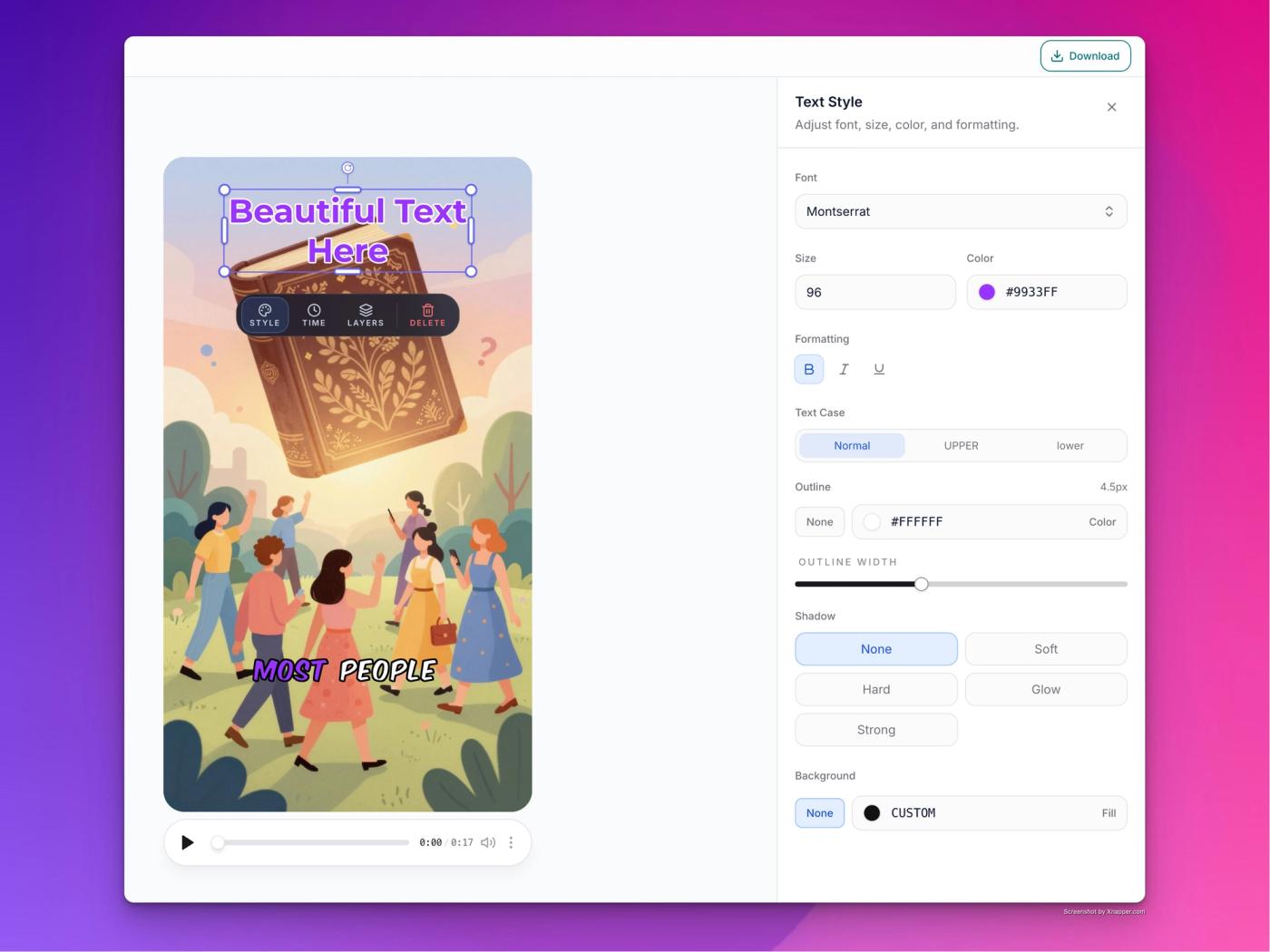
      • Added caption highlight colour customisation option. You can find it under the captions tab on the edit video page.
      • Added 2 voices with Indian accent (Ruhaan and Kanika) because other voices had difficulty pronouncing Indian names and places. You’ll find it when selecting narrator voice while creating your video.
      • Added back “Brian” voice on customer demand.
    • Changed Features
      • Removed script theme selector because it was confusing for many customers. It will be added back once I figure out a better way to show it.
    • Bug Fixes
      • Export video issue is now fixed.