

Karunakar Gautam

If you have been comparing Frameo AI vs Frameloop and struggling to figure out which one is actually worth your money, I get it. It is possible that all these platforms are starting to blur together.
Both tools promise to create AI video content in minutes. Both pop up constantly when you search for a frameo ai alternative or try to hunt down the best ai video tool 2026. They also both have free tiers, which makes it super tempting to just pick one at random and start generating.
But after testing both tools across actual creator workflows, the differences are massive.
This is a complete breakdown covering features, frameo ai pricing, output quality, and which platform actually makes sense for your channel.
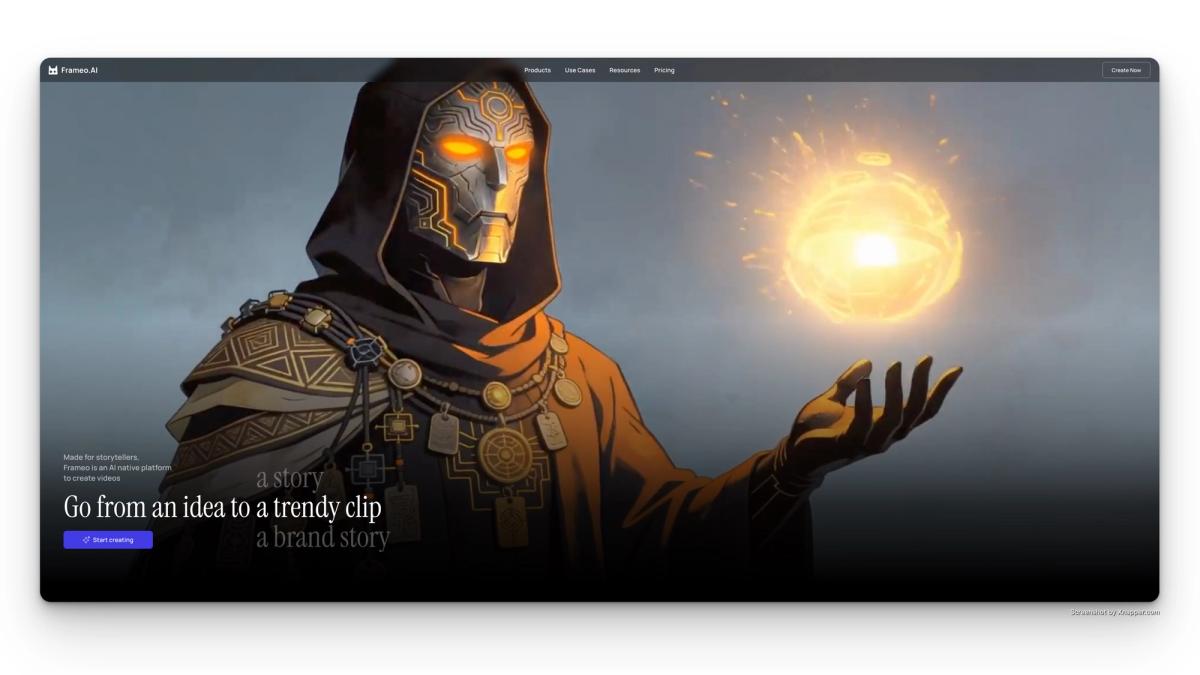
Frameo AI is a video generation tool mostly used for creating short cartoon and animated clips. It is heavily geared toward mobile users and total beginners.
If you have watched a frameo ai video generator review lately, you probably heard it described as fast and simple. That is pretty accurate. Frameo AI is basically built to get you from a text prompt to a finished video in a couple of clicks.
Here is what it actually does:
The Frameo AI free tier exists, but you are capped on how many exports you can do a month. If you want longer videos, you have to upgrade.
To be fair, there is another side to this. Casual creators and people who just want quick animations without a complex setup usually love it. But if you want to scale, things get complicated.
Who uses it: Casual creators, mobile-first users, and people wanting quick cartoon-style content without a complex setup.
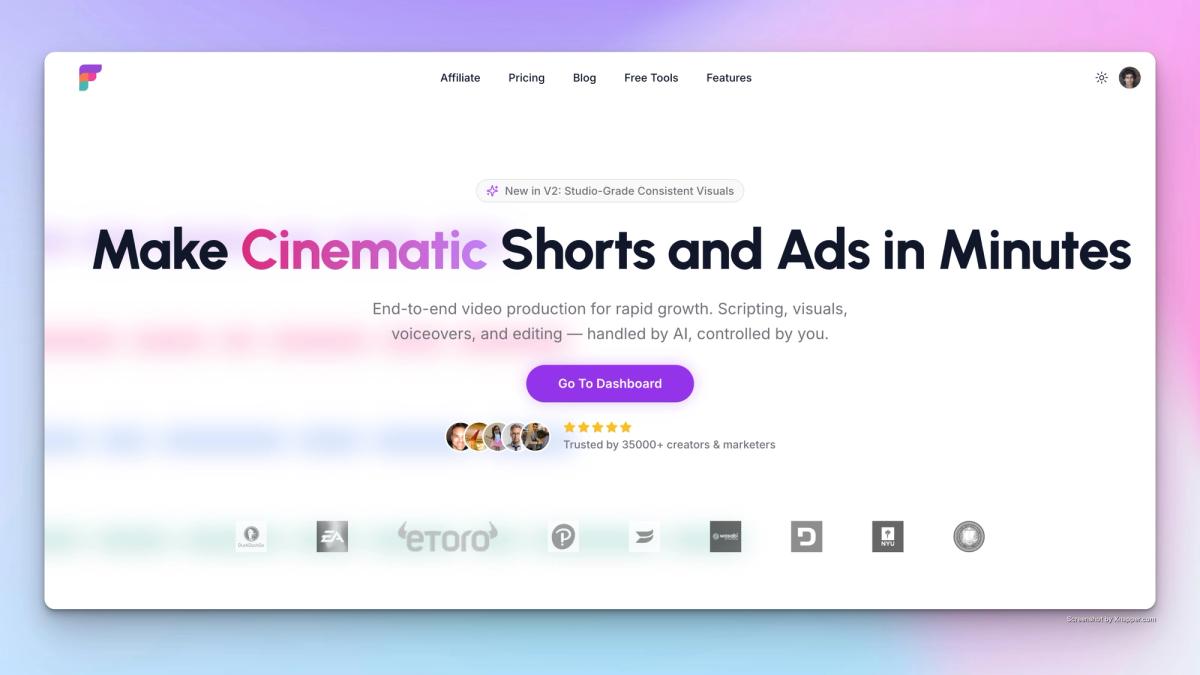
Frameloop is an end-to-end faceless video creation platform built for creators and marketers who actually need to produce high quality video at scale. We are talking YouTube Shorts, Reels, TikToks, and performance ads.
Here is the thing. The entire Frameo AI vs Frameloop debate basically comes down to one massive feature. Scene-level control.
Most AI video tools just hand you a finished file and lock you completely out of the editing process. Frameloop actually lets you edit every single individual scene independently. You can swap visuals, change up the voiceovers, and fix the pacing (without regenerating the entire video).
It saves an absurd amount of time and money, which would be otherwise wasted in trying to keep generating videos just because some small part had an issue.
Here is what Frameloop brings to the table:
Who uses it: Faceless YouTube creators, social media marketers, performance advertisers, content agencies, and developers building video automation pipelines.
| Feature | Frameo AI | Frameloop |
|---|---|---|
| Scene-level editing | No | Yes |
| Voice cloning | No | Yes |
| Photo to video | Basic | Advanced |
| 32+ language support | No | Yes |
| Consistent characters | No | Yes |
| Direct social publishing | No | Yes (YouTube, TikTok, Reels) |
| API access | No | Yes (all paid plans) |
| Transparent credit tracking | No | Yes |
| No charge for failed generations | No | Yes |
| Free built-in tools | No | Yes (hashtag, title, story generator) |
| Real-time preview | No | Yes |
| Mobile app | Yes | Yes |
| Free tier | Yes | Yes |
Understanding pricing is crucial before you commit your time to a platform. Here is how they stack up.
| Tier (Comparable Level) | Frameo AI Plan | Frameloop Plan |
|---|---|---|
| Free | Free – Limited exports | Free – Free credits included |
| Entry | Starter – $10/month, 600 credits, ~30 sec video | Basic – $19/month, 250 credits, ~8 animations or ~50 faceless videos |
| Mid | Explorer – $25/month, 1,500 credits, ~1 min 30 sec video | Standard – $39/month, 600 credits, ~20 animations or ~120 faceless videos |
| Pro | Creator – $75/month, 7,500 credits, ~7 min 30 sec video | Premium – $79/month, 1,500 credits, ~50 animations or ~300 faceless videos |
| High Tier | Wizard – $200/month, 25,000 credits, ~30 min video | — |
| Enterprise / API | Not available | Custom pricing |
The most important pricing difference in the Frameo AI vs Frameloop comparison is not the monthly cost. It is what happens when a generation fails.
Frameloop does not charge you for failed video generations. If a generation fails due to a prompt issue or model error, your credits are returned automatically. Frameo AI charges credits regardless of whether the output got returned.
For creators generating 50 to 200 videos per month, this difference alone can save 30 to 80 dollars in wasted credits every single month.
Frameo AI works well for occasional, low-volume content. But creators who rely on it as a primary tool consistently run into three problems.
No scene-level control
First, you have absolutely zero scene control. If Frameo AI generates your video and one clip looks weird, you cannot just fix that one clip. You have to regenerate the whole video, which costs you more credits. It gets annoying fast.
No API access
If you are a developer or an agency trying to automate your workflow, you are out of luck. You have to click through everything manually.
Scene-level control changes everything
This is the feature that separates Frameloop from every other tool in the Frameo AI vs Frameloop comparison. You can change the background music in ten seconds. You can swap out the visual in scene 3 while leaving the rest of the video perfectly intact. For creators posting daily, this cuts out hours of tedious revision time.
Transparent credit tracking means no surprises
Frameloop shows you exactly how many credits each action costs before you confirm it. No hidden charges and no surprise credit burn. This is the single biggest operational improvement over Frameo AI for high-volume workflows.
Direct publishing closes the loop
After creating your video in Frameloop, you publish directly to YouTube, TikTok, and Reels from inside the platform. You do not have to download giant files and manually re-upload them to different apps. For daily content creators, this removes 20 to 30 minutes of friction from every single upload.
Built-in tools support your entire content workflow
You also get access to tools you would normally pay extra for somewhere else. Things like YouTube Hashtag Generator, YouTube title generator, and an AI story generator. These are tools you would otherwise need separate subscriptions to access. For anyone evaluating the best ai video tool 2026, having the full workflow inside one platform is a significant advantage.
Frameo AI is a reasonable choice if:
Frameloop is heavily favored in this Frameo AI vs Frameloop comparison if:
If any of those apply to you, Frameloop is the strongest frameo ai alternative available right now.
Let us look at a real workflow. Say you run a faceless finance channel on YouTube.
Your daily routine looks like this:
Script, Voiceover, Visuals, Hashtags, Upload.
If you use Frameo AI, this workflow breaks at multiple points. You do not have scene level control, so your videos look like generic AI Slop with issues in them. You have to manually download and upload every video. You have to use a separate site for your hashtags. And if you need to fix one tiny visual mistake, you are regenerating the whole file.
With Frameloop, you set up your channel properly inside the platform. You generate the video and get scenes level control. You edit the specific clips that need fixing. You hit a button to generate thirty viral tags, and then you publish directly to YouTube.
That right there is the actual difference for anyone serious about making content.
| Use Case | Winner |
|---|---|
| Casual or beginner experimentation | Frameo AI |
| Faceless YouTube channel at scale | Frameloop |
| Social media marketing for brands | Frameloop |
| Performance ad creative testing | Frameloop |
| Agency managing multiple clients | Frameloop |
| Developer or API integration | Frameloop |
| Mobile only, occasional use | Frameo AI |
| Daily content publishing workflow | Frameloop |
For the vast majority of creators, marketers, and agencies looking for the best ai video tool 2026, Frameloop just makes more sense. The scene editing alone justifies the switch for anyone publishing more than 10 videos per month. If you have been using Frameo AI and feeling frustrated by the limitations, it is probably time to move on.
No credit card required. Start with free credits and create your first AI video in under 10 minutes.

Got great video ideas but need help bringing them to life? Frameloop AI makes it easy to create professional faceless videos with AI-generated visuals, voiceovers, and editing.
Try Frameloop AI For Free