











How it works
Video creation as simple as a chat message
Your OpenClaw agent handles everything — it decides the topic, kicks off the Frameloop render, and delivers a finished video back to you. No timeline editing, no manual exports.
- Agent picks the topic and style automatically
- Frameloop renders visuals, voiceover, and subtitles
- Get a direct download link when it's done
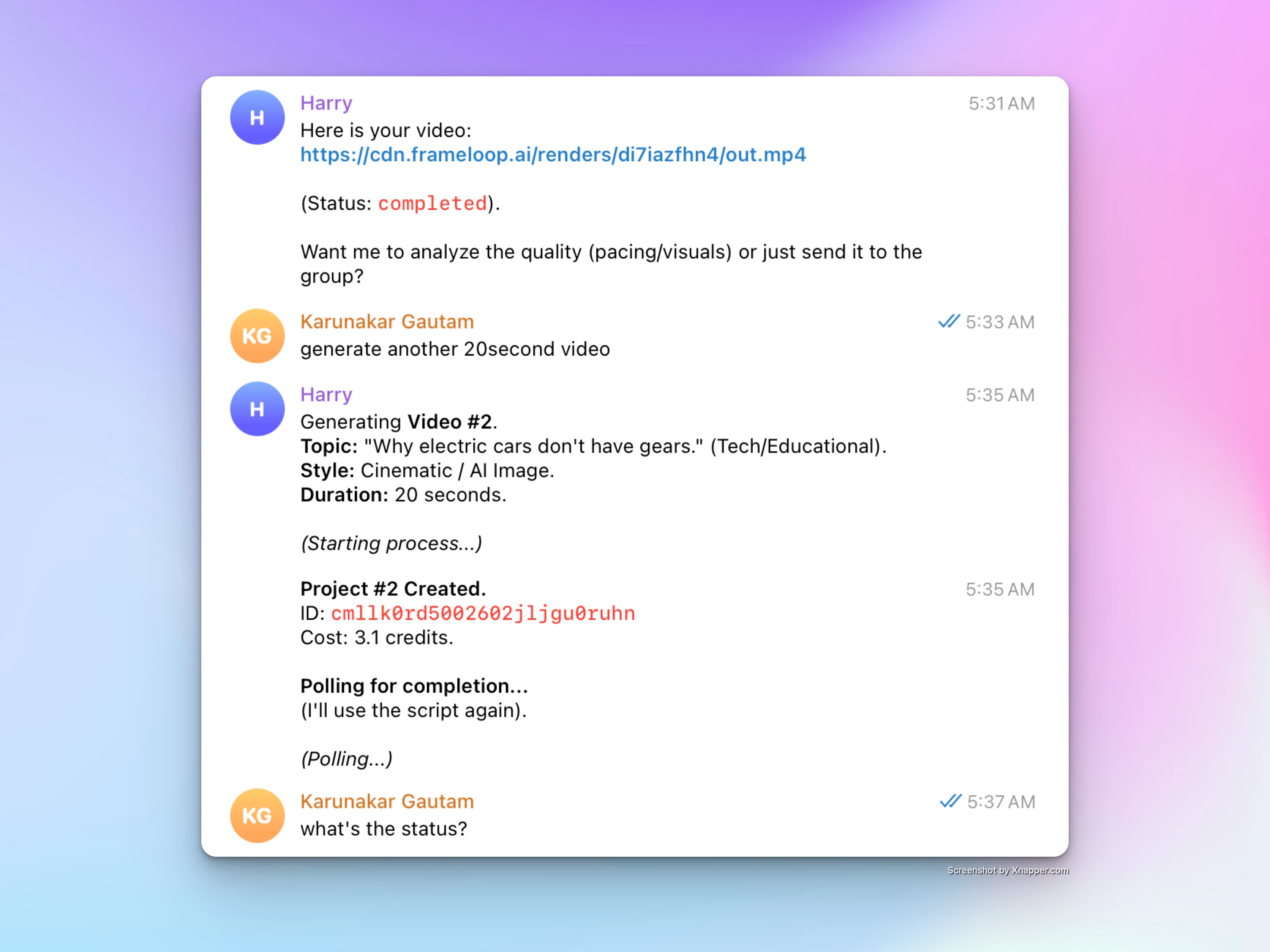
What Frameloop executes for your OpenClaw agent
Frameloop is built for video generation & automation. Your agent decides what to create, and Frameloop handles production.
Set up in three simple steps
Get your Frameloop API key
Create a Frameloop account, generate an API key, and securely store it for your OpenClaw agent.
Connect OpenClaw to Frameloop
Point OpenClaw to the Frameloop API docs and configure a reusable video-generation skill.
Run repeatable video workflows
Let OpenClaw decide what to make while Frameloop handles video creation, voiceover, and render delivery.
Tell your agent what to do
Keep prompts natural. If you can describe a video, your workflow can generate one.
Start with human approval, then increase automation once your prompts and styles are producing consistent quality.
Starter
Prototype your pipeline
Use simple prompts and one-off generations to validate your OpenClaw to Frameloop workflow quickly.
Scale
Run 24/7 content systems
Turn trend research, repurposing, and rendering into repeatable agent workflows that keep producing while you sleep.