

Avinash Vagh
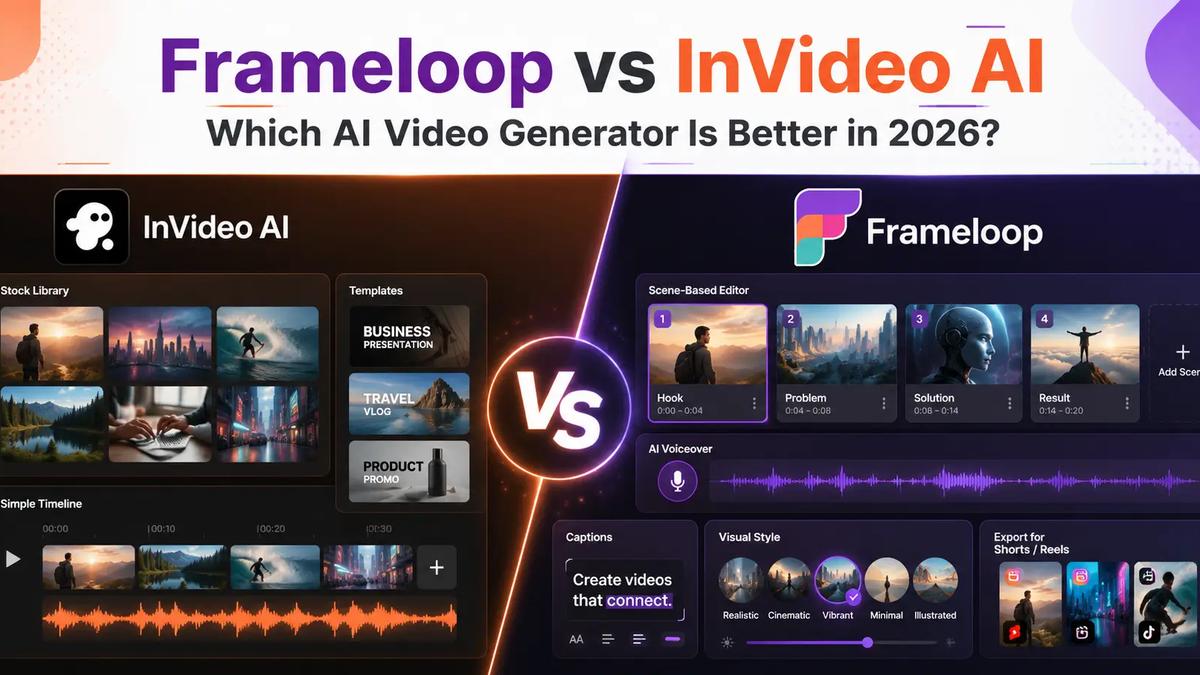
Most AI video comparisons ask the wrong question.
The real Frameloop vs InVideo decision is not “which tool has more features?” It is “which tool helps me publish better videos with less rework?”
InVideo AI is a broad AI video maker with stock footage, text-to-video, voiceover, templates, and editing. Frameloop is built for creators who need scene-level control, faceless video workflows, AI voiceover, captions, multilingual output, and repeatable short-form production.
Short answer: choose InVideo for occasional stock-led videos. Choose Frameloop for daily Shorts, Reels, TikTok, faceless publishing, and editable AI-generated scenes.
For the dedicated switch page, see the Frameloop InVideo alternative comparison. For a broader list, use the InVideo AI alternatives roundup.
This guide also covers the inverse query, InVideo vs Frameloop, because the decision criteria are the same.
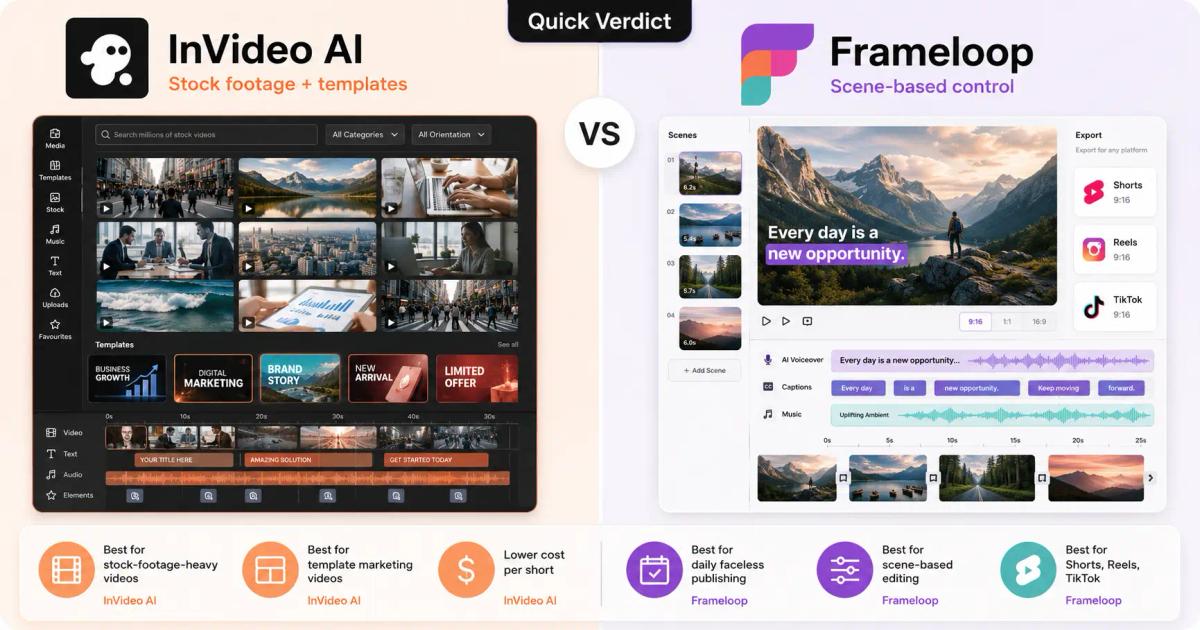
Frameloop is better for high-frequency creators who care about scene edits, cost per video, and faceless publishing. InVideo AI is better for users who want a general AI video maker with stock footage and template-style workflows.
| Need |
|---|
| Better fit |
|---|
| Daily faceless video publishing | Frameloop |
| Scene-based editor | Frameloop |
| Lower cost per 30-second short | Frameloop |
| Stock-footage-heavy videos | InVideo AI |
| Template-style marketing videos | InVideo AI |
| Shorts, Reels, TikTok workflow | Frameloop |
The difference appears after the first draft. AI-generated videos often have one weak scene, one awkward visual, or one badly paced moment. A tool is only useful if fixing that mistake is fast.
Frameloop's AI video creation features are built around editable scenes, visual styles, voiceovers, captions, music, and export-ready videos. That matters when you publish often.
InVideo AI is good for fast, general-purpose video creation. A fair InVideo AI review should acknowledge that it can turn prompts or scripts into videos with stock footage, AI script generation, voiceover, editing, and exports.
This works well for simple explainers, social posts, product promos, and videos where stock clips are acceptable. InVideo also has brand awareness, so there are many InVideo AI reviews, tutorials, and user discussions online.
The limitation is originality. Stock-led videos can look polished but generic. If you want a repeatable faceless channel, consistent visual style, character-led story, or animated scene flow, you need more control over what happens inside each scene.
That is where Frameloop is narrower but stronger. Frameloop focuses on script-to-video, scene breakdown, AI voiceover, captions, visual styles, music, and human-in-the-loop editing.
InVideo AI pricing should be judged by cost per publishable video, not only the monthly plan price. If you search “how much does InVideo cost” or “how much is InVideo AI,” the real answer depends on credits, stock usage, export limits, watermark rules, and failed drafts.
InVideo's official pricing page has offered a free plan and paid plans with usage limits, AI generation credits, iStock access, exports, and other plan-based rules. Check the current official InVideo pricing page before buying because InVideo AI pricing 2026 can change by billing cycle and plan.
Frameloop pricing is simpler for creators:
| Frameloop plan | Best for |
|---|---|
| Basic at $19/month | Testing AI video workflows |
| Standard at $39/month | Regular short-form creators |
| Premium at $79/month | Higher-volume creators and teams |
The query “why is InVideo AI so expensive” usually comes from usage friction, not only sticker price. If the credit system, premium stock, exports, or regenerations limit how many finished videos you can publish, the effective cost rises.
Before choosing, ask: how many clean 30-second videos can I publish per month without fighting credits or rework?
For current Frameloop plan details, compare the Frameloop pricing options.
InVideo is free to try, but the free plan is mainly for testing. The important question is not only “is InVideo free?” It is whether the InVideo AI free plan watermark and limits make the output usable for a public channel or client.
Use the free workflow to test:
InVideo AI free plan features can help you evaluate the product, but serious publishing usually requires paid exports, higher limits, and cleaner output. If you are checking InVideo AI free plan limits 2026, test the full workflow, not just the first generated draft.
Frameloop also lets creators start free, then upgrade when they need higher volume, more control, or more predictable daily publishing.
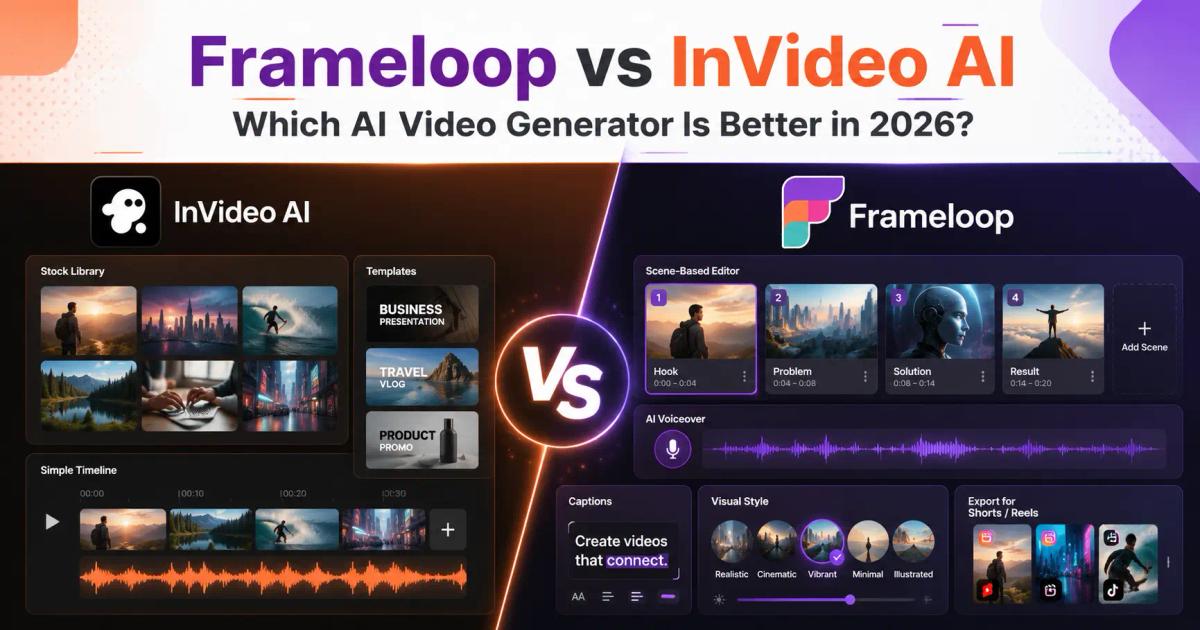
InVideo AI features are broad: text-to-video, AI script generation, stock media, voiceover, templates, editing, and exports. Frameloop features are more focused on scene-based AI video creation for creators who need control.
InVideo AI video maker workflow:
Frameloop workflow:
For faceless video, the second workflow is more practical. A history Short, horror story, finance explainer, product tutorial, or AI education video needs pacing and visual consistency, not just relevant clips.
Frameloop's faceless video generator is built for scripts, AI voiceover, captions, music, and scene control without appearing on camera. It also supports multilingual creation, useful when creators want to test content beyond one language.
InVideo remains useful if your work depends on Pexels-style or iStock-style stock footage. Frameloop is stronger if you want generated scenes, visual styles, animation, and a repeatable creator workflow rather than manually prompting model providers like Sora 2 or Veo 3.1 for every clip.
InVideo is worth it in 2026 if you want a broad AI video maker and are comfortable with stock-led videos. It is less ideal if your main goal is daily faceless publishing, lower cost per short video, or editing individual AI-generated scenes.
Choose InVideo if:
Choose Frameloop if:
So, how good is InVideo AI? Good enough for many general video tasks. But if your content depends on originality, scene control, daily publishing economics, and a creator-specific workflow, Frameloop is usually the better fit.
InVideo AI generation time depends on prompt complexity, video length, asset selection, voiceover, aspect ratios, export quality, and render queue load. The first render is not the same as a finished publishable video, so measure total time from prompt to final edit.
Creators also ask: is InVideo safe? InVideo is a legitimate AI video platform, but any creator should review licensing, privacy, commercial-use rights, billing terms, and cancellation steps before using AI-generated videos for clients or monetized channels.
The query “how to cancel InVideo subscription” is a warning to check billing rules before subscribing. Do this for every AI video generator, not just InVideo.
Choose Frameloop if you are building a repeatable video system. Choose InVideo if you need occasional stock-led videos and do not mind working inside a broader template-style platform.
The better AI video generator is not the one that creates the flashiest first draft. It is the one that helps you fix the draft quickly enough to publish consistently.
For creators switching from InVideo because the workflow feels limiting, Frameloop gives you a cleaner path: script, scenes, AI voiceover, captions, edits, and export.

Got great video ideas but need help bringing them to life? Frameloop AI makes it easy to create professional faceless videos with AI-generated visuals, voiceovers, and editing.
Try Frameloop AI For Free