

Avinash Vagh
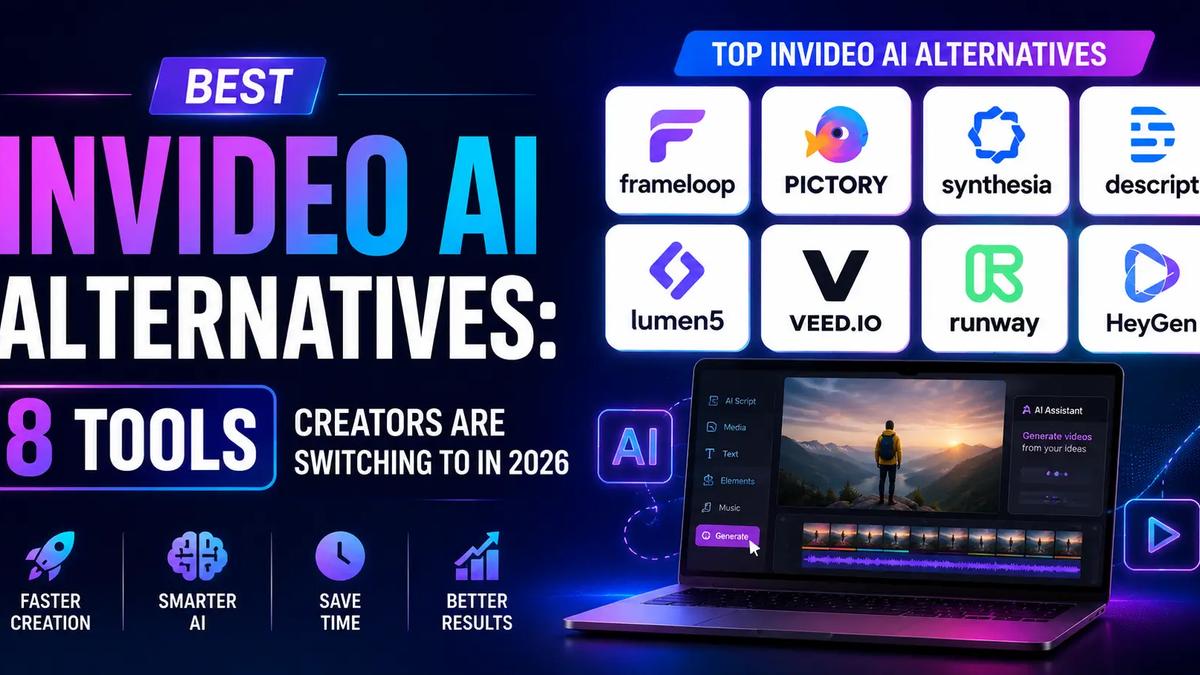
Best InVideo AI alternatives in 2026 are Frameloop, Pictory AI, Synthesia, Veed.io, Lumen5, Descript, Runway, and HeyGen each built for a different creator workflow and budget.
InVideo is a legitimate platform with 50M+ users and access to Sora 2 Pro and Veo 3.1. It's also the most complained-about AI video tool for one specific reason: the credit system. Three separate credit pools iStock, AI generation, and background removal that don't communicate with each other. You can exhaust one type while the others sit full, with no dashboard warning before it happens.
If you've hit that wall, you're in the right place. Here are eight alternatives that handle the core InVideo frustrations differently, with honest notes on what each one actually does well and where it falls short.
Key Takeaways
InVideo's pricing structure punishes the way most creators actually work: iteratively.
Here's how the credit problem plays out in practice. Priya, a faceless YouTube creator producing 10 videos a week, upgraded to InVideo's Plus plan in January. By week three she had exhausted her AI generation credits but still had iStock credits remaining. Her options were to buy a top-up credit pack or wait until the monthly reset neither of which she'd expected when she read "unlimited" in the plan marketing copy.
The "unlimited" language in InVideo's marketing refers to iStock media access, not AI generation. Most creators don't catch this distinction until after they've subscribed.
Beyond credits, three more friction points push creators to look elsewhere:
None of these are reasons InVideo is a bad product. They're reasons specific creator types find it frustrating. Here's what the alternatives look like.
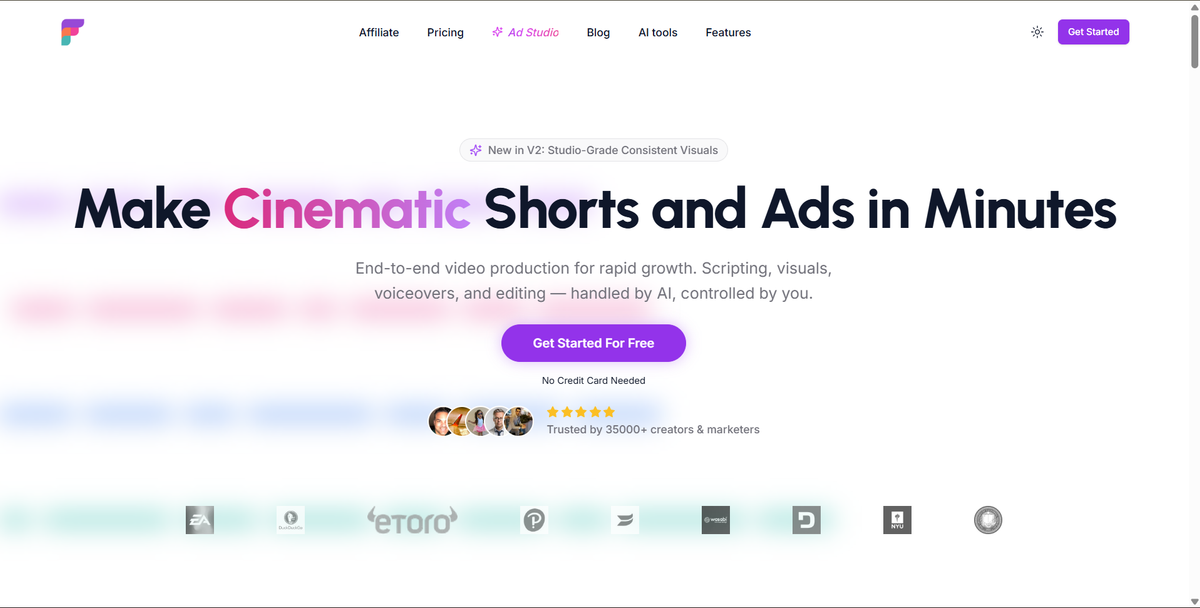
Frameloop is the only AI video platform with a scene-based editor. Every scene in a video is an independent unit change the hook in scene 1 without touching scenes 2 through 10. No re-render. No starting over.
This is structurally different from InVideo's workflow, where editing one element often requires regenerating the full video.
What it does well:
Where it falls short: Auto-posting to social platforms is on the roadmap but not available yet. If scheduled publishing is a deal-breaker, check the other options below.
Best for: Faceless YouTube creators, social media content teams, performance marketers who need to A/B test hooks without regenerating full videos.
Pricing: Free (no CC, no watermark), Basic $19/month, Standard $39/month, Premium $79/month.
Built by a founder with 8+ years at Google and Adobe, Frameloop currently serves 35,000+ creators.
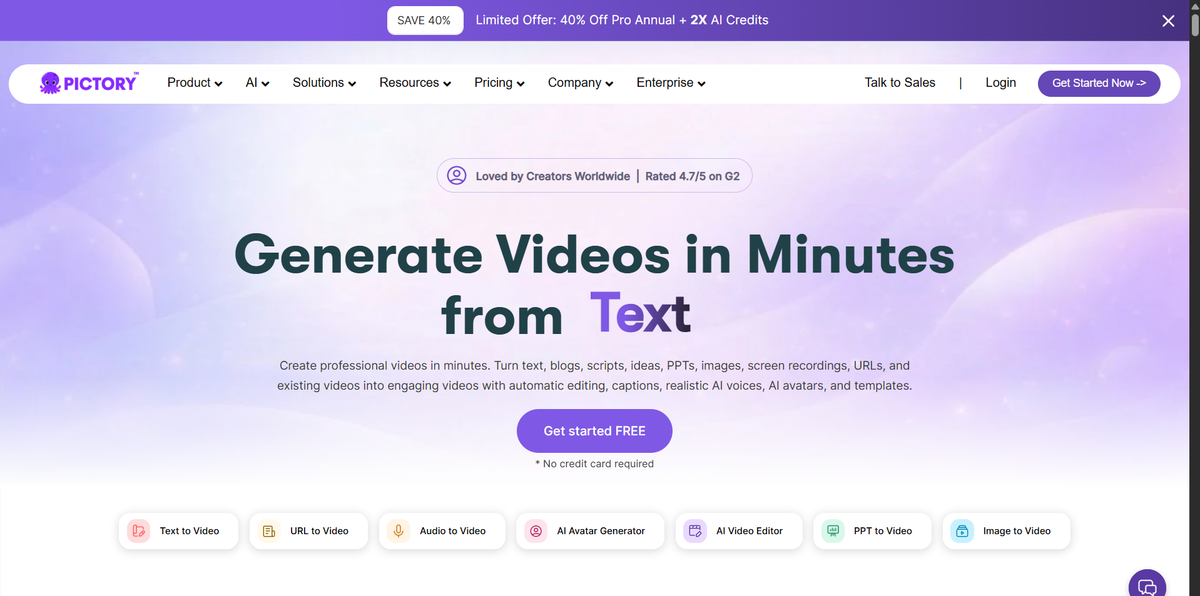
Pictory AI has been doing one thing well since 2019: turning blog posts, articles, and scripts into social-ready videos using a library of 3M+ stock clips.
Paste a URL or script, Pictory selects relevant footage, adds AI narration, and outputs a video, no editing required. For content teams repurposing existing written content, the workflow is genuinely fast.
What it does well:
Where it falls short: Pictory auto-selects visuals, and the AI's choices can be generic or off-topic, requiring manual fixes. The editing is template-based, there's no scene-level creative control. Lower tiers have video minute limits that frustrate high-volume creators. The free trial gives you three watermarked videos; there's no ongoing free plan.
Best for: Content marketers turning blog archives into video, educators, small teams without dedicated video editors.
Pricing: Starter $19/month, Professional $39/month, Teams $99/month (20% cheaper on annual).
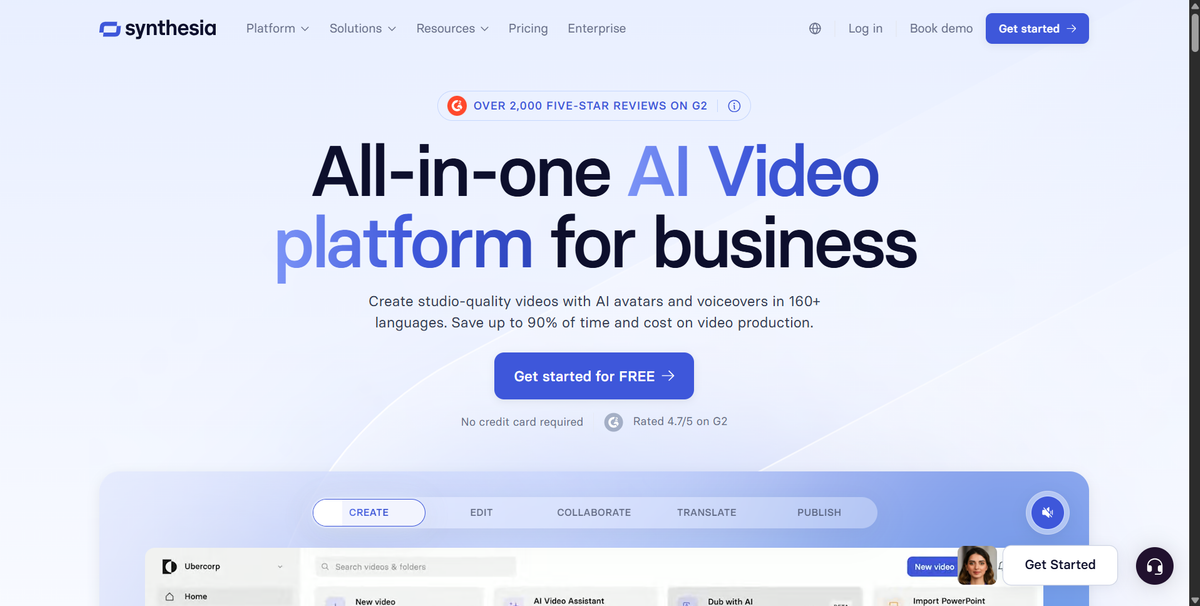
Synthesia is the platform of choice when the requirement is a professional AI avatar presenting a script in multiple languages and the audience is a corporate training team.
230+ avatars. 160+ languages. SOC 2 Type II, ISO 27001, GDPR compliance with EU data residency. SCORM export for LMS integration. These features have made Synthesia the default for Fortune 100 L&D teams.
What it does well:
Where it falls short: Synthesia is not built for marketing or sales content. AI avatars reduce trust in conversion-dependent contexts ads, sales outreach, product demos where authentic human connection matters. Critical features like unlimited video minutes, SSO, and SCORM export are locked behind the Enterprise tier, which requires a custom quote. Content moderation has been flagged by creators as unpredictable.
Best for: L&D teams, compliance training, internal communications, enterprise knowledge bases.
Pricing: Starter $29/month ($18/month annual), Creator $89/month ($64/month annual), Enterprise custom. Custom AI avatar add-on: $1,000/year.
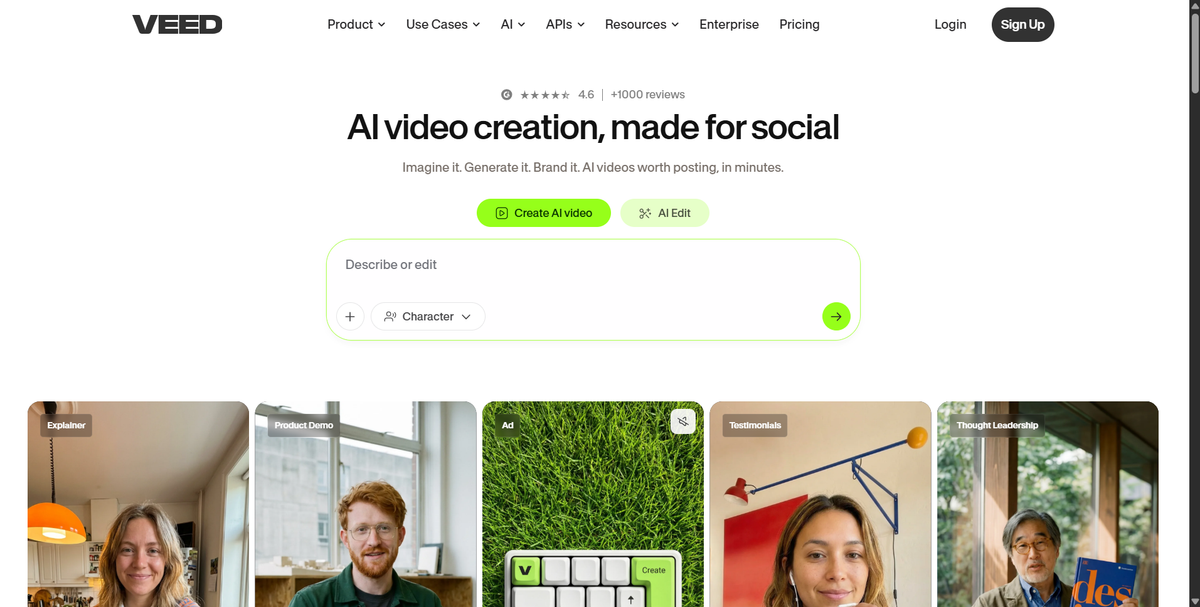
Veed.io is where creators go when they need a full editing environment in a browser, no download, no install, no learning curve. With 4M+ users and a 4.6/5 G2 rating, it's the most-used browser-based video editor in 2026.
The AI features that differentiate it: Eye Contact Corrector (AI gaze redirection so you appear to look at the camera even when reading a script), auto-subtitles in 125+ languages, background noise removal, and AI dubbing.
What it does well:
Where it falls short: AI features like avatars, dubbing, and translation run on credit allowances not unlimited. The Pro plan ($24/month annual) gives 6 hours per year of avatar and dubbing time, which a team producing weekly video content will exhaust by mid-year. Browser-only means no offline editing. Users on G2 report glitches during export and slow performance on large projects.
Best for: Solo creators and small teams who need a capable editor accessible from any device, with strong subtitle and dubbing tools.
Pricing: Free (watermarked), Creator ~$12/month, Pro $24/month (annual), Studio higher.
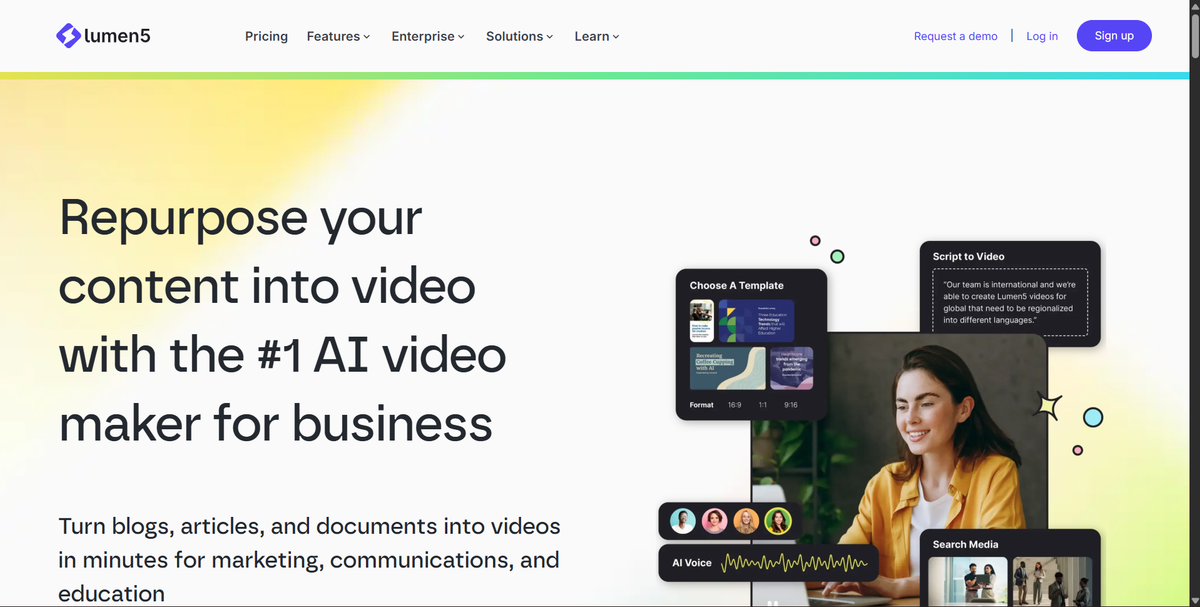
Lumen5 has a specific skill: paste text, and the AI selects stock footage and arranges it into a video with text overlays. For content teams converting blog posts, newsletters, or briefs into social clips, this workflow is fast.
What it does well:
Where it falls short: Lumen5 does not generate AI narration. This is its biggest limitation in 2026, you get stock footage and text overlays, not a video with a voice. Adding voiceover requires a separate tool or recording your own. The output can feel visually generic because the AI selects footage from the same pool as every other user. Pricing gets expensive at higher tiers ($79/month for Professional, $179/month for Teams).
Best for: Content marketers who need a quick visual version of blog content and have separate audio or don't require voiceover.
Pricing: Free (watermarked), Starter $29/month, Professional $79/month, Teams $179/month.
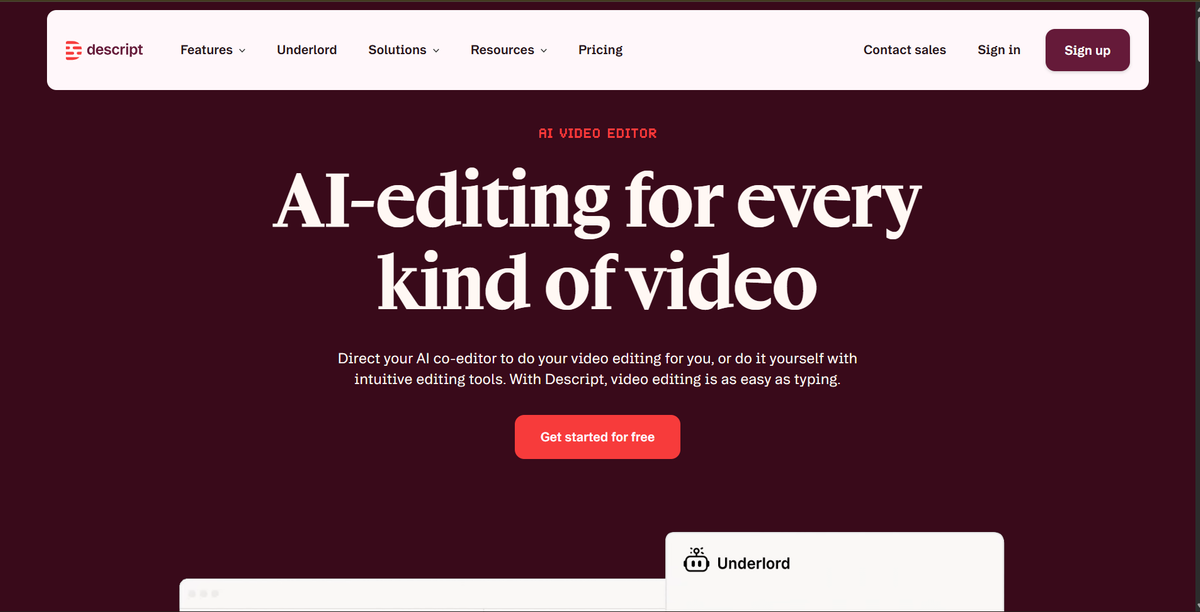
Descript solves a different problem than InVideo. If you record yourself interviews, podcasts, talking-head videos, webinars, Descript's transcript-based editor lets you edit the video by editing the text. Delete a sentence from the transcript, and that section disappears from the video.
It's a precise tool for the creators it's built for.
What it does well:
Where it falls short: Descript is not an AI video creation tool. It requires existing recordings, you cannot go from script to video the way you can in InVideo, Frameloop, or Pictory. If your goal is faceless video creation or text-to-video, Descript is the wrong tool. It's an editing tool for recorded content, not a generation tool.
Best for: Podcasters, YouTube interviewers, talking-head creators, webinar producers, content teams editing recorded sessions.
Pricing: Hobbyist $16/month, Creator $24/month, Business $50/month (all annual).
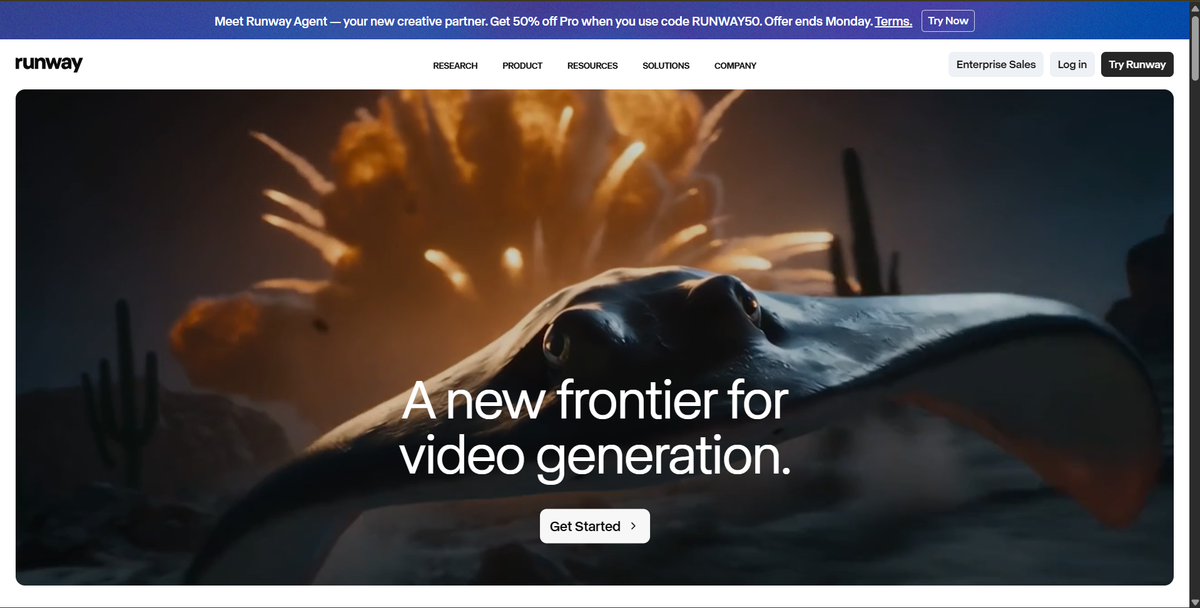
Runway is a multi-model AI video generation platform. One subscription ($12-15/month at the entry level) gives you access to Gen-4.5, Google Veo 3.1, and Kling 3.0 Pro from a single dashboard. If you're currently paying for multiple AI video tools separately, this consolidation has real value.
The professional tools Runway adds on top of generation, Green Screen (no physical green screen required), Motion Brush, Inpainting, Super Slow Motion are genuinely useful for cinematic and narrative content.
What it does well:
Where it falls short: Runway's 16-second maximum clip duration per generation is the most restrictive limit among major competitors. Creating longer content requires stitching multiple clips, which adds production time. The tools are designed for filmmakers and visual artists, the learning curve is steep for creators who want a fast script-to-social-video workflow.
Best for: Filmmakers, visual creators, and production teams generating high-quality cinematic clips, not social content operators who need volume.
Pricing: Basic $12-15/month, Pro $28/month, Unlimited $78/month.
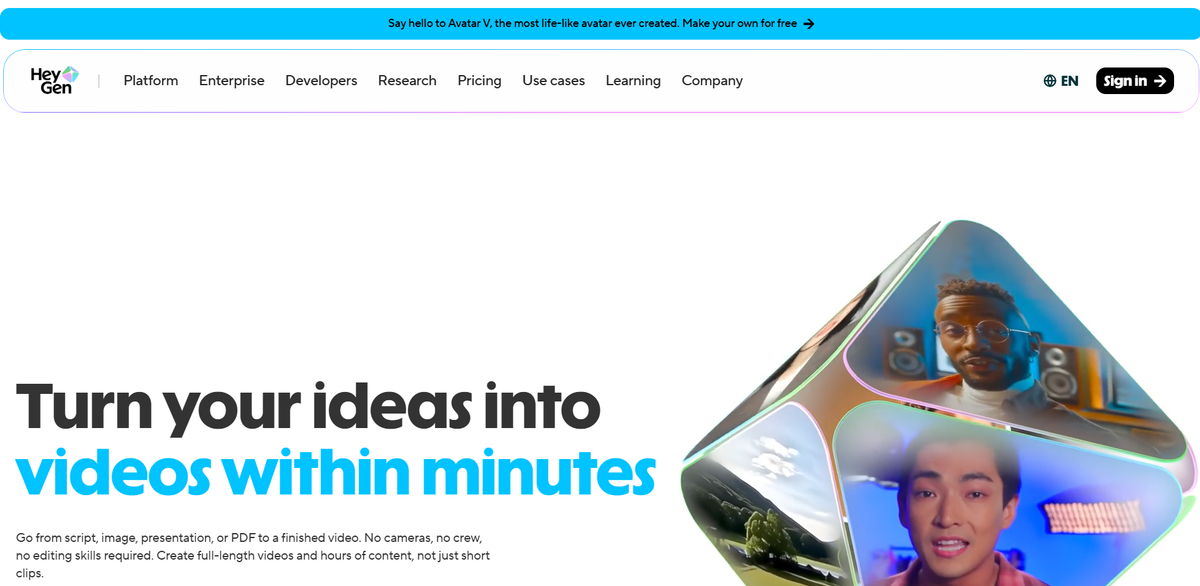
HeyGen produces the most photorealistic AI avatars available in 2026. Avatar IV uses full-body motion capture, micro-expressions, and timing-aware gestures, independent reviewers consistently rate it the most convincing avatar system on any platform.
The Video Agent 2.0 feature takes this further: input a text prompt, and it handles the entire script-to-video pipeline, including avatar selection, scene setup, and voiceover.
What it does well:
Where it falls short: The credit math is punishing at entry level. Avatar IV videos consume 20 credits per minute, the Creator plan's 200 monthly credits cover only 10 minutes of premium avatar video per month. Credits expire monthly with no rollover. Users report that failed renders sometimes consume credits regardless. HeyGen has no timeline editor, there are no cuts, no pacing controls, no scene reordering. If the video needs storytelling rhythm, you're stuck.
Best for: Corporate communications, sales video personalization, HR and training content where avatar realism is the primary requirement.
Pricing: Free (3 videos/month, watermarked, no CC), Creator $29/month (200 credits), Pro $99/month, Business $149/month.
| Tool | Best For | Free Tier | Starting Price | Scene Control |
|---|---|---|---|---|
| Frameloop | Creators needing speed + control | No CC, no watermark | $19/month | Full per-scene |
| Pictory AI | Blog-to-video repurposing | Trial only (watermarked) | $19/month | Template-based |
| Synthesia | Enterprise training/L&D | Limited | $29/month | None |
| [Veed.io](http://veed.io/) | Browser-based editing | Watermarked | ~$12/month | Basic |
| Lumen5 | Stock footage text-to-video | Watermarked | $29/month | None |
| Descript | Editing recorded video | Limited | $16/month | None |
| Runway | Cinematic AI generation | Limited credits | $12/month | None |
| HeyGen | Photorealistic avatars | 3 videos/month | $29/month | None |
The honest answer is that the right choice depends entirely on what frustrated you about InVideo.
If the credit system was the problem: Frameloop runs on flat monthly pricing with no credit pools. You know what you can make before you spend a dollar, and you can iterate without watching a meter.
If you couldn't edit one scene without regenerating everything: That's the core problem Frameloop's scene-based editor was built to solve. No other tool on this list offers per-scene independent editing.
If you need corporate training videos with AI avatars: Synthesia is the right choice. Frameloop is built for creator and marketing workflows, not enterprise L&D.
If you need to repurpose a blog archive into videos: Pictory AI at $19/month is the fastest path. Lumen5 works too, but the lack of AI narration is a meaningful gap.
If you record yourself and need to edit efficiently: Descript is built for you. Nothing else on this list handles transcript-based video editing as well.
If you need maximum cinematic quality from AI generation: Runway's multi-model approach delivers the best output quality, but accept the 16-second clip limit and production time required.
Here's the scenario that plays out most often: a creator using InVideo for faceless YouTube content switches to Frameloop specifically because they want to A/B test hooks across 10 video variations. With InVideo, testing 10 hooks means generating 10 full videos. With Frameloop's scene-based editor, you change scene 1 across 10 copies, scenes 2 through 10 stay identical. The production time difference for a creator posting 30 videos a month is substantial.
InVideo isn't a bad product. For creators who need access to 200+ AI models or the AI Film Studio for long-form content, it remains a reasonable choice.
For creators frustrated by credit depletion, watermarked testing, feature paywalls, and the inability to edit one scene without regenerating everything, the alternatives above each solve specific parts of that problem.
If the credit system and lack of scene-level control are the core issues, Frameloop is the direct answer. Flat pricing, scene-based editing, and a free tier that doesn't watermark your work or require a credit card to access.
The fastest way to know if it fits your workflow: make a video on the free tier and see what it produces. No card. No watermark. If it works, upgrading to $19/month takes less than two minutes.

Got great video ideas but need help bringing them to life? Frameloop AI makes it easy to create professional faceless videos with AI-generated visuals, voiceovers, and editing.
Try Frameloop AI For Free