

Avinash Vagh
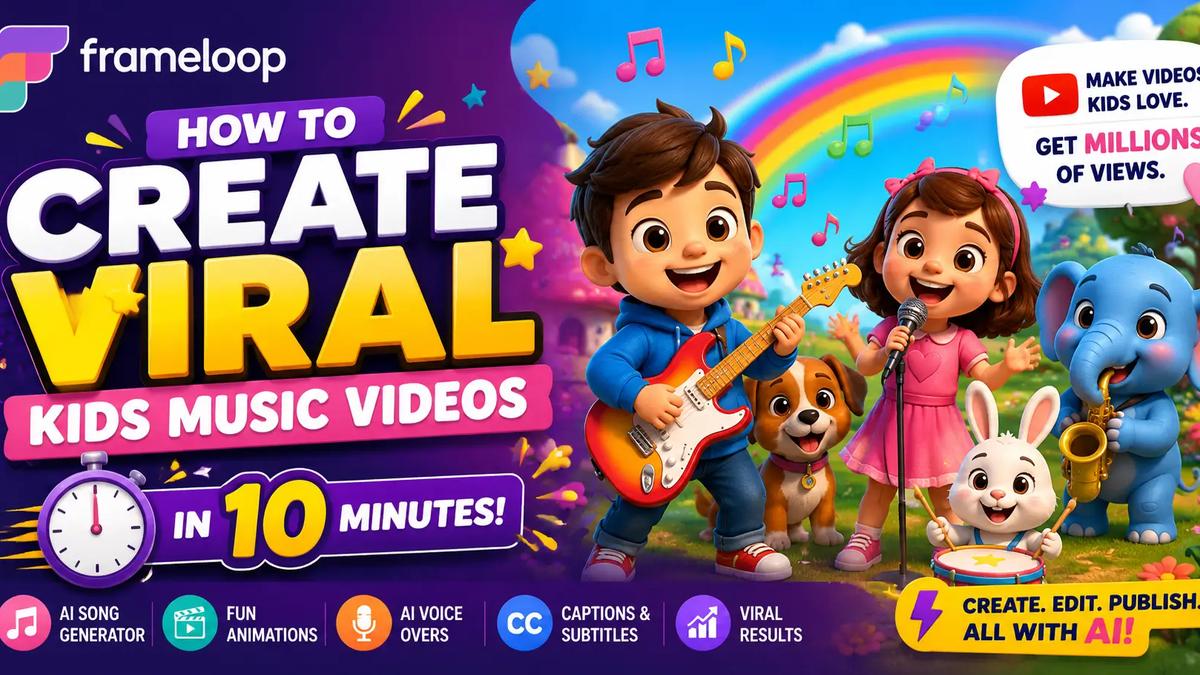
A single nursery rhyme can pull more views than a movie trailer. Channels like Cocomelon and Little Angel didn't get there with film crews. They found one repeatable format and produced it on loop. The thing that used to stop everyone else from copying that playbook was money and animation talent. That wall is gone. You can now create viral kids music videos with AI from a laptop, with no drawing skill, no recording studio, and no band.
This guide breaks down how the format actually works, the exact workflow to produce a video, what it costs in time, and how creators turn it into income. By the end you'll know whether a kids channel is worth building this week.
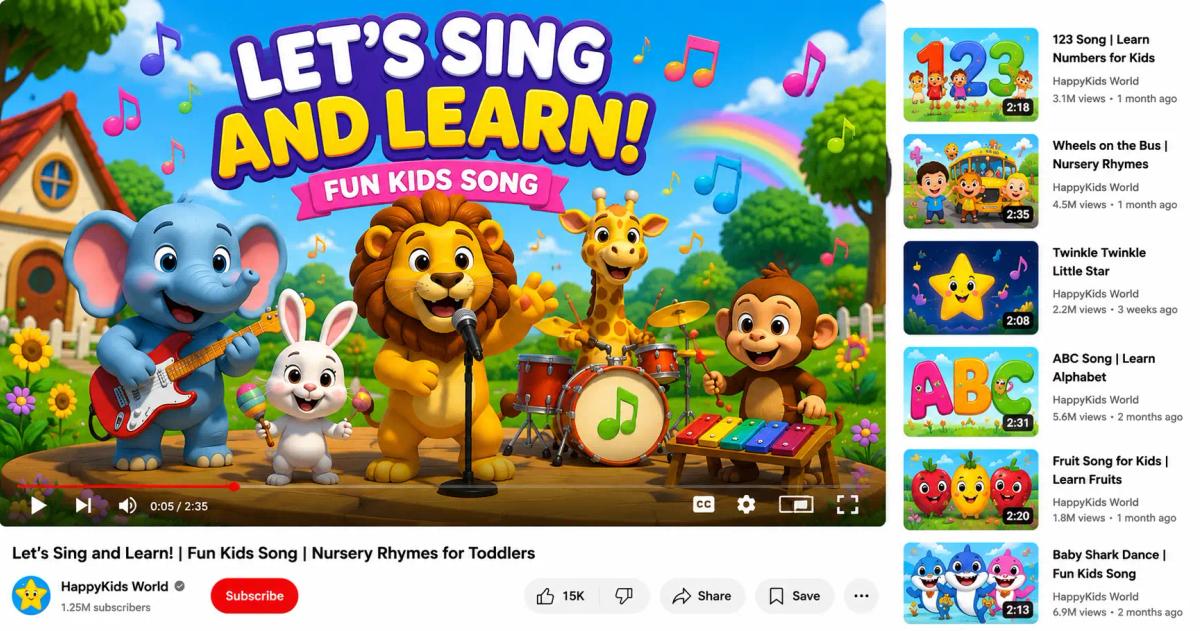
Viral kids music videos almost always share the same DNA: a simple sing-along melody, bright high-contrast characters, and a hook that repeats. Repetition isn't lazy. It's the whole point. Toddlers rewatch the same clip dozens of times, and YouTube's algorithm reads that replay behavior as strong watch time, which pushes the video to more viewers.
The winning formats are predictable on purpose. Nursery rhymes, counting songs, ABC songs, animal sounds, and bedtime lullabies dominate because they pair familiar audio with friendly visuals. A successful ai song video generator output leans into that: short verses, a chorus that loops, and characters a two-year-old recognizes in half a second.
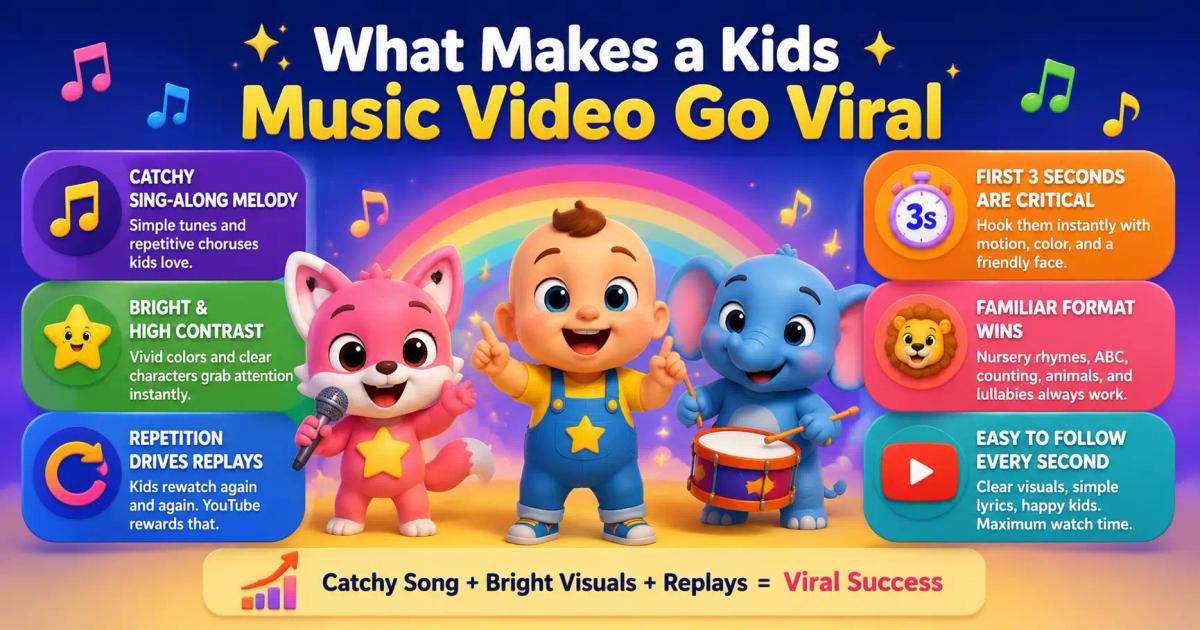
The first three seconds carry more weight than creators expect. Toddlers don't read titles; they react to motion, color, and a face. High contrast, rounded character shapes, and a friendly mascot on screen right away are what stop a scroll and start a replay. Design the opening frame as if it's your thumbnail, because to a small child it basically is.
Virality here is less about luck and more about format discipline. Get the song catchy, keep the visuals clean, and make every second easy for a small child to follow.
Three problems kept ordinary creators out of this niche for years.
Animation was expensive. Traditional cartoon production ran anywhere from a few hundred to several thousand dollars per video, and took days or weeks. One person could not sustain a daily upload schedule at those prices.
Music production was hard. A proper kids song needs lyrics, a melody, vocals, and matching visuals. Most creators could maybe write lyrics, but the other three pieces required a producer, a singer, and an animator.
Nobody knew the formula. Even creators with budget often guessed at what works. They wanted templates and repeatable systems, not one-off experiments that may or may not land.
AI now collapses all three problems into a single workflow, which is exactly why the niche reopened in 2026.
It can, and that's the shift worth understanding. A modern ai kids song generator can write original lyrics, compose a melody, and produce sung vocals in one pass. Pair that audio with an ai music video generator and you get matching animated scenes that move with the beat.
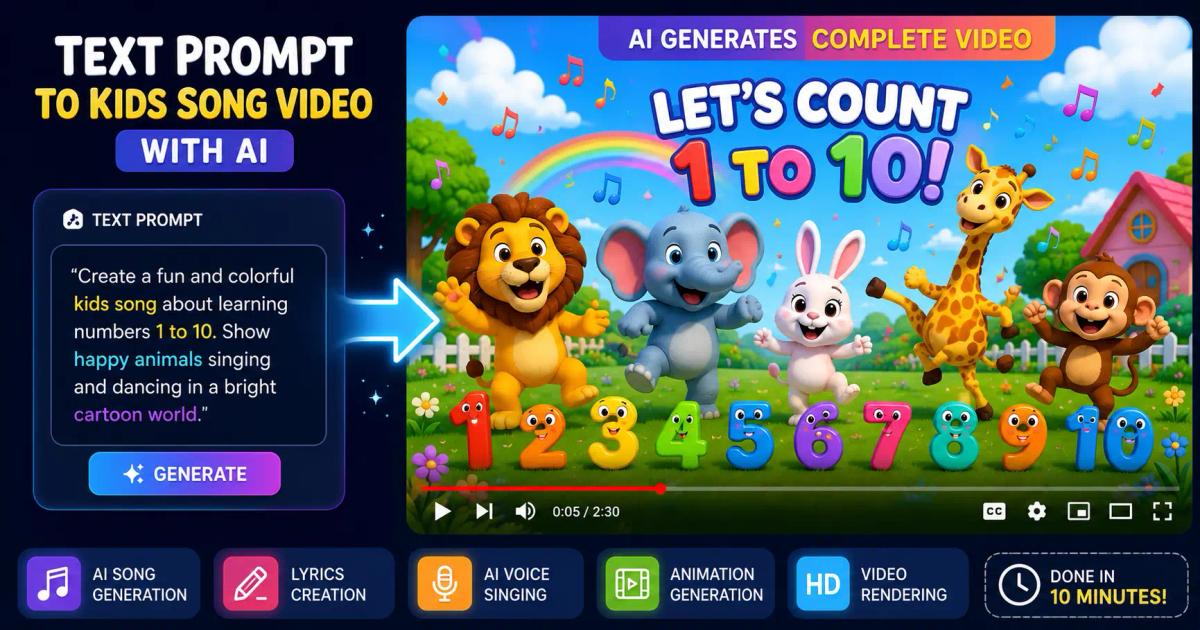
The important part: these are original songs. An ai nursery rhyme generator doesn't have to copy "Twinkle Twinkle." It can produce a fresh tune in the same style, which keeps you clear of music copyright issues while still sounding instantly familiar to kids.
You can also go from a single idea to a finished clip. Describe "a happy song about brushing teeth with a dancing dinosaur," and a text-to-video tool turns that prompt into a scripted, scored, animated video. That's the leap: full kids music videos from a text prompt, with no separate tools stitched together by hand.
Here's the practical part. This is the same scene-level process creators use to make cartoon music videos without touching animation software. Frameloop's AI animation video generator handles each stage below.
Start with a topic kids and parents already search for: colors, numbers, animals, manners, bath time, bedtime. These themes have endless variations, so one channel can produce hundreds of videos without running dry. Write a one-line concept before anything else.
Use an ai kids song generator to turn your concept into lyrics, melody, and vocals. Keep verses short and the chorus repetitive. This is where you create kids songs with AI in minutes instead of booking a vocalist. Listen back and regenerate until the hook is genuinely catchy, because that single decision drives most of your future watch time.
Feed the finished track into a kids animation video maker. The tool breaks your song into scenes and generates ai cartoon music videos that match each lyric. Pick one animation style (cartoon, 2D, or storybook) and lock it so your characters stay consistent. Consistency is the difference between a channel that feels like a real brand and one that looks random.
This is how you create kids videos without animation skills. If scene four shows the wrong character, swap just that scene, and the rest stays untouched. If a vocal line sounds off, regenerate only that line. Drag scene durations to fix pacing. Scene-level control is what makes the whole process fast, because you fix small problems instead of re-rendering the entire video.
Add simple on-screen lyrics so kids can sing along, then export and upload. Many tools publish straight to YouTube, so your pipeline runs from idea to live video in one sitting. If you want the deeper mechanics of going from words to finished footage, this AI text to video generator guide walks through the scene model in detail.
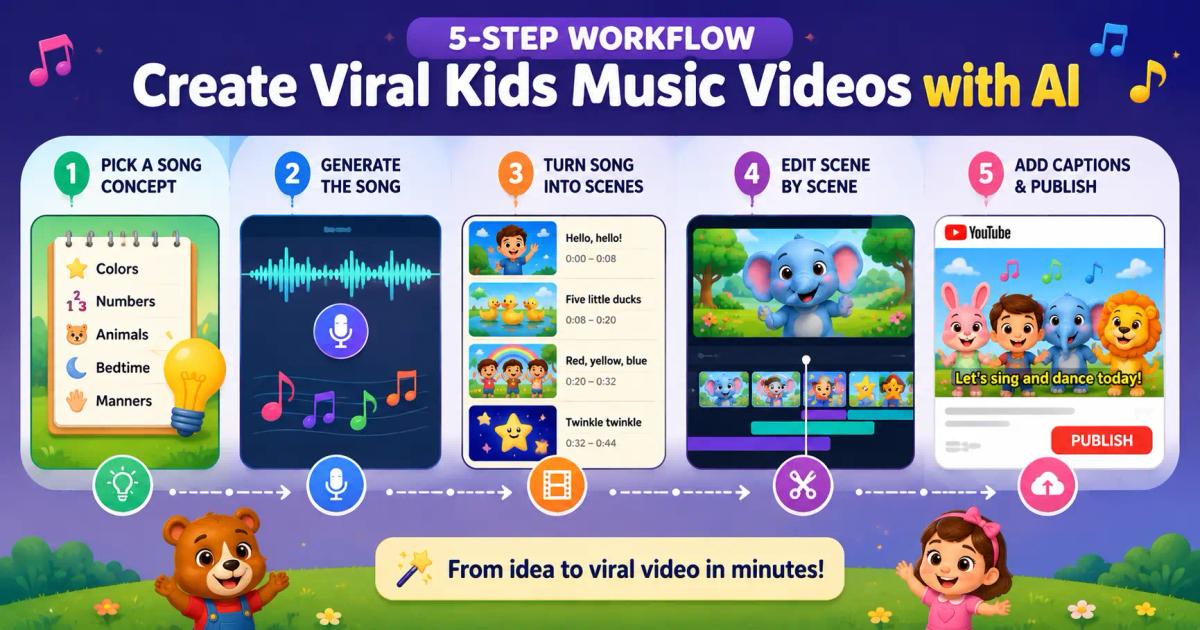
That same five-step loop covers how to make nursery rhyme videos with AI, how to make cartoon music videos, and how to make YouTube kids videos at scale. It's one repeatable system, not three.
Minutes, not days. Generating the song takes a few minutes, building the scenes takes a few more, and scene-level edits add maybe ten. A single creator can realistically finish a polished two-to-three-minute video in under an hour once they've done it a couple of times.
Compare that to traditional animation, which takes days of work and real production costs per clip, and the math behind daily faceless channels suddenly makes sense.
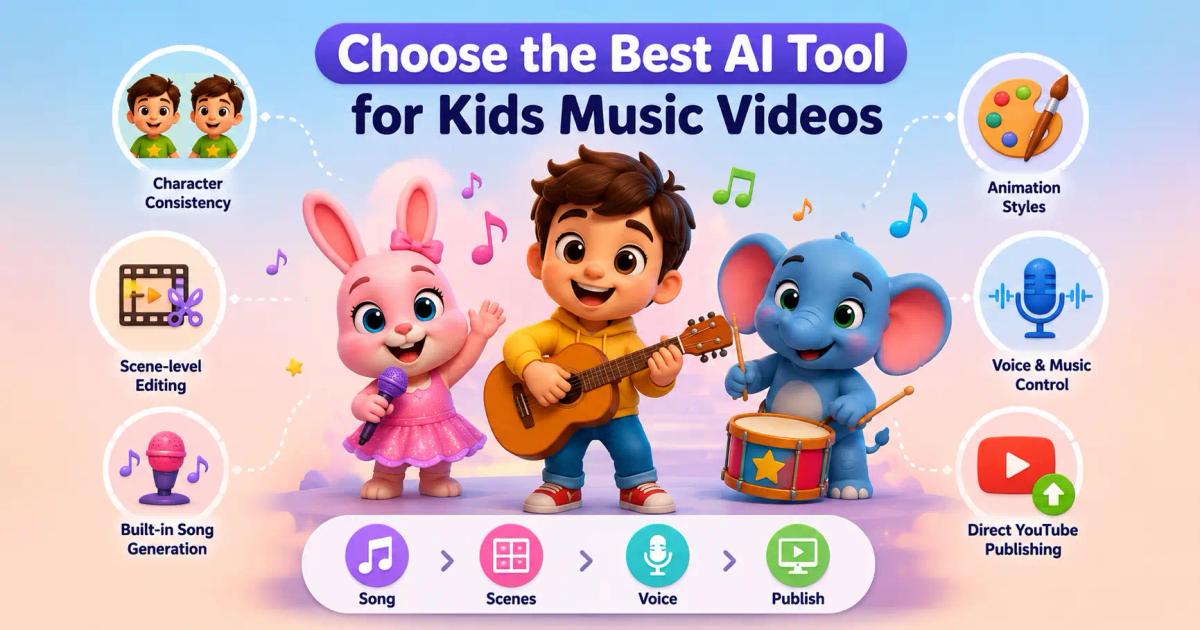
Not every tool fits this niche. When you compare options, judge them on the features that actually decide whether a kids video performs.
The best AI music video generator for this work is the one that bundles song, scenes, voice, and publishing into a single scene-first workflow. A general ai video generator for nursery rhymes or an ai cartoon generator for YouTube only helps if it gives you that per-scene control. Otherwise you're back to slow, all-or-nothing renders.
This is where expectations need a reality check, and understanding it makes you smarter than most beginners.
Kids content earns through YouTube ads, but there's a catch. Any video made for children must be labelled "made for kids" under YouTube's rules, which follow the FTC's COPPA regulations. Made-for-kids videos can't run personalized ads, so the ad rate (RPM) is lower than in adult niches, and comments are disabled.
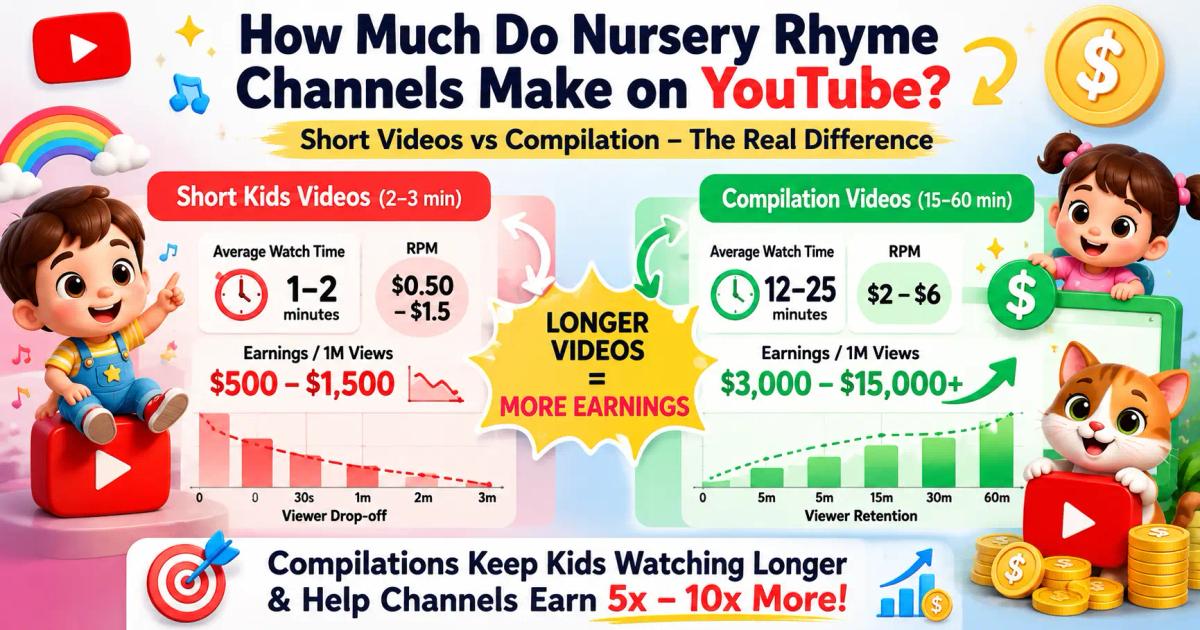
So how much do nursery rhyme channels make? Per view, less than a finance channel. But kids channels win on volume and watch time. Toddlers replay videos endlessly, and compilation videos can run 30 to 60 minutes, stacking ad slots. A made-for-kids RPM might be modest, but multiply it across millions of replays and long sessions and the totals add up.
Are kids music channels profitable, then? They can be, but the model is volume, consistency, and long-form compilations, not a few viral hits. A youtube automation kids channel that publishes ai YouTube kids videos on a steady schedule is playing the volume game on purpose.
One lever most beginners miss: language. Because the visuals are universal, the same animated video can be re-voiced into other languages and uploaded as a separate channel or playlist. Many AI tools generate voiceovers in 30-plus languages, so a single song concept can become a Spanish, Hindi, or Portuguese version with no new animation work, multiplying your library without multiplying your effort.
Since you never appear on camera, the channel concept matters more than your face. Strong faceless kids YouTube channel ideas tend to be narrow enough to build a brand around, but broad enough for endless episodes:
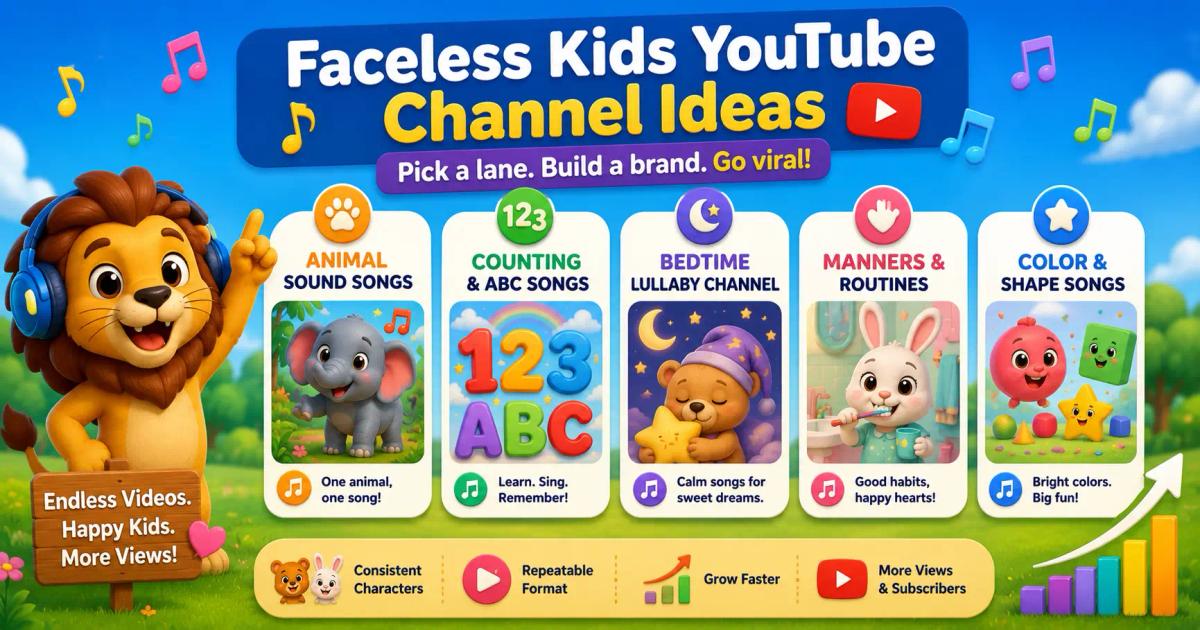
Pick one lane, design a recurring character, and produce that format on repeat. A focused kids music video maker channel with consistent characters grows faster than a scattered one, because parents and the algorithm both learn what to expect from you.
A few avoidable errors keep new channels stuck at zero:
Fix these five and you're already ahead of most of the niche.
The opportunity is simple: the audience is enormous, the format is proven, and the production cost just dropped to near zero. You no longer need animators, singers, or a budget. You need a repeatable workflow and the discipline to publish.
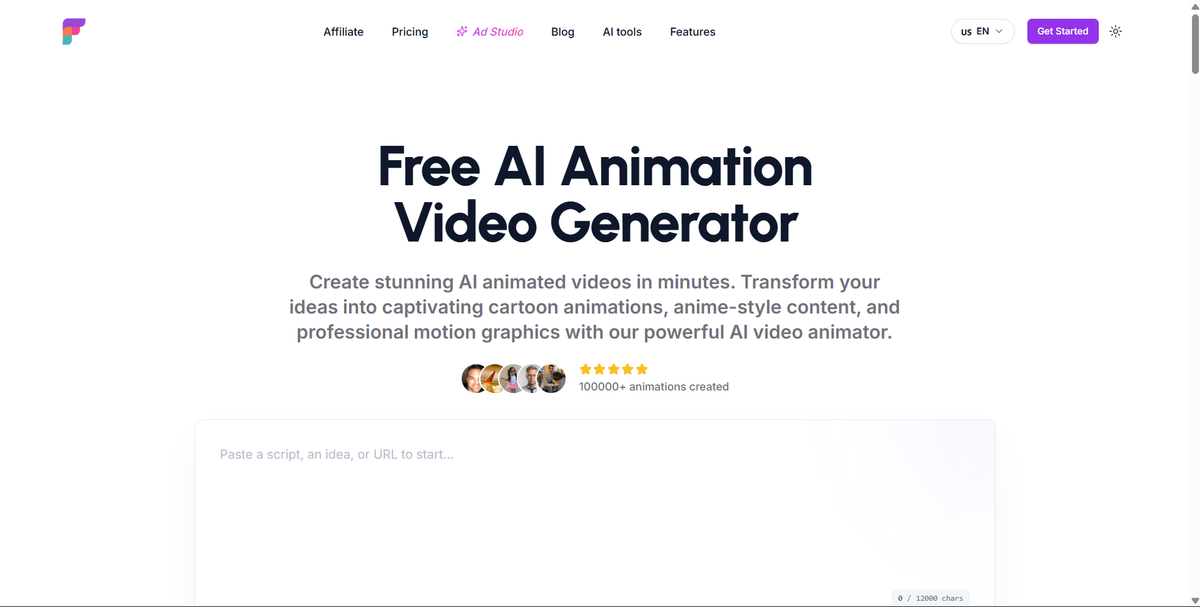
Frameloop gives you that workflow in one place. Generate the song, build the animated scenes, edit scene by scene, and publish to YouTube without leaving the tool. If you want to launch a kids channel without hiring a single person, try Frameloop's AI music video generator and ship your first video today.
Your first kids music video is one prompt away.

Got great video ideas but need help bringing them to life? Frameloop AI makes it easy to create professional faceless videos with AI-generated visuals, voiceovers, and editing.
Try Frameloop AI For Free