

Avinash Vagh
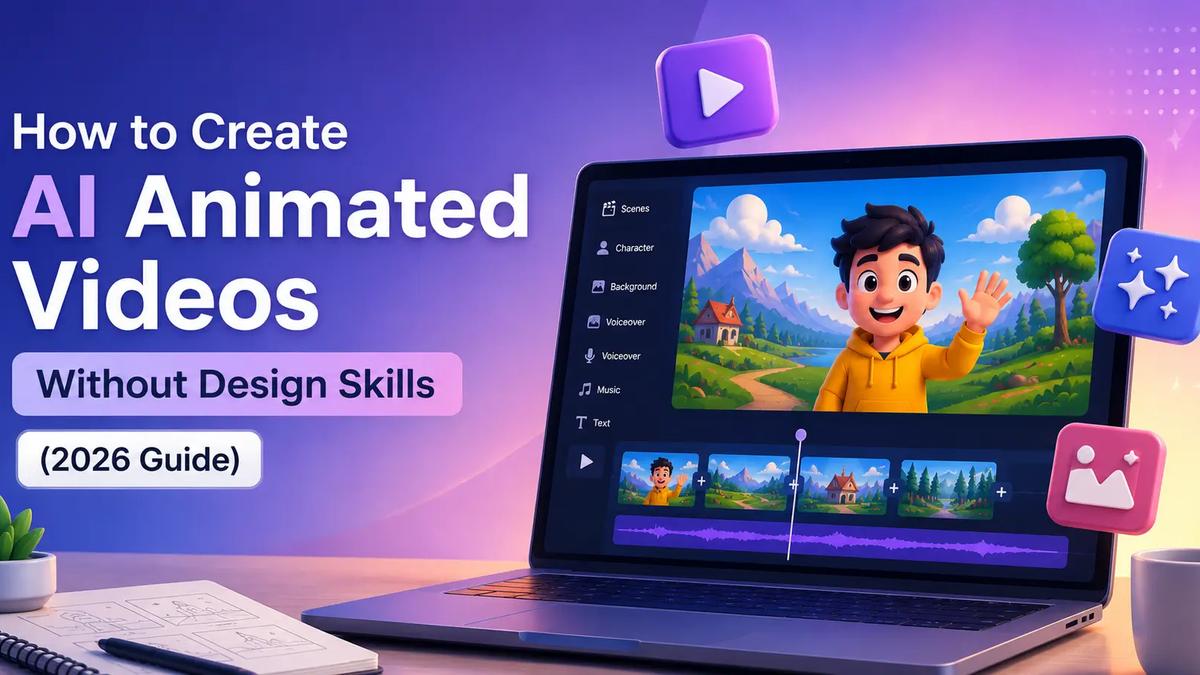
An AI animation video generator turns a text script into a fully animated video, no keyframing, no After Effects, no professional animator required. Frameloop's AI animation video generator breaks your script into scenes, generates animated visuals for each one, and lets you adjust any scene independently before exporting.
Most people assume animated video requires a designer. That assumption is costing creators and marketers thousands of dollars in outsourced production, and weeks of turnaround time they don't have.
The AI animation tools available in 2026 have collapsed that cost structure entirely. The question is no longer "can I make animated video without design skills?" It's "which tool gives me enough control to make it look like mine?"
Here's how to use an AI animation maker to produce professional animated videos, and what separates tools that give you real creative control from those that generate generic output you can't actually edit.
Key Takeaways
Traditional animation requires a human animator to draw, sequence, and time every visual element. That process takes days per minute of footage and demands expertise in tools like After Effects or Blender.
An AI animation video generator removes that bottleneck. You write or paste a script. The AI interprets each section, selects or generates matching animated visuals, syncs them to a voiceover, and produces a finished video, usually in under three minutes.
What you get at the output depends entirely on the tool's architecture.
Most AI animation tools generate one monolithic video from one prompt. If scene 3 is wrong, you regenerate the entire thing. If your hook doesn't land, you start over. This is the core limitation of prompt-only animation tools, they're fast until you need to change something.
Frameloop's approach is different. The scene-based editor treats every animated scene as an independent unit. Change scene 1's visual style. Keep scenes 2–8 exactly as they generated. No re-render. No starting from zero. Over 35,000+ creators use this approach to produce animated video at scale.
This structural difference, not prompt quality, not model selection, is what separates animation you can actually direct from animation that directs you.
The data on animated video performance is consistent across platforms.
According to Wistia's video engagement research, animated explainer videos retain audiences at roughly 20% higher rates than equivalent live-action content. Viewers watch longer, rewatch more, and engage more with animated formats, partly because animation removes the friction of recognizing faces and interpreting body language, letting the content itself carry the message.
For creators building faceless YouTube channels, animated video is a natural fit. You never appear on screen. Your character, or your AI-generated visual style, becomes the brand. A faceless creator using animated video can post daily without daily production effort.
Take Priya, a financial education creator who launched a Hindi-language YouTube channel in January 2026. She had no video background, no budget for animation, and no team. Using Frameloop's AI animation video generator, she produced 20 videos in her first weekend, each running two to three minutes, each with a distinct animated visual style, and each dubbed in both Hindi and English with one click. By April, her channel crossed 40,000 subscribers.
No face. No animator. No studio.
For marketers running paid ads, animated video solves the creative fatigue problem. When the same visual appears across 50 ad impressions, performance drops. With an AI animation maker, you can generate 10 variations of the same ad, same script, different animated visual style per scene, in under an hour.
This is the workflow for creating your first animated video using Frameloop's AI animation video generator. It takes about 15 minutes for your first video. By your tenth, you're under 10.
Open Frameloop and paste your script into the input field. If you don't have one, use the built-in AI script generator, type your topic, and the AI produces a hook-first short-form script optimized for YouTube Shorts, TikTok, or Instagram Reels.
One important note: write for scenes, not paragraphs. Each section of your script becomes one animated scene. A 90-second video typically runs four to six scenes. Hook, explanation, proof, CTA, that's a four-scene structure that works across almost every format.
Frameloop offers 15+ visual styles, including several animated treatments. Select from Frameloop's visual styles library to match your content's tone, clean and corporate for explainers, bold and illustrated for educational content, or cinematic for high-engagement YouTube content.
This is the step most tools skip. They assign one visual style to the entire video. Frameloop applies style at the scene level, meaning your hook can look different from your CTA. Same video, two visual treatments, more engaging to watch, and harder to skip.
This is where Frameloop's scene-based editor earns its place.
After the AI generates your animated video, review each scene independently. The hook visual doesn't match your script's energy? Click scene 1 and regenerate only that scene. The explanation scene runs too fast? Adjust scene 2's duration. The CTA needs a different animated style to drive action? Change scene 5, scenes 1 through 4 stay exactly as they are.
No AI animation tool with a timeline or prompt-only workflow lets you do this without restarting. That gap is the actual reason creators and marketers switch.
Frameloop generates AI voiceover from your script automatically. If you're targeting multiple audiences, switch the voiceover language per scene or per video, 32+ languages available in two clicks.
Only 17% of internet users speak English as their primary language. A creator who produces animated video content in Spanish, Hindi, and Portuguese alongside English is reaching an audience four times larger, without four separate production runs.
Click export. Your animated video downloads as an MP4, no watermark, even on the free tier. Share directly to YouTube Shorts, TikTok, Instagram Reels, or LinkedIn.
The whole process, start to finish: 15 minutes.
Ready to create your first animated video? Start free at Frameloop.
Creators searching for an AI cartoon generator and those searching for an animated video generator are usually looking for the same thing, AI-generated video with a stylized, non-realistic visual treatment.
The distinction:
Frameloop handles both. When you select a visual style, you're choosing the animation treatment for each scene. Cartoon styles produce illustrated characters and stylized backgrounds. Cinematic animation styles produce more photorealistic motion, suited for product demos and brand stories.
Most creators don't need to choose strictly between them. A YouTube explainer might open with a cartoon-style hook (high visual contrast, fast to grab attention) and shift to a cinematic animation style for the detailed explanation. Scene-based editing makes this possible in a single video.
Animated video created with AI isn't a niche use case anymore. Here's where creators and marketers are deploying it:
Faceless YouTube channels, animation is the cleanest faceless format. No talking head to frame, no background to clean up. Script, generate, adjust, export. 40% of the fastest-growing YouTube channels in 2025 are faceless. Many run animated formats. See how to build a faceless YouTube channel with AI for the full channel setup guide.
Product explainers, a two-minute animated explainer communicates a product's workflow faster than a demo recording. Software companies, SaaS products, and eCommerce brands use animated explainers as evergreen landing page content.
Social media short-form ads, animated video ads maintain attention better than static images and cost significantly less than live-action production. A performance marketer running Meta or TikTok ads can generate 20 animated ad variations in one afternoon.
Educational content, data visualizations, process explanations, and step-by-step tutorials translate naturally to animation. Educators on YouTube and online course platforms use animated video to explain abstract concepts that photos can't capture.
Internal communications and training, companies producing onboarding videos, process tutorials, and compliance training have replaced freelancer-produced animation with AI animation generators. The AI video market is projected to reach $44B by 2034 at a 46% compound annual growth rate, a large fraction of that growth is enterprise adoption of AI-generated animated content.
Marcus, a SaaS content lead at a mid-size B2B company, switched from outsourcing animated explainer videos to using Frameloop in Q1 2026. His team was spending $1,200 per video and waiting two weeks per delivery. After switching to Frameloop, they produce three to five explainer videos per week internally, at $39/month total. The quality difference, in his words: "I can actually change the third scene when legal comes back with revisions. I couldn't do that before without starting the whole order over."
Traditional animation outsourcing costs $500–$2,000 per finished minute. AI animation generators have reduced that to near zero. The shift isn't coming, it's already here.
What separates a professional-looking AI animated video from generic AI output isn't the model. It's scene-level control. The ability to change what's wrong in scene 3 without undoing what's right in scenes 1, 2, 4, and 5.
Frameloop's AI animation video generator gives you that control, in a browser, in under 15 minutes, with no animator, no designer, and no credit card.
35,000+ creators are already using it. The free tier gives you the full workflow with no watermark on exports.

Got great video ideas but need help bringing them to life? Frameloop AI makes it easy to create professional faceless videos with AI-generated visuals, voiceovers, and editing.
Try Frameloop AI For Free