

Avinash Vagh
Best Free AI Image to Video Tools 2026 are changing how creators turn static visuals into motion. What used to require editing skills, expensive software, and hours of work can now be done in minutes using a free AI image to video converter.
If you’ve been exploring AI image to video 2026, you’ve probably noticed the shift. Tools are no longer just demos, they’re actually usable. You upload an image, describe motion, and the system generates a video. No timeline editing. No After Effects. No learning curve.
Most tools today function as a free image to video AI generator, helping creators produce short-form content, ads, and social clips faster than ever. But not everything labeled “free” is truly useful. Some tools limit output quality. Others add watermarks or restrict usage through credits.
This guide breaks down the best free AI image to video generators, what they’re good at, where they fail, and how to choose the right one based on your workflow.
An image to video AI generator is a tool that converts static images into dynamic video content using machine learning models trained on motion, depth, and scene understanding.
Instead of manually animating visuals, these tools:
In simple terms, they convert images to video AI 2026 workflows without requiring editing skills.
Most modern platforms combine:
This is what makes AI image video conversion free tools so accessible today.
The demand for AI convert images to video tools is not random. It’s driven by how content works today.
Static images don’t perform like they used to. Video dominates:
Creators need volume. And traditional production can’t keep up.
Using a free AI image to video converter, you can:
This is why queries like:
are growing fast.
Most people compare tools based on hype. That’s the wrong approach.
When evaluating the best free AI image to video 2026 tools, focus on:
Does the movement look natural or robotic?
Does your subject stay stable across frames?
Is the video usable or just experimental?
Credits, watermarks, export quality, these matter more than features.
A tool can claim to be the best free AI image to video generator, but if the output isn’t publishable, it’s useless.
Kling 3.0 stands out for Hollywood-style physics, natural human motion, liquid/smoke simulation, and longer clips (up to 3 minutes in some modes). Upload a high-res image, describe camera movement or action, and it extends scenes with impressive consistency.
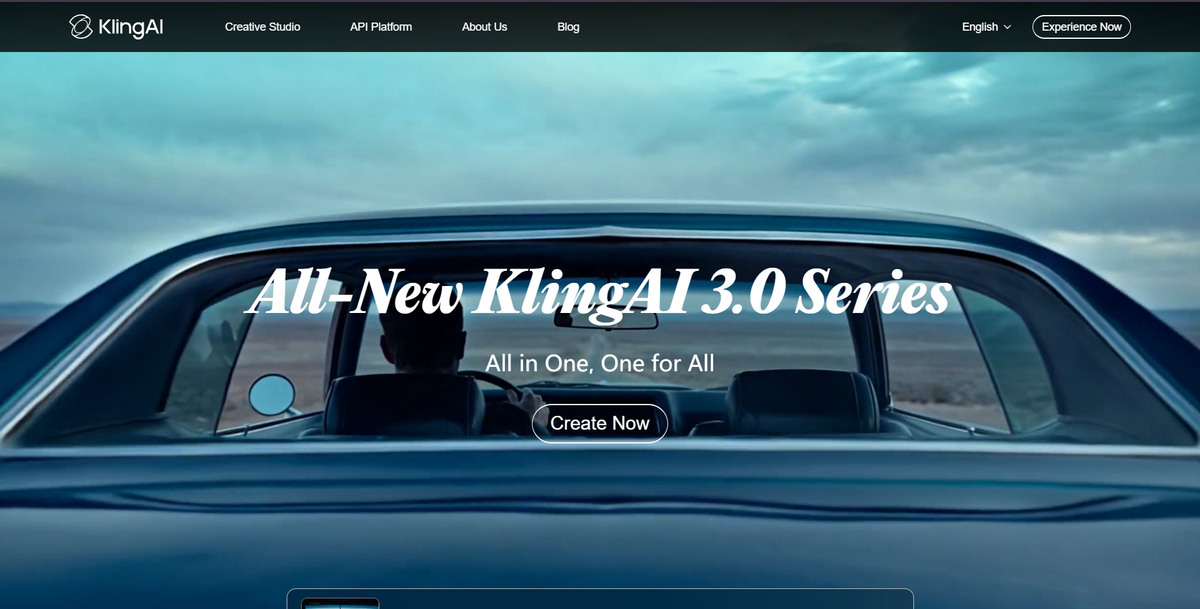
Free tier: ~66 daily credits (refreshes every 24 hours) roughly 5–6 short clips. No subscription needed for basics. Web/mobile app access at klingai.com. Often no visible watermarks on free exports (invisible tracking like SynthID may apply).
Strengths for creators: Excellent for Reels with depth and narrative flow. Marketers love it for product promos with realistic interactions.
Drawbacks: Credit system limits heavy daily use; occasional queues.
Best for: Ads, social content, storytelling. Content creators and marketers wanting pro-looking output without editing.
WAN is closer to a professional AI software image video converter. WAN (especially 2.6) excels at photorealistic motion, multi-shot narratives, native audio sync, and identity preservation. It handles complex scenes with accurate physics and can generate 10–15 second clips with seamless transitions.
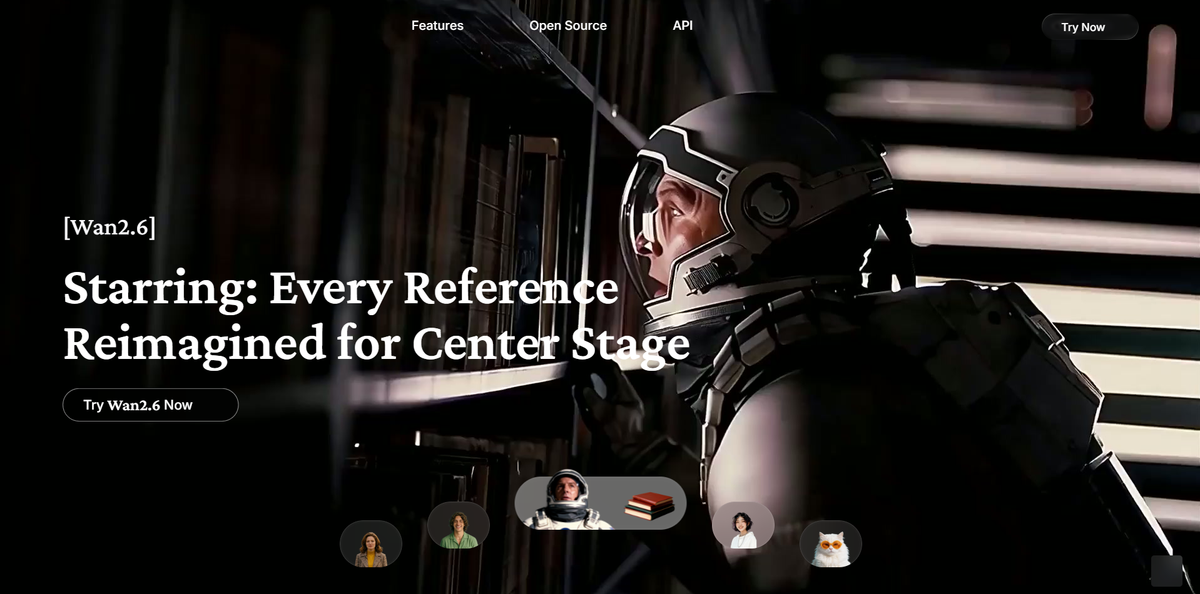
Free tier: Unlimited if run locally via ComfyUI/Hugging Face (requires decent GPU, ~24GB VRAM recommended). Cloud versions offer daily credits or free API tiers on platforms like wan.video or aggregators. Open-source roots make it highly customizable.
Strengths: Scalable for advanced users; great for long-form potential and e-commerce (product animations). No recurring costs locally.
Best for: Tech-savvy freelancers or those scaling content. WAN 2.2 is noted as a strong open-source baseline.
Drawbacks: Local setup has a learning curve; web versions may have limits or paid upgrades for higher res.
If you want to convert images to video AI 2026 workflows at scale, this is one of the best options.
Hailuo shines in realistic human/character movement, micro-expressions, and physics. Image-to-video mode animates stills with natural dynamics.
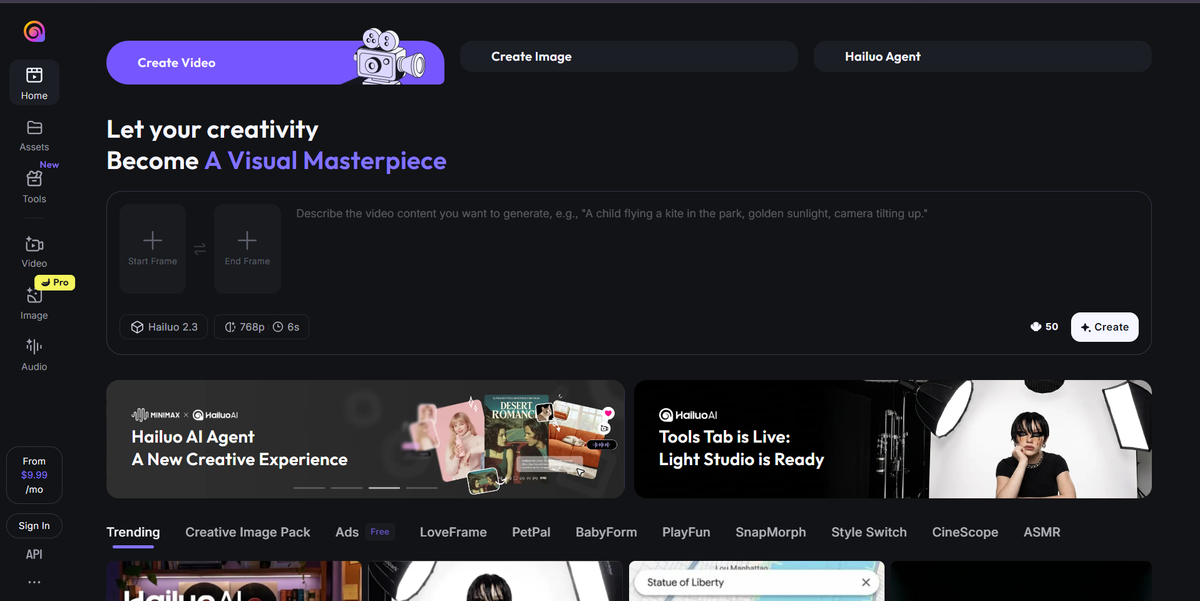
Free tier: Daily login/trial credits (several generations per day). Accessible via hailuoai.video or partners like Media.io.
Strengths: Fast, beginner-friendly; strong for storytelling clips.
Drawbacks: Shorter clips (~6 seconds); daily resets.
Best for: Beginners and quick social media tests.
A good choice if you’re testing AI image video conversion free tools for the first time.
DeeVid’s Image to Video AI is a strong option if you want image-to-video generation without locking yourself into a single model ecosystem. DeeVid’s image-to-video workflow is straightforward: upload one or more images, let the AI animate them with motion like zooms, pans, or transitions, and then enhance the result with style, layout, or background music adjustments. The broader platform also gives users access to multiple major image and video models in one place, including Veo 3.1, Sora 2, Kling, Runway, Wan 2.1, Vidu, Luma, and Pika, which makes it useful for creators who want to test different looks without switching tools.
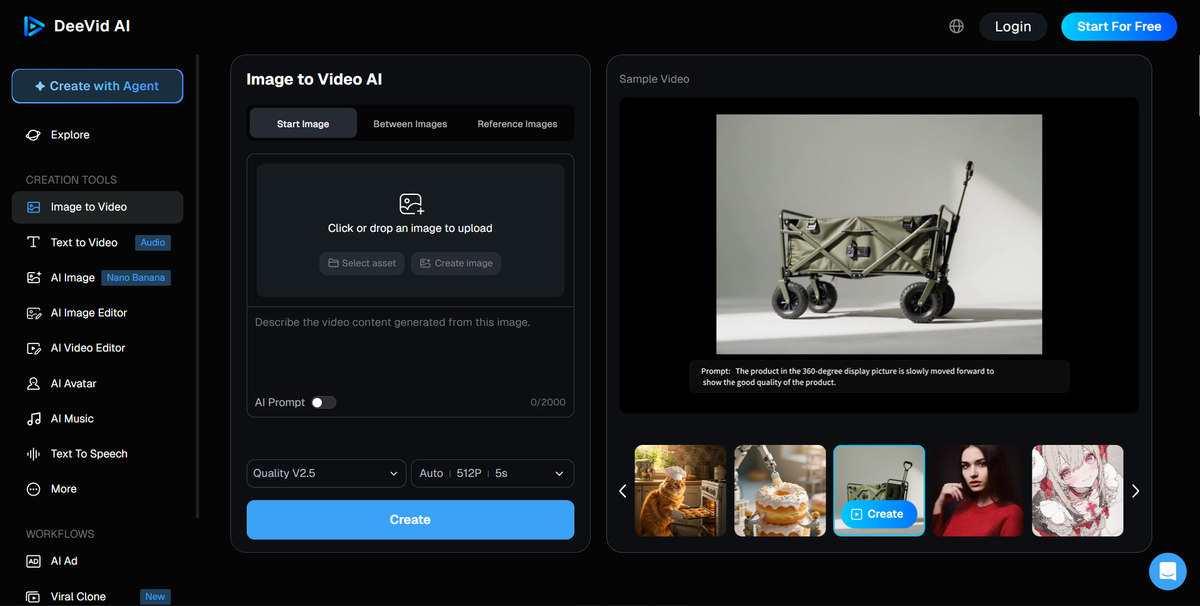
Free tier: DeeVid is positioned as Start For Free, which makes it easy to test the workflow before upgrading. The public generator UI also shows a 5-second default output in the AI Video Generator, so it fits short-form testing well.
Strengths: Easy browser workflow, multiple top-tier models in one place, support for image/video/audio reference inputs, and a broader toolset that also includes video-to-video, AI ads, avatars, and audio tools.
Drawbacks: DeeVid’s public pages do not clearly spell out the exact free-tier limits or whether free exports carry watermarks. The platform also feels more focused on fast generation and model choice than on deep scene-by-scene editing.
Best for: Creators and marketers who want a simple image-to-video workflow plus access to several leading models in one browser-based platform.
Pika offers quick generations with fun effects (Pikaffects), loops, and motion brushes. Good for artistic or meme-style animations from images.
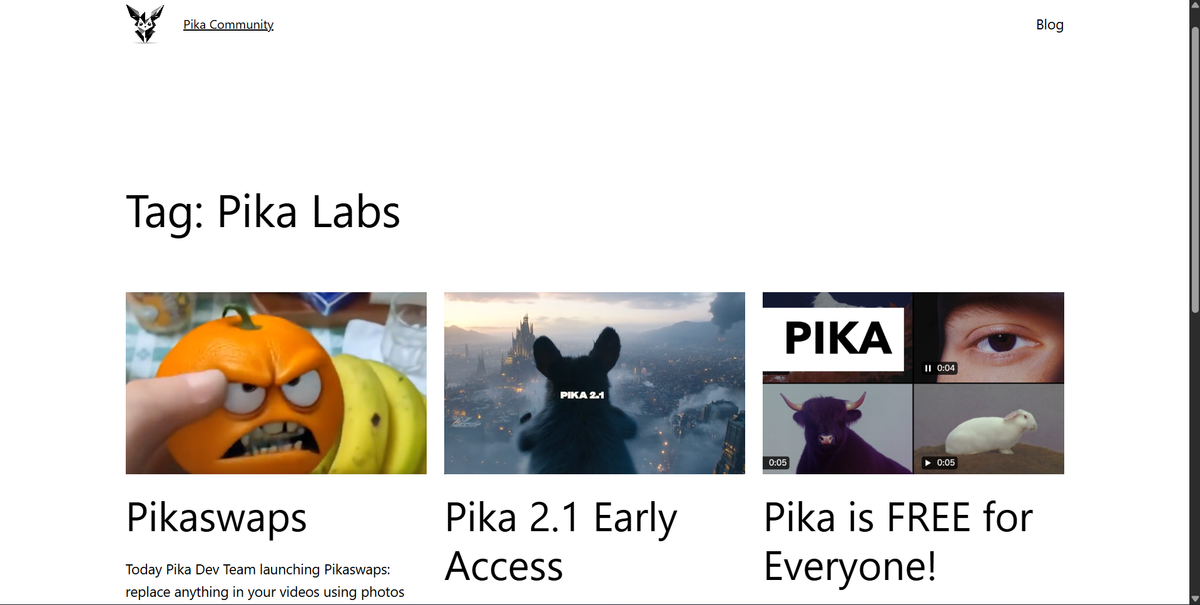
Free tier: Generous monthly credits (e.g., 80+) or daily allowances; some watermark-free options reported.
Strengths: Simple UI, fast turnaround; ideal for TikTok/Reels with creative flair.
Drawbacks: More stylized than pure photoreal; may need paid for heavy use.
Best for: Reels, TikTok. Meme pages, storytelling creators, and social-first marketers.
It’s a solid free image to video AI software for creators focused on social content.
Luma turns images into immersive videos with great camera movements, depth, and artistic flair.
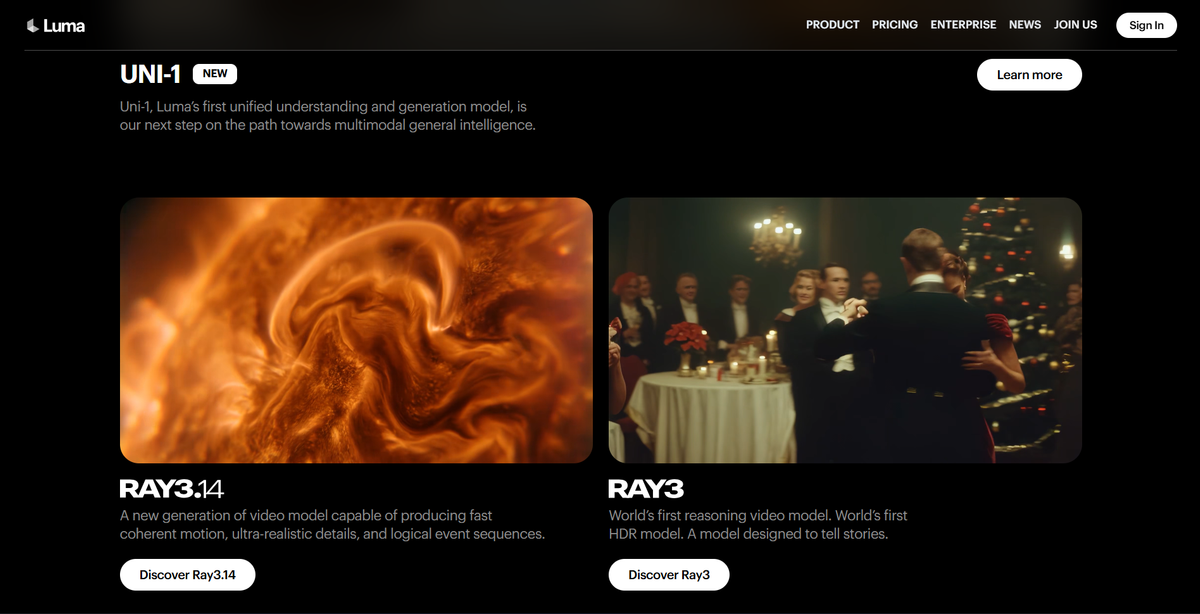
Free tier: ~30 monthly renders or limited daily use.
Strengths: Parallax effects and cinematic feel; good for creative storytelling.
Drawbacks: Slower on free tier; caps apply.
Best for: Hobbyists and artistic content creators.
Veo 3.1 delivers strong scene understanding, natural extensions from images, 4K support in some modes, and native audio/video sync. Reference images guide character/style consistency.
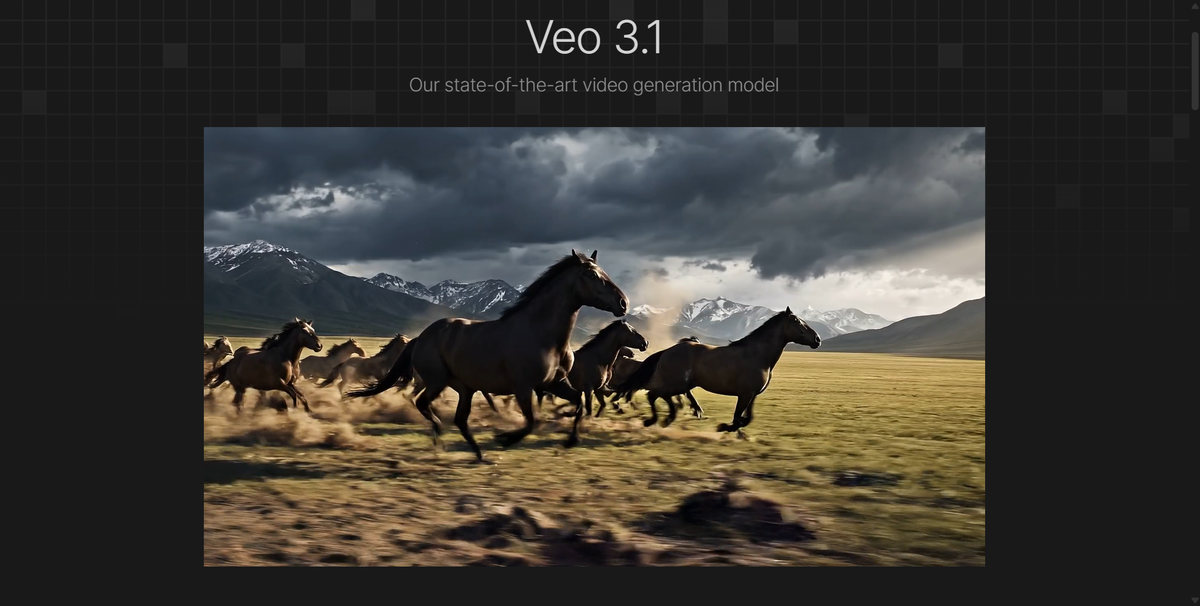
Free tier: Varies, generous for students (12-month access), limited daily/monthly via Gemini, AI Studio, or Vids (e.g., 10 generations/month for personal accounts). Aggregators often provide trial access. Available in many regions, including India.
Strengths: Excellent for synced, narrative-driven clips; vertical formats for mobile.
Drawbacks: Access can be account/region-dependent; not always unlimited.
Best for: Students, educators, or marketers needing polished promos.
More experimental, but important in the AI image to video 2026 space.
Seedance 2.0 supports up to 9 images + audio/video references for multi-shot videos with strong identity retention and lip-sync potential.
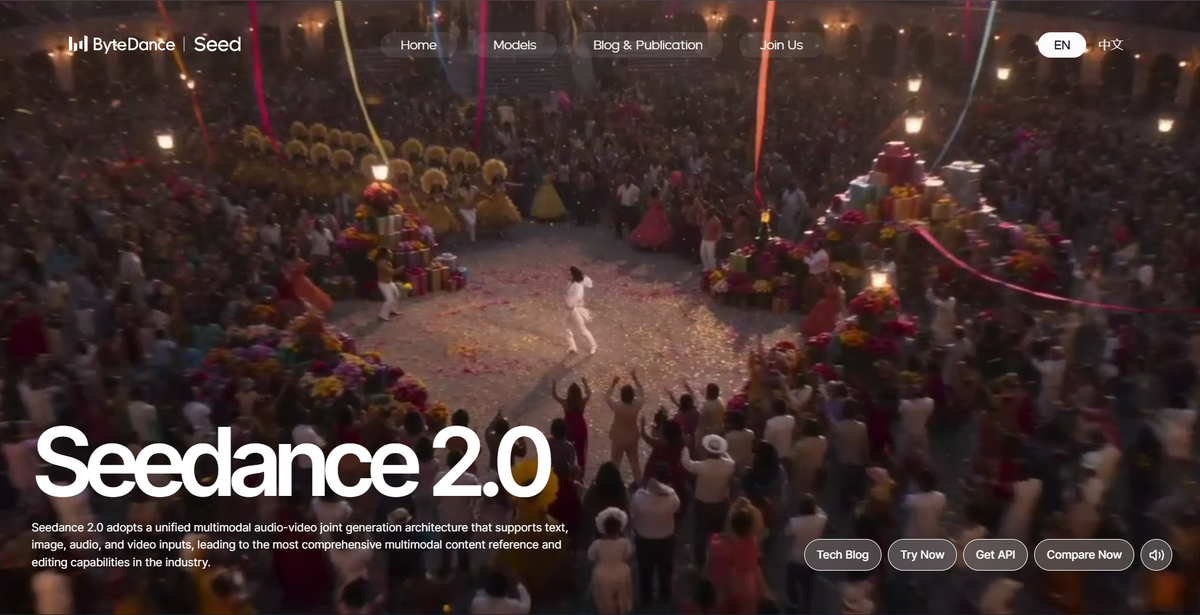
Free tier: 5–10 daily credits on platforms like seed.bytedance.com or aggregators.
Strengths: Keeps faces/subjects stable; great for narratives or talking-style extensions.
Drawbacks: Credit limits; best with good references.
Best for: Character-focused or storytelling content.
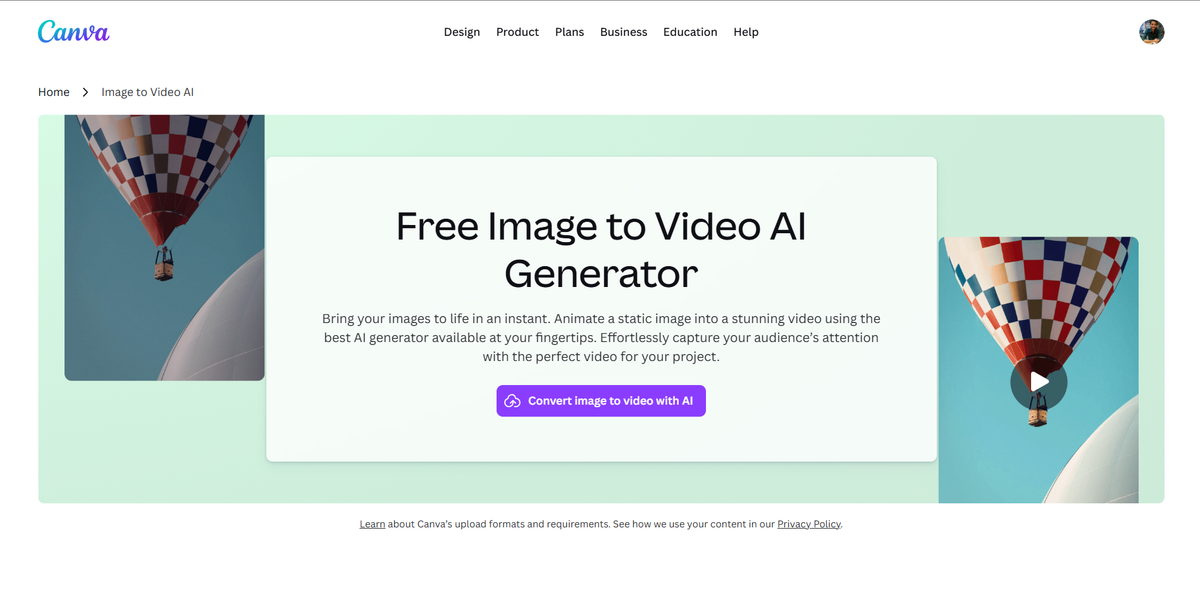
Super simple, free tier available (limited AI uses/month). Ideal for beginners adding motion to designs/graphics. No advanced realism, but ready-to-post with built-in editor. Great for quick social assets.
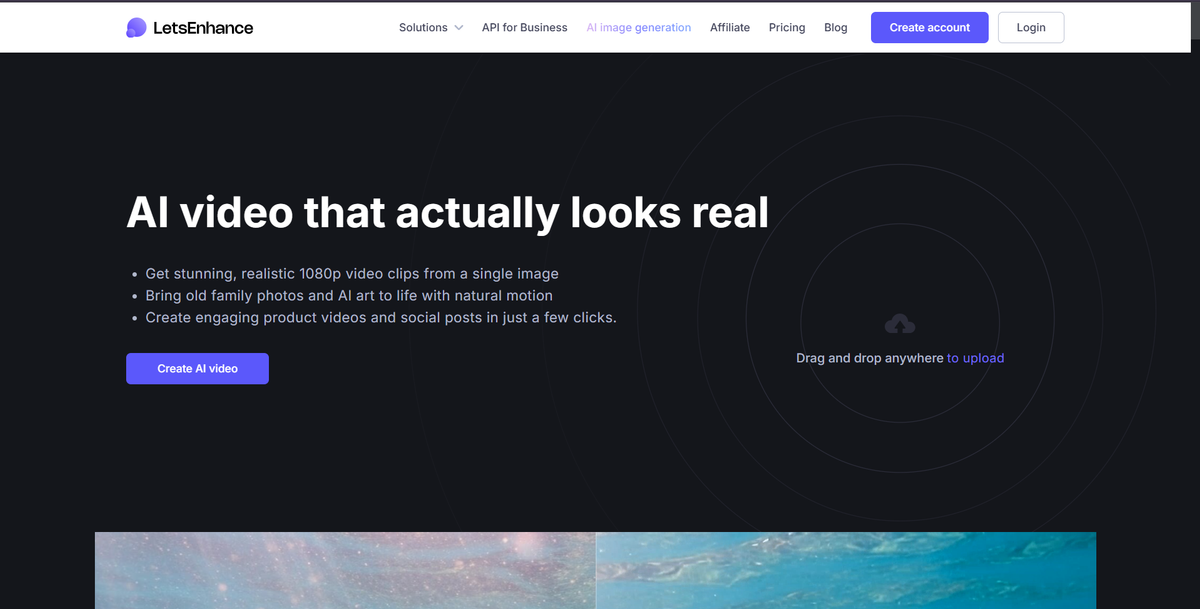
Focuses on realistic 1080p clips from portraits/products/art. Paid plans start low (~$9/mo), but strong for avoiding uncanny valley. Good for e-commerce or family photos.
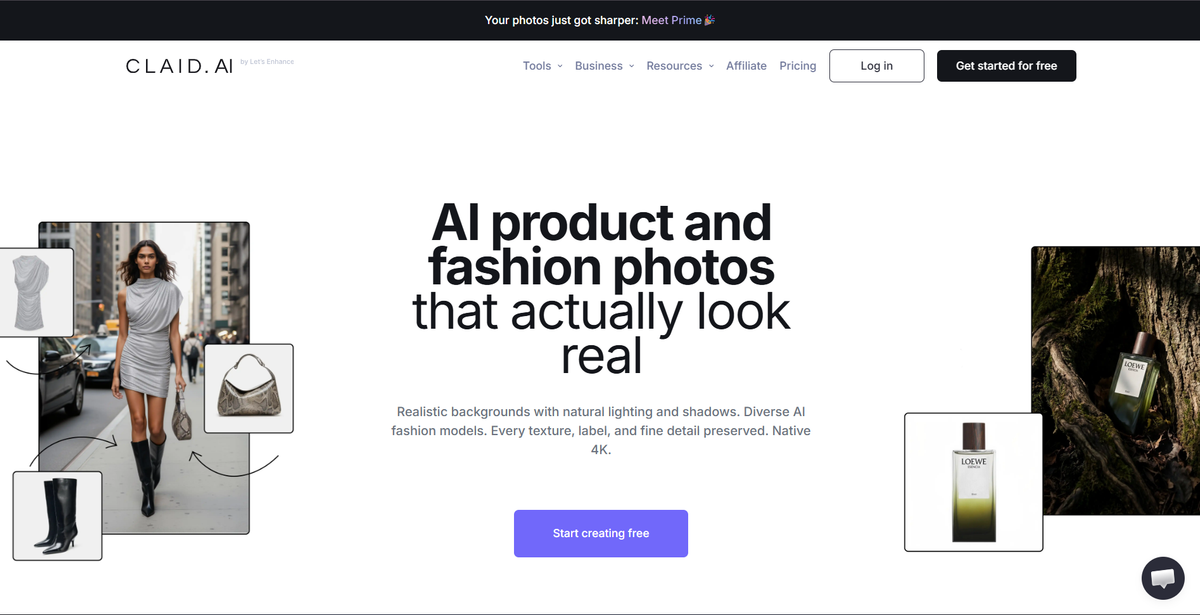
Excellent for product/fashion animations—preserves details, logos, and textures while adding camera moves. API-friendly for bulk; free trials available. Perfect for marketers.
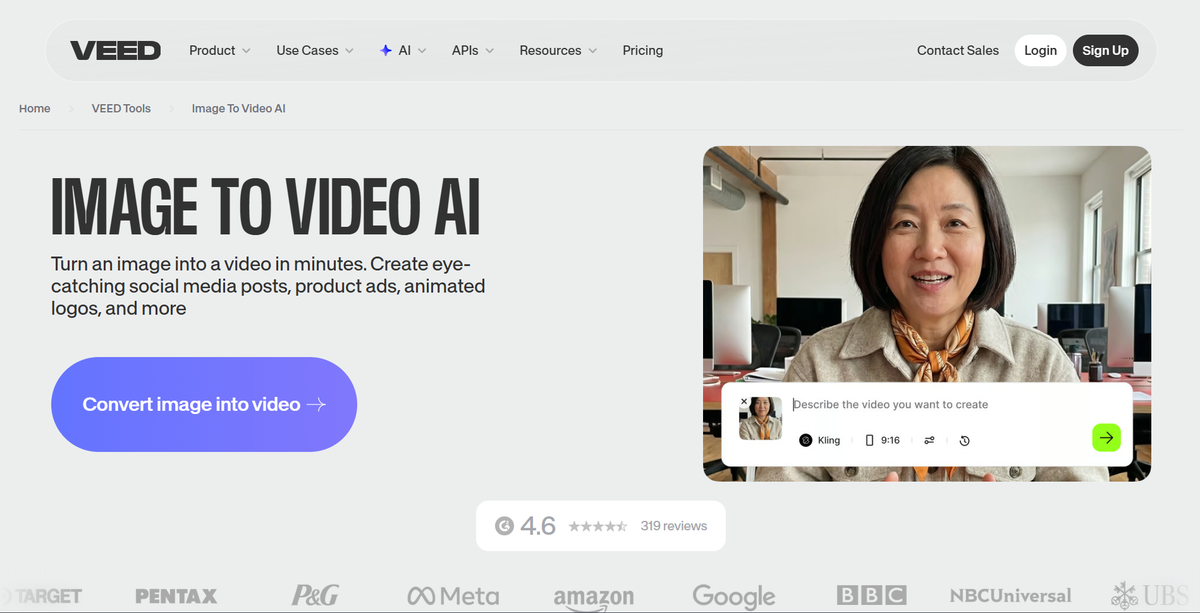
Free to try; multiple models (including Veo/Seedance). Integrates editing, captions, and exports. Good all-in-one for social content.
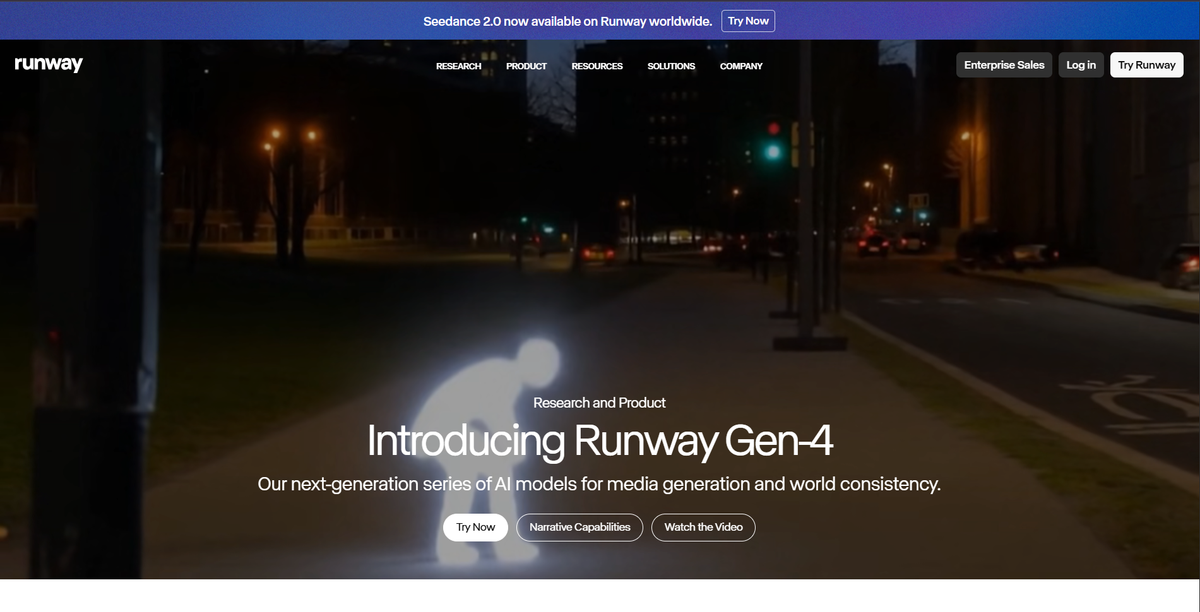
Advanced controls and scene expansion; 125 one-time free credits. Strong but credits deplete fast.
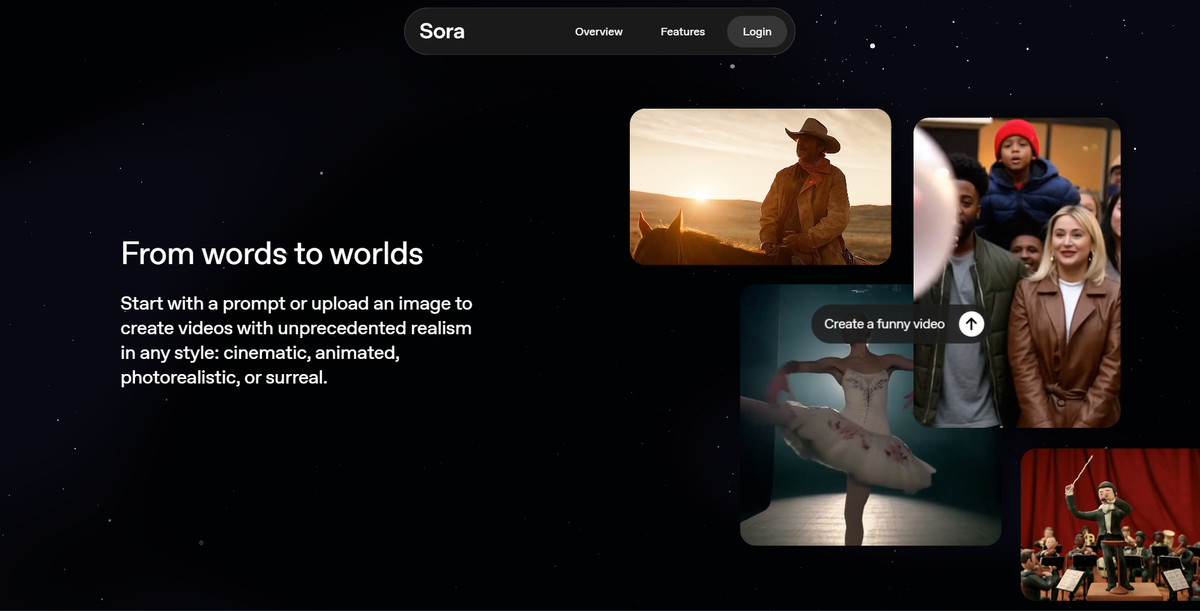
Narrative strength and realism; access via ChatGPT or aggregators with varying free limits.
BIGVU Portrait to Video, Hedra, HeyGen (Photo Avatar), D-ID. Upload photo + script/voice for lip-synced output. Some free tiers; BIGVU and HeyGen often praised for natural motion. Useful for faceless creators or explainer videos.
Aggregators (WaveSpeedAI, Overchat AI, Higgsfield, EaseMate): One-stop access to Kling, WAN, Veo, Sora, etc., with signup credits. Excellent for testing without multiple signups.
| Tool | Free Tier Highlights | Best For | Clip Length | Realism | Ease of Use | Watermark? |
|---|---|---|---|---|---|---|
| Kling 3.0 | 66 daily credits | Cinematic/physics | Up to 3 min | Very High | High | Usually none |
| WAN 2.6/2.2 | Unlimited local; daily cloud credits | Photorealism & scale | 10-15s+ | High | Medium | None (local) |
| Hailuo 2.3 | Daily credits | Fluid motion | ~6s | High | High | Varies |
| DeeVid AI | Start for free; multi-model image-to-video workflow | Multi-model testing, creator workflows, ads, short-form content | Short clips / 5s default in generator UI | High | High | Removed for paid tiers |
| Pika 2.2+ | Monthly/generous credits | Creative/stylized | Short loops | Medium-High | Very High | Sometimes |
| Veo 3.1 | Student/daily/Gemini limits | Audio sync & scenes | Variable | Very High | High | Minimal |
| Luma Dream Machine | ~30 monthly | Artistic depth | Variable | High | High | Varies |
| Seedance 2.0 | 5-10 daily credits | Character consistency | Short-multi | High | High | Varies |
| Canva | Limited AI uses (free plan) | Beginners/simple | Short | Medium | Very High | None |
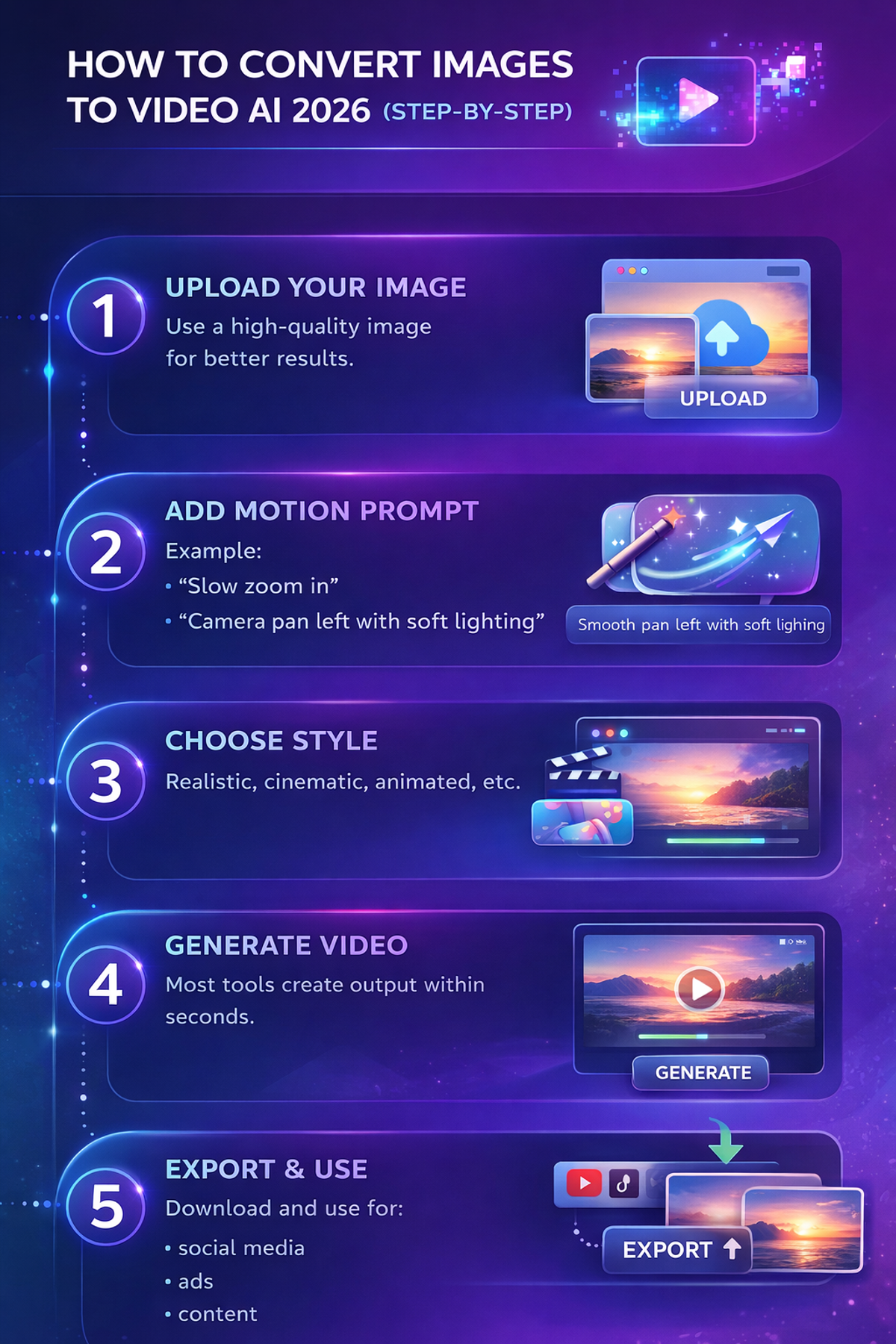
Here’s a simple workflow:
Use a high-quality image for better results.
Example:
Realistic, cinematic, animated, etc.
Most tools create output within seconds.
Download and use for:
This is how modern AI convert images to video workflows operate.
Even the best free AI image to video generators have limitations.
Some tools add branding.
Many limit output to 5–10 seconds.
Subjects may change between frames.
Daily limits restrict heavy usage.
Understanding this helps you choose the right image to video AI generator.
Turn static posts into engaging videos.
Test multiple creatives quickly.
Scale content production.
Animate product images without filming.
Start with quality inputs: High-res, well-lit images yield better motion and consistency.
Craft detailed prompts: Specify motion (“slow pan right, wind blowing hair”), camera (“dolly zoom”), style, and duration.
Test multiple tools: Use aggregators to compare outputs side-by-side.
Handle limitations: Generate variations quickly on free tiers; upscale/edit in Canva/VEED if needed.
For scale: Local WAN setups or paid plans for bulk. Focus on commercial rights if monetizing.
Avoid pitfalls: Watch for artifacts in complex scenes; iterate prompts. High-quality images reduce “AI trash” look.
There’s no single winner, it depends on your needs:
For most creators and marketers, start with Kling or Hailuo on free credits, then move to WAN locally or paid for scale. Quality has jumped, outputs often look professional enough for social/ads if prompts are refined.
The rise of Best Free AI Image to Video Tools 2026 is not just a trend, it’s a shift in how content is created.
You don’t need:
You just need:
Start with one tool, test outputs, and refine your workflow. That’s how you actually get results.
AI image-to-video tools make it easy to turn static images into videos in minutes. The best tools balance speed, realism, and usability, helping creators produce content at scale without complex editing.
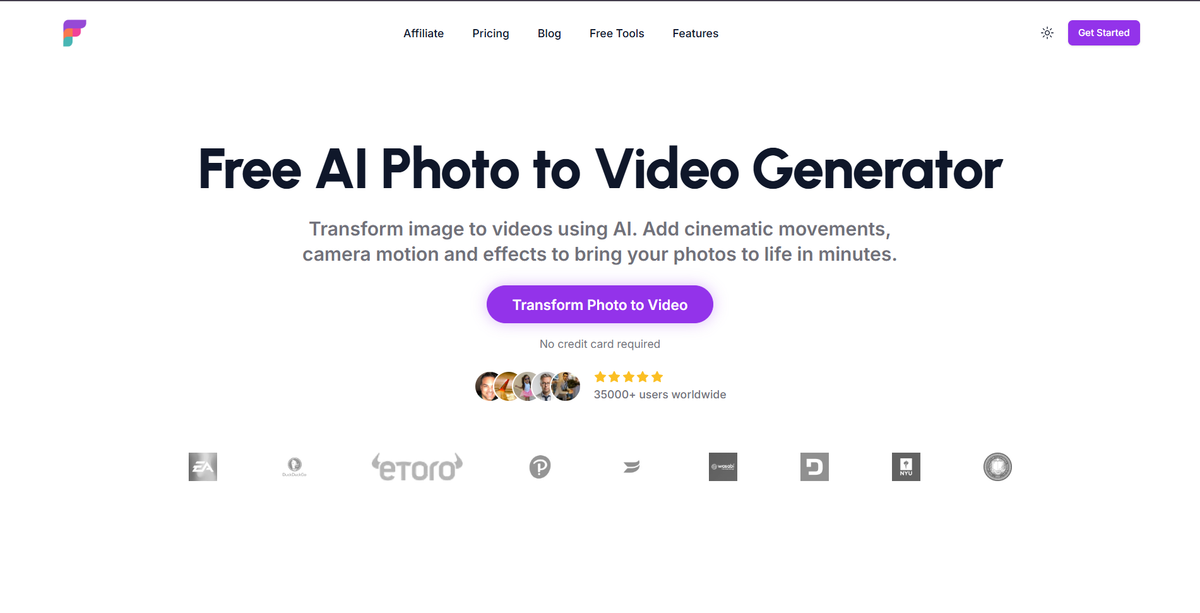
Most tools will generate a video for you.
But very few let you actually control how each scene looks and feels.
That’s where Frameloop is different.
With its scene-based editor, consistent visuals, and AI-powered workflow, you don’t just convert images to video, you direct the final output.
If you're serious about creating content that actually performs, not just more AI output, it’s worth trying.
Start creating with Frameloop for free.
Or explore how photo-to-video workflows work here.
You’ll know within minutes if this is the upgrade your workflow needed.

Got great video ideas but need help bringing them to life? Frameloop AI makes it easy to create professional faceless videos with AI-generated visuals, voiceovers, and editing.
Try Frameloop AI For Free