

Avinash Vagh
Short-form video is brutal now.
You are not just competing with creators. You are competing with creators using AI, brands using AI, faceless channels using AI, and platforms themselves adding AI creation tools directly into the feed.
That is why choosing the right ai video generator for shorts matters more than ever.
YouTube says Shorts now average more than 200 billion daily views, which means the opportunity is massive, but the competition is just as massive. Instagram Reels is also one of the most important discovery formats for creators and brands, especially in markets like India where Meta says Reels is a leading short-form video platform.
But here is the catch.
The best AI Shorts tool is not the one that creates the most videos. It is the one that helps you create videos people actually want to watch.
Because YouTube is also getting stricter about repetitive, mass-produced, and inauthentic content. In July 2025, YouTube updated its monetization language to clarify that repetitive or mass-produced content is not eligible for monetization under its originality standards.
So the real question is not:
“Which AI tool can generate a Short?”
The real question is:
Which AI video generator helps you create Shorts and Reels fast without turning your channel into generic AI slop?
That is exactly what this ranking answers.
The best AI video generator for Shorts in 2026 is the tool that combines fast short-form creation, vertical video formatting, strong captions, visual consistency, and enough editing control to avoid generic output.
For most creators, that means the winner should not be a fully hands-off tool. Full automation sounds attractive until every video looks like everyone else’s.
For YouTube Shorts and Instagram Reels, you need four things:
A strong hook in the first 1-3 seconds
Fast pacing
Visual consistency
Human refinement before publishing
That last part matters more than people admit.
A fully automated AI Shorts generator can help with quantity. But Shorts and Reels are not just volume games anymore. The channels that last are the ones that build repeatable formats, test hooks, improve weak scenes, and create a recognizable visual identity.
That is why Frameloop is ranked #1 in this guide.
Frameloop is built for creators and marketers who want to generate short-form videos quickly, but still control the final result. The platform’s AI Reel Generator creates short-form videos with automated editing, captions, effects, and music. Frameloop also supports cinematic shorts, ads, stories, promos, tutorials, and faceless videos through a scene-based editor where users can control visuals, voiceovers, captions, effects, and more.
The best AI Shorts workflow in 2026 is not “generate and pray.” It is generate, edit scene by scene, test variations, and publish the strongest version.
We ranked these tools based on how useful they are for YouTube Shorts, Instagram Reels, TikTok videos, faceless channels, social content teams, and creators who want repeatable short-form output.
The ranking is not based on who has the most features on a pricing page. A tool can have 200 features and still be bad for Shorts.
Here is the scoring logic:
| Ranking Factor | Why It Matters |
|---|---|
| Short-form workflow | The tool must support vertical video creation for Shorts, Reels, and TikTok. |
| Original creation | The tool should create new videos from prompts, scripts, ideas, or assets. |
| Repurposing ability | Some creators need to turn long videos into Shorts. |
| Scene-level control | Creators need to fix weak scenes without regenerating everything. |
| Captions and pacing | Shorts need fast subtitles, clean timing, and strong retention. |
| Batch creation | Serious creators need multiple variants, not one video at a time. |
| Faceless creator support | Faceless channels are a major use case for AI Shorts. |
| Brand consistency | Repeated styles, characters, colors, and formats help channels stand out. |
| Pricing and free trial | Creators need to test output before committing. |
| Monetization safety | Human-in-the-loop editing helps avoid repetitive, low-effort AI output. |
Frameloop’s internal competitive research also shows why control is a meaningful differentiator. In the comparison matrix, Frameloop is identified as the only tracked platform with a dedicated scene-based editing approach, while most competitors focus on automation, prompt generation, or long-video clipping.
That is the main lens for this article.
Automation is useful. But control is what keeps your content from becoming disposable.
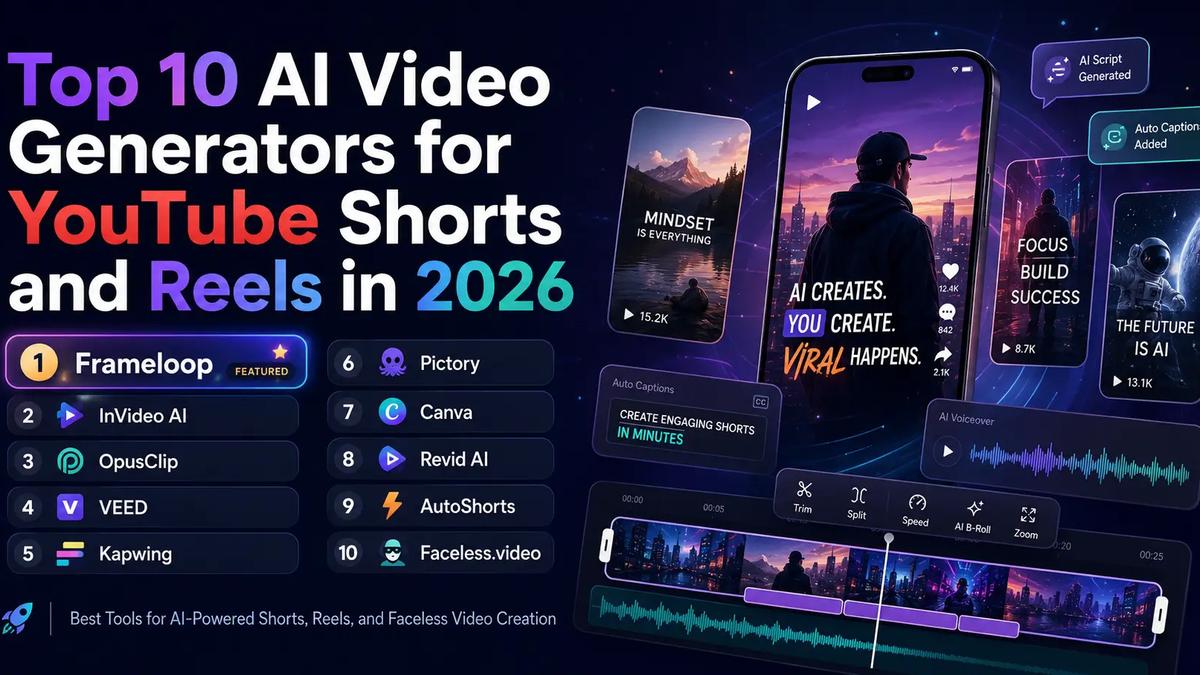
| Rank | Tool | Best For | Create From Prompt | Repurpose Long Videos | Scene-Level Control | Auto-Posting | Best User |
|---|---|---|---|---|---|---|---|
| 1 | Frameloop | Batch AI Shorts and Reels with control | Yes | Partial | Strong | No | Faceless creators, marketers, AI storytellers |
| 2 | InVideo AI | Prompt-based short video creation | Yes | Partial | Medium | Partial | Beginners, marketers |
| 3 | OpusClip | Long video to Shorts | No | Strong | Medium | Yes | Podcasters, YouTubers, webinar creators |
| 4 | VEED | AI editing and short clips | Yes | Strong | Medium | Partial | Creators, teams |
| 5 | Kapwing | Team-based AI video editing | Yes | Strong | Medium | Partial | Social teams, marketers |
| 6 | Pictory | Script, blog, or long video to Shorts | Yes | Strong | Medium | No | Educators, content marketers |
| 7 | Canva | Simple branded Reels | Yes | Medium | Basic | Partial | Beginners, social managers |
| 8 | Revid AI | Viral-style short videos | Yes | Medium | Medium | Partial | Social creators |
| 9 | AutoShorts | Autopilot faceless videos | Yes | No | Low | Yes | Faceless channel builders |
| 10 | Faceless.video | Hands-off faceless posting | Yes | No | Low | Yes | Passive faceless creators |
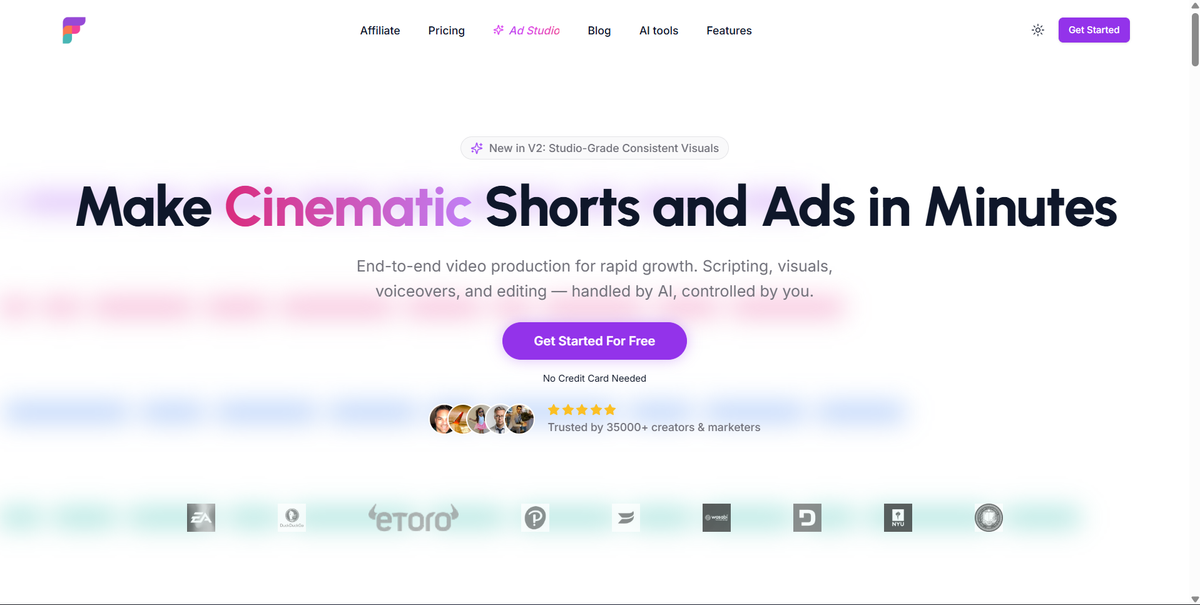
Frameloop is the best AI video generator for Shorts if you want to create original short-form videos quickly without giving up control over the final output.
Most AI video tools give you one generated result and expect you to accept it. Frameloop takes a better approach for serious creators: it breaks the video into scenes, then lets you refine the parts that matter.
That matters because Shorts are won or lost scene by scene.
Your opening scene determines whether people stay. Your middle scenes determine whether they keep watching. Your final scene determines whether they replay, comment, or scroll away.
Frameloop’s AI Reel Generator is designed to create short-form videos with automated editing, captions, effects, and music. But the bigger advantage is Frameloop’s scene-based editor. The product context describes Frameloop as a tool where users get control over visuals, voiceovers, captions, effects, and more through a scene-based editor.
That makes Frameloop especially useful for:
Frameloop also fits the direction short-form content is moving in. YouTube’s policy language rewards original and authentic content, not repetitive mass-produced videos. A scene-based workflow gives creators a way to add human judgment before publishing.
Instead of publishing whatever the AI gives you, you can refine scene pacing, adjust visuals, change narration, improve captions, and make the final video feel intentional.
Best for: Creators who want AI speed plus editing control.
Biggest strength: Scene-based editing for human-in-the-loop quality.
Main limitation: Frameloop does not currently lead with native auto-posting like some faceless automation tools.
Best CTA: Start with Frameloop’s AI Reel Generator and create your first Short in minutes.
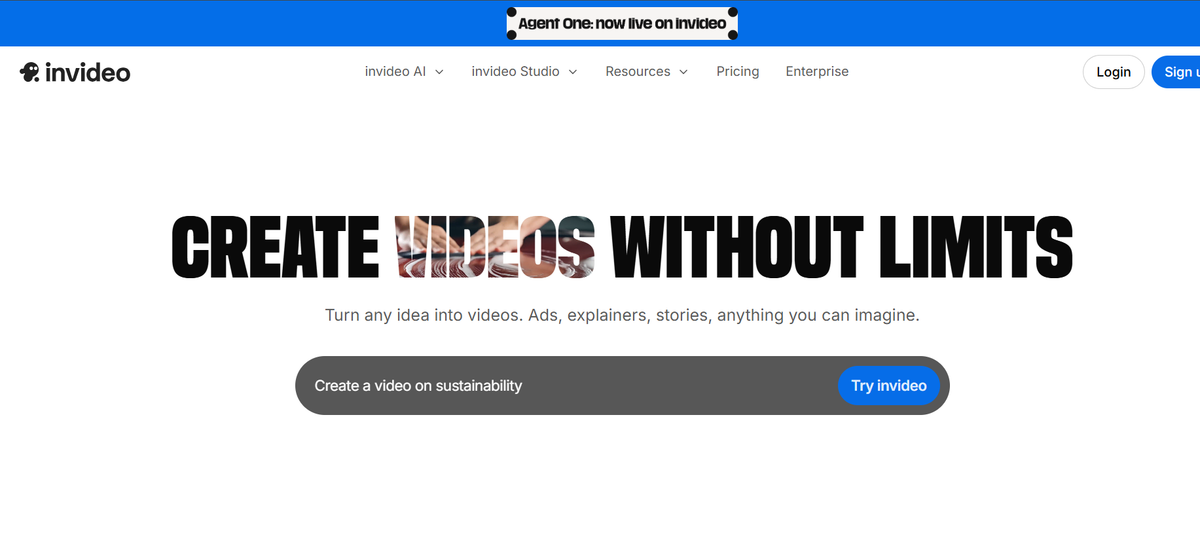
InVideo AI is one of the strongest options for beginners who want to generate YouTube Shorts from prompts without learning a complex editor.
InVideo has a dedicated AI YouTube Shorts generator page that focuses on automating video editing and optimizing aspect ratio for portrait or square formats. It also promotes AI-generated visuals, voiceovers, subtitles, and text-prompt editing for YouTube video creation.
That makes InVideo a strong option for users who want a broad AI video platform rather than a narrow Shorts-only tool.
The advantage is accessibility. A marketer, founder, educator, or beginner creator can type an idea and get a video draft quickly.
The tradeoff is control.
InVideo is strong for general AI video creation, but creators who care about scene-by-scene refinement may want more granular control. Frameloop’s competitive analysis also identifies InVideo as a massive, well-funded leader with broad feature coverage, but not a scene-based editing workflow.
Best for: Beginners and marketers who want prompt-based video generation.
Biggest strength: Broad AI video creation capabilities.
Main limitation: Less focused on scene-level control for Shorts.
Use InVideo if: You want a general-purpose AI video generator for many content types.
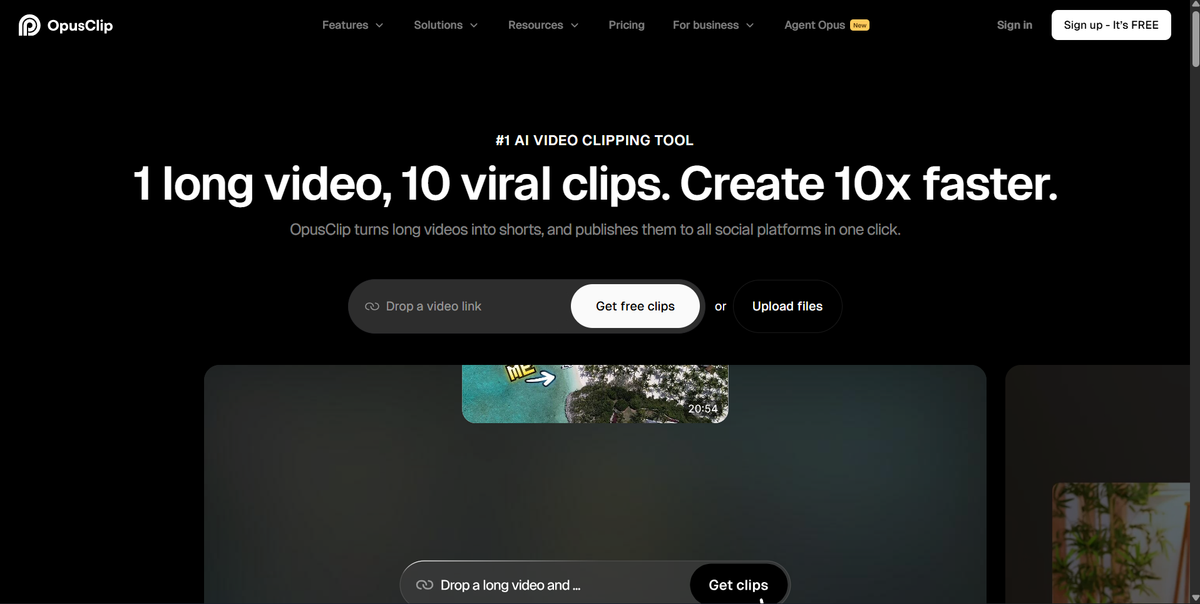
OpusClip is the best choice if your main workflow is turning long videos into short clips.
This is not the same as creating original AI Shorts from scratch.
OpusClip turns long videos into social-ready clips and says it can publish clips to social platforms in one click. It supports sources like YouTube, Google Drive, Zoom, Vimeo, Twitch, Facebook, LinkedIn, Loom, and more.
That makes it ideal for:
If you already have long content, OpusClip can save hours. It finds moments, clips them, adds captions, and formats them for platforms like Shorts, TikTok, and Reels.
But OpusClip is not the best tool if you want to create a new AI story short, faceless narrative, product promo, or cinematic Reel from a blank idea.
Best for: Long-video repurposing.
Biggest strength: Turning existing videos into multiple short clips.
Main limitation: Not built primarily for original AI video generation.
Use OpusClip if: You already publish long-form content and want more clips from it.
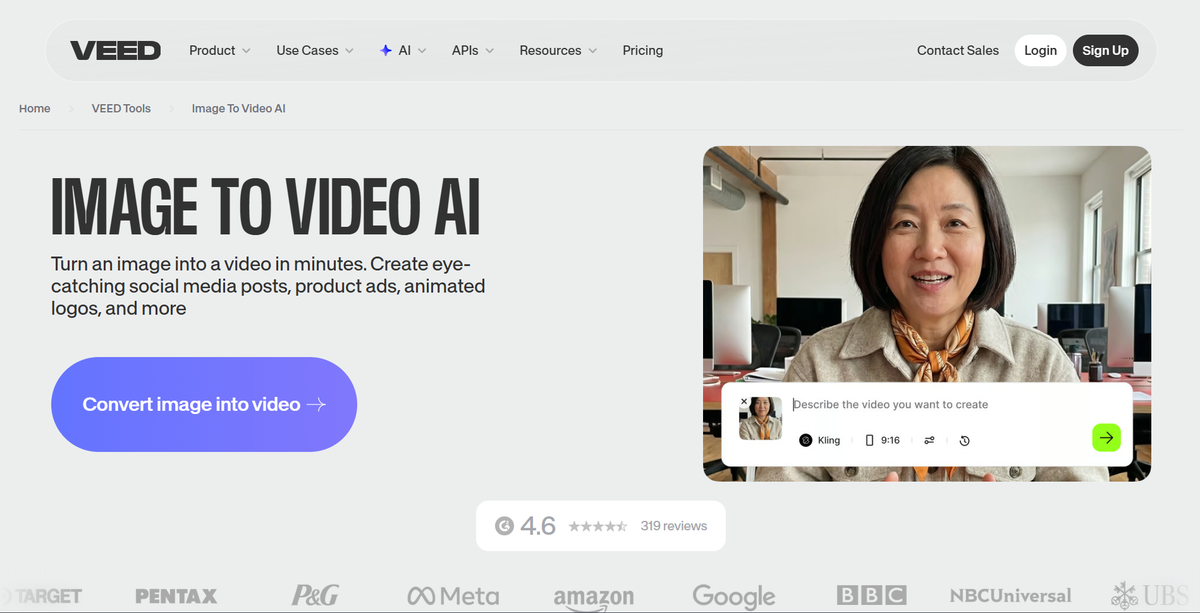
VEED is a strong all-in-one AI video editor for creators and teams who want both generation and editing in one place.
VEED has an AI Shorts tool that lets users upload a video, set preferences, choose a clip, and edit or download the result. Its YouTube Shorts maker also focuses on turning long videos into Shorts, auto-generating clips, adding captions, and customizing the result.
VEED also has an AI Reel Generator that can turn a concept into a polished Reel with narration, footage, and captions.
That makes VEED one of the more flexible options on this list.
It can help you:
The main reason VEED does not rank above Frameloop is specialization. VEED is broad. Frameloop is more directly positioned around AI video creation with scene-level control for cinematic shorts, ads, stories, and faceless content.
Best for: Creators who want AI tools inside a familiar online editor.
Biggest strength: Editing flexibility and long-video repurposing.
Main limitation: Less specialized for AI-native short-form story workflows.
Use VEED if: You want one browser editor for many social video tasks.
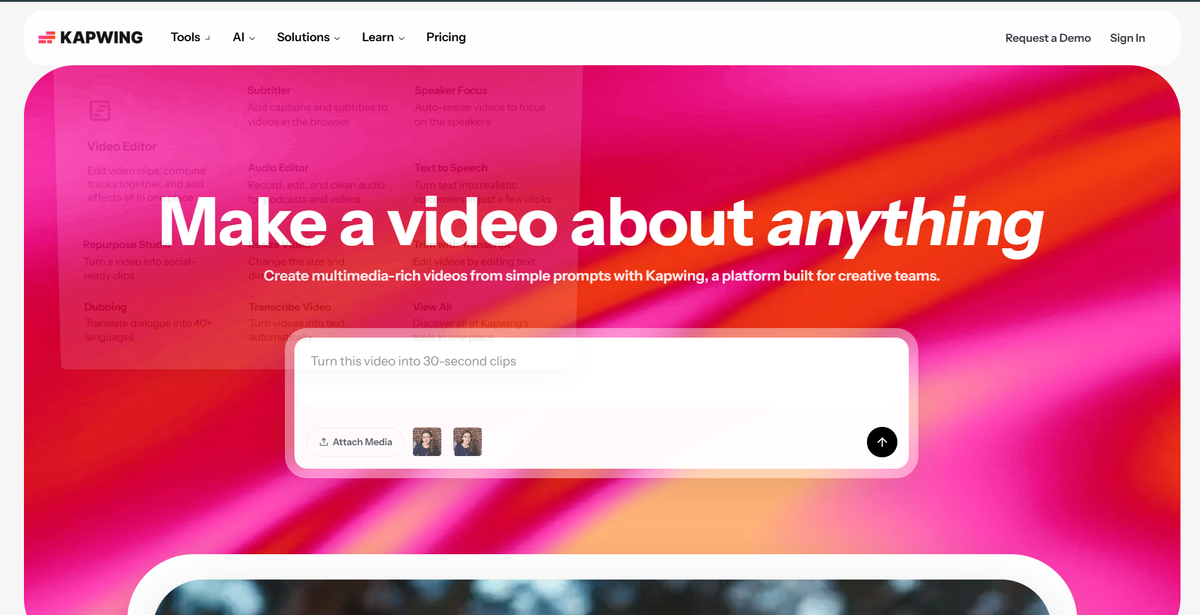
Kapwing is best for teams that need AI video tools inside a collaborative browser editor.
Kapwing’s YouTube Shorts tool lets users generate a Short from a prompt, including footage, voiceovers, and subtitles. Kapwing AI also includes an AI video generator, AI video editor, dubbing, auto-subtitles, voiceover, AI image generation, lip sync, and more than 30 tools.
That makes Kapwing useful for content teams that need more than one AI generation feature.
For example, a SaaS team could use Kapwing to:
Kapwing also has strong subtitle workflows, which matters because captions are not optional for Shorts anymore. Many viewers watch without sound, and fast captions can improve retention.
The tradeoff is that Kapwing feels more like a broad creative suite than a purpose-built AI Shorts engine.
Best for: Social media teams, marketers, and collaborative creators.
Biggest strength: AI tools inside a browser-based team editor.
Main limitation: Not as focused on faceless Shorts or cinematic scene workflows.
Use Kapwing if: Your team needs collaboration and many editing utilities in one place.
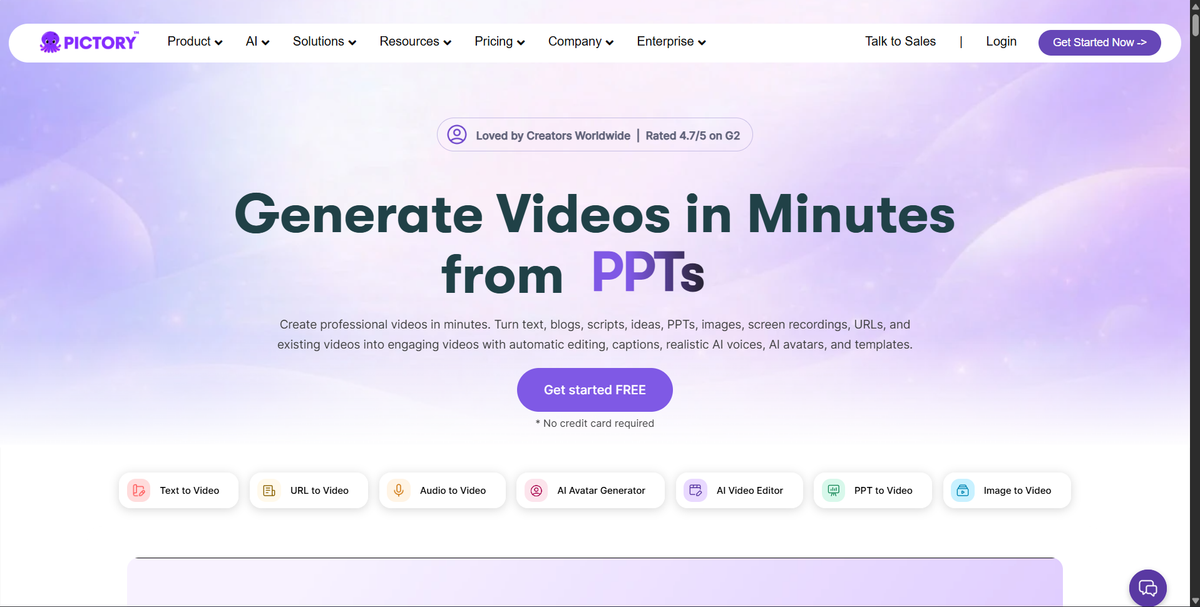
Pictory is best for creators and marketers who already have written content or long-form videos and want to turn them into short videos.
Pictory’s AI YouTube Shorts generator supports text-to-video and long-form video upload workflows. It says users can generate Shorts from text, upload long-form videos, customize, preview, and finalize.
That makes Pictory useful for:
Pictory has historically been strong for marketers because a lot of marketing teams already have blog posts, scripts, webinar recordings, and educational content sitting around. Pictory helps convert those assets into video.
The limitation is creative control. Pictory is useful for repurposing and structured content, but it is not the strongest choice for creators who want cinematic AI stories, consistent characters, or scene-by-scene creative direction.
Best for: Content marketers and educators.
Biggest strength: Turning existing text or long videos into short videos.
Main limitation: Less control over original cinematic short-form output.
Use Pictory if: Your content engine starts with blogs, scripts, and webinars.

Canva is best for creators and social media managers who want simple, design-first Reels without using a complex video platform.
Canva’s AI Reel Maker lets users generate AI Reels from a text prompt, customize the creation, and publish without switching tools.
That is useful because Canva is already part of many social media workflows.
A small business owner, coach, freelancer, or social media manager can use Canva to:
Canva is not the most advanced AI video generator on this list. It is not the best tool for complex AI story videos, faceless channel automation, or detailed scene-based editing.
But it is simple, familiar, and useful for lightweight branded content.
Best for: Beginners, small businesses, and social media managers.
Biggest strength: Simple design-first workflow.
Main limitation: Limited depth for advanced AI Shorts production.
Use Canva if: You care more about quick branded visuals than advanced AI video control.
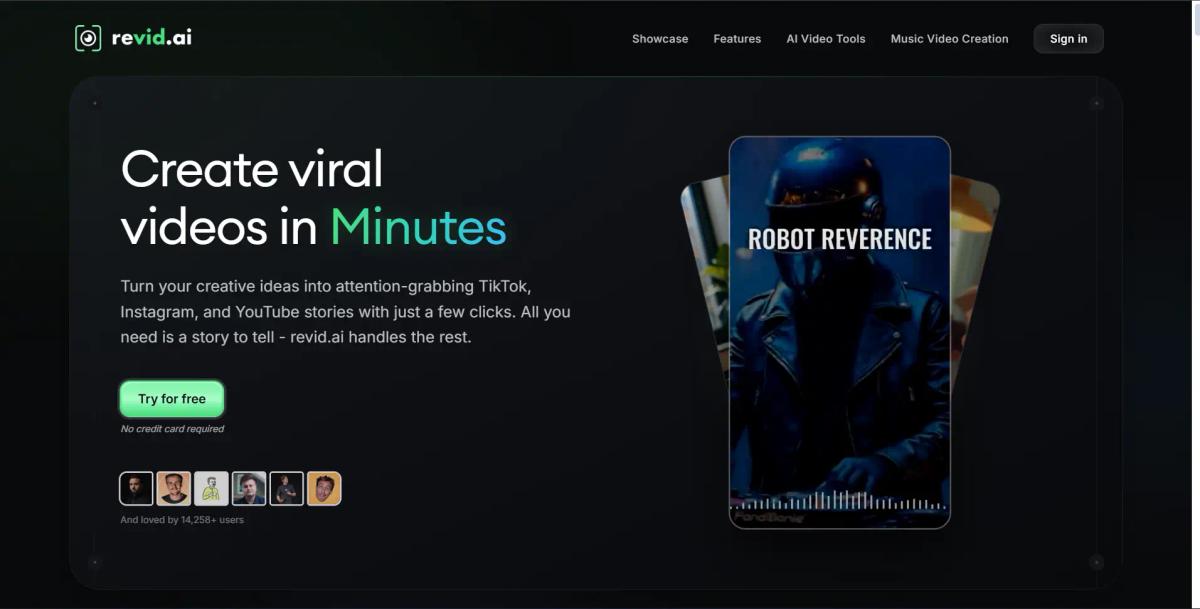
Revid AI is built for social creators who want to create viral-style short videos quickly.
Revid describes its product as an AI video generator for creating viral videos, and its pricing page mentions plans with credits, premium features, and commercial usage rights. Product Hunt describes Revid as an all-in-one tool for social creators to create short videos with no skill or material required.
That makes Revid relevant for:
Revid’s strength is speed and social packaging. It is built around making short-form content easier for creators who do not want to start from scratch.
The limitation is that viral-style tools can become template-heavy. If too many creators use similar formats, your content can start looking familiar.
That is where scene-level control becomes important. A creator who wants a repeatable but distinctive channel identity may prefer a workflow like Frameloop’s faceless video generator, especially for story-based Shorts.
Best for: Viral-style social video creation.
Biggest strength: Fast short-form video generation.
Main limitation: Credit-based workflows and potential template sameness.
Use Revid if: You want fast social videos and do not need deep creative control.
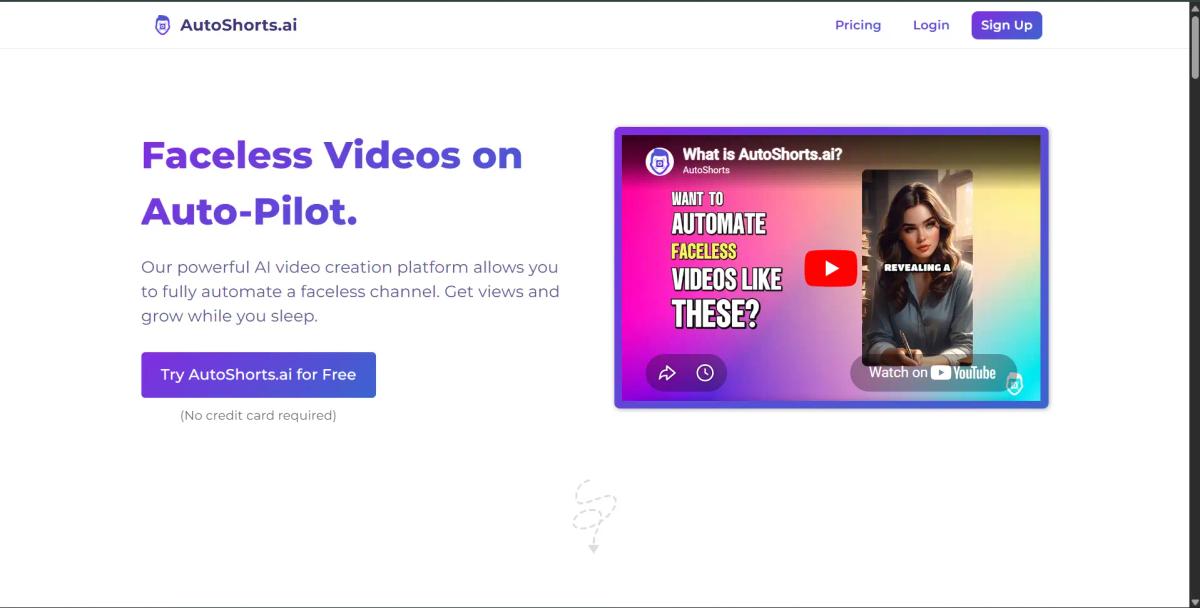
AutoShorts is best for creators who want a faceless channel to run with minimal manual work.
AutoShorts says it automatically creates, schedules, and posts faceless videos on autopilot, with each video customized to the user’s topic. A 2026 review notes that AutoShorts automates faceless short-form video creation from prompts and that pricing starts at $19/month for three weekly posts.
That is appealing if your goal is volume.
You choose a topic, let the system generate videos, and publish consistently. For some creators, that is enough.
But full automation has a downside.
If you never edit the videos, you also never improve the creative quality. You do not refine hooks. You do not control pacing deeply. You do not build a visual language. You simply hope the system creates something good enough.
For faceless creators who care about monetization and long-term channel value, that is risky. Frameloop’s product context specifically notes that its best faceless creator users care about quality, perfection, and adding a human touch because regular AI slop is a waste of time.
Best for: Hands-off faceless channel automation.
Biggest strength: Auto-creation, scheduling, and posting.
Main limitation: Low creative control.
Use AutoShorts if: You care more about automation than manual refinement.
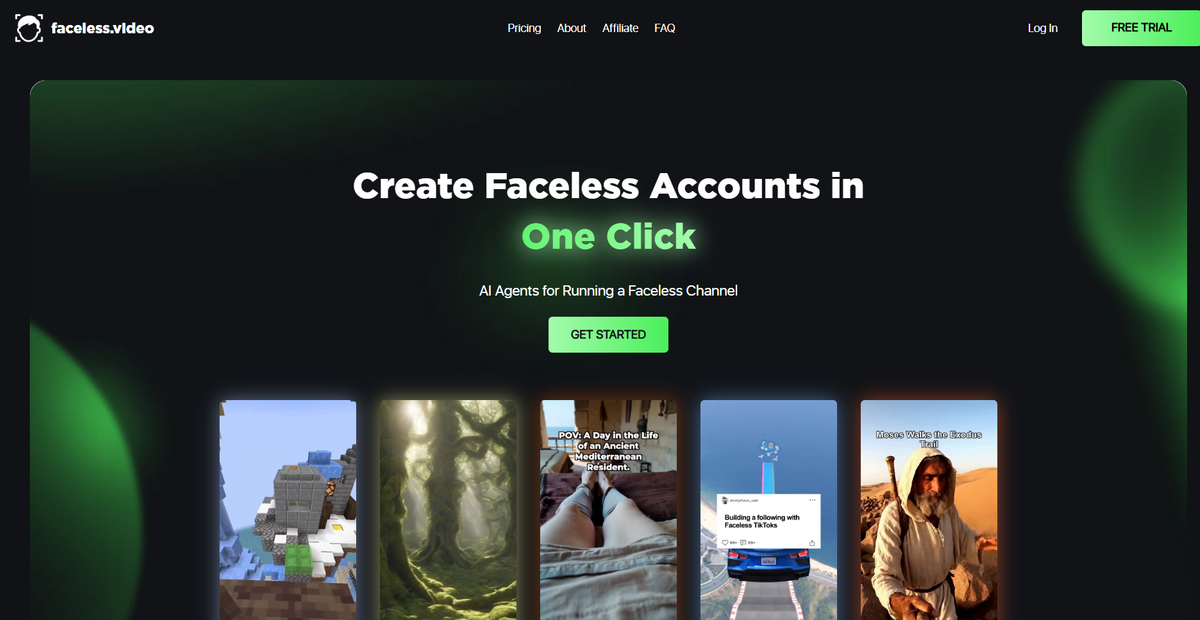
Faceless.video is another strong option for fully automated faceless content.
Faceless.video says its AI automated content creation tool converts text to video in minutes and posts videos to TikTok, Instagram Reels, or YouTube Shorts.
That makes it highly relevant for creators chasing the faceless video model.
The appeal is obvious:
But the same warning applies.
Hands-off posting is not the same as building a quality channel. The more automated the workflow, the more important it becomes to review the final output before publishing.
Business Insider reported that AI startups like Faceless.video and AutoShorts have pitched automated videos as a passive-income side hustle for YouTube and TikTok. The same article also noted uncertainty around whether automated videos can reliably generate meaningful revenue for users.
That is why Faceless.video belongs on this list, but not at the top.
It solves consistency. It does not fully solve quality.
Best for: Passive faceless content workflows.
Biggest strength: Converts text to video and posts to short-form platforms.
Main limitation: Minimal creative control compared with scene-based editing.
Use Faceless.video if: You want hands-off publishing and accept the quality tradeoff.
The right AI Shorts generator depends on your workflow, not just your budget.
If you want to create original Shorts from ideas, scripts, or stories, choose Frameloop. Frameloop gives you AI generation plus scene-level control, which makes it better for creators who want quality and repeatability.
If you already have long videos, choose OpusClip, VEED, Kapwing, or Pictory. These tools are strongest when your content already exists and you need to turn it into clips.
If you want hands-off faceless automation, choose AutoShorts or Faceless.video. These tools are useful for volume, but you should still review outputs carefully before publishing.
If you want simple branded Reels, choose Canva. It is not the deepest AI video platform, but it is easy for basic social content.
Here is the simplest decision:
| Your Goal | Best Tool |
|---|---|
| Create original AI Shorts with control | Frameloop |
| Generate prompt-based videos quickly | InVideo AI |
| Turn long videos into Shorts | OpusClip |
| Edit and repurpose inside one browser tool | VEED |
| Collaborate with a content team | Kapwing |
| Convert blogs/scripts to videos | Pictory |
| Make simple branded Reels | Canva |
| Create viral-style short videos | Revid AI |
| Automate faceless posting | AutoShorts |
| Run hands-off faceless video workflows | Faceless.video |
For most serious creators, the best long-term workflow is not fully manual or fully automated.
It is AI-assisted creation with human judgment.
Use AI to generate the first draft. Then fix the hook, pacing, visuals, captions, and final scene before publishing.
That is how you create faster without looking like every other AI channel.
Scene-level control matters because short-form videos are judged in seconds.
A weak first scene can kill retention. A mismatched visual can make the video feel cheap. A bad voiceover moment can make viewers swipe. A confusing caption can break the story.
With a basic AI Shorts generator, you often have two bad choices:
Accept the flawed video
Regenerate the entire video
Both are inefficient.
A scene-based workflow gives you a better option: keep what works, fix what does not.
That is especially useful for faceless videos and AI story shorts. In those formats, every scene needs to support the emotional arc. The character, setting, narration, visual style, and pacing all need to feel connected.
Frameloop’s competitive analysis identifies scene-based editing as a key positioning advantage because no tracked competitor offers the same level of per-scene control.
This is the difference between “AI generated a video” and “you directed a video with AI.”
For YouTube Shorts and Reels, that difference is everything.
The AI Shorts market is splitting into two camps.
One camp wants full automation. Generate the video, post the video, move on.
The other camp wants speed without losing taste.
That second camp is where the real opportunity is.
If you are building a serious YouTube Shorts channel, Instagram Reels engine, faceless video workflow, or AI story format, you do not just need more output. You need better output.
Frameloop is the best AI video generator for Shorts because it gives creators a practical middle path: generate fast, edit scene by scene, keep visual control, and publish videos that feel directed instead of dumped out by AI.
Start with Frameloop’s AI Reel Generator, create your first Short, then improve the scenes before you publish.
That is the workflow that wins in 2026: AI speed, human taste, and repeatable short-form execution.

Got great video ideas but need help bringing them to life? Frameloop AI makes it easy to create professional faceless videos with AI-generated visuals, voiceovers, and editing.
Try Frameloop AI For Free